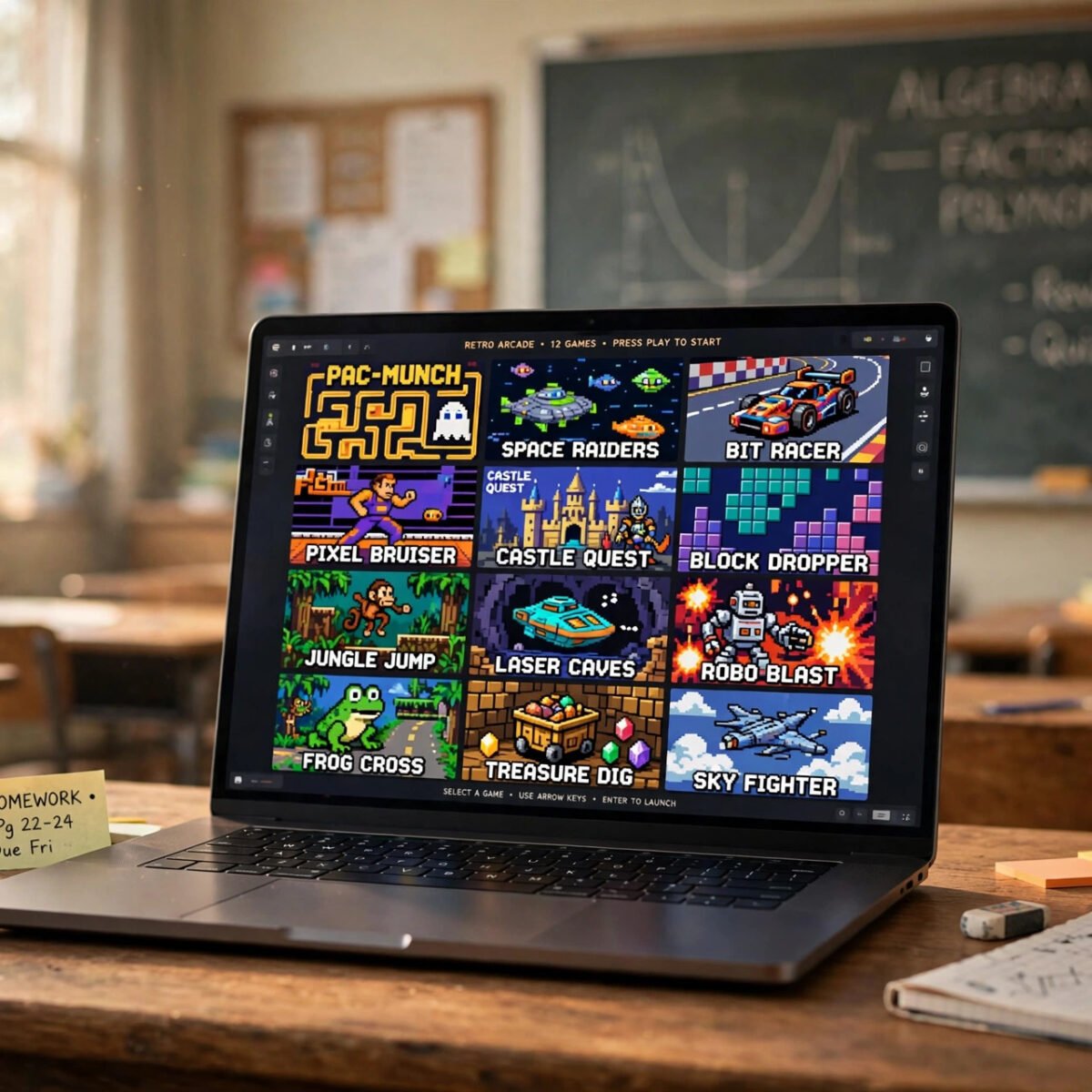
If you have searched for classroom 30x recently, you are not alone. The phrase pops up in school hallways, group chats, and search results, usually from students trying to figure out what the site is and whether it is worth their time. In simple terms, classroom 30x is a web page that hosts a collection of free browser games, playable right in a browser window without downloads or logins, in the style of the many “unblocked games” portals students open on school Chromebooks when regular game sites are blocked.
The appeal is obvious. The games load fast, the controls are simple, and the whole thing works on a basic school Chromebook that would struggle with heavy desktop games. Titles tend to be casual arcade, puzzle, running, racing, and sports games. Everything runs in HTML5, so there is nothing to install, and sessions can start in seconds between classes or after homework.
Because the classroom30x name is used by several different pages, there is real confusion about what the site is, who runs it, and how safe it is. This guide answers those questions honestly: what classroom 30x is, what games it includes, how these portals work, what to watch out for, and the best alternatives.
Key Takeaways
- What is classroom 30x? A free web page hosting a collection of playable browser games, styled for quick access on school Chromebooks.
- What games does it have? Casual arcade, puzzle, runner, racing, and sports titles, mostly HTML5 games that run directly in the browser.
- Is classroom 30x safe? Browser-only play is generally low risk, but these portals often show aggressive ads and copycat sites, so standard caution applies.
- Do you need an account? No. Games on these portals typically launch without logins or downloads.
- What are the alternatives? Established free portals like Poki, CrazyGames, and Kongregate offer bigger, better-moderated game libraries.
What Is Classroom 30x?
Classroom 30x is a web page that collects free online browser games in one place, marketed toward students who want quick, no-download games that work on school devices. The name follows a familiar pattern: “classroom” signals school use, and number branding (30x, 6x, 66) is common across unblocked game portals. These pages are not classrooms at all. They are game aggregators that gather embedded HTML5 games behind a grid of thumbnails.
The classroom30x name is not tied to one single official site. Several different pages use it, reached through search results, shared links, or other portals, and their content differs. So “classroom 30x” is best understood as a style of site rather than one property with a known owner. Clicking a game opens it embedded or on a separate page, and high scores are sometimes saved in your browser’s local storage even without an account.
Why Is Classroom 30x Popular on School Chromebooks?
The popularity comes from school Chromebooks and network filters. Schools block dedicated gaming sites and download portals, but simple HTML5 game pages sometimes slip through filters, or students open them on personal time after school. The games are also light enough to run on a Chromebook’s modest hardware. If you want the fuller picture of how Chromebooks compare with laptops for heavier gaming, our Chromebook versus laptop guide covers the hardware differences.
What Games Can You Find on Classroom 30x?
The catalog is made up of casual, short-session browser games: arcade, puzzle, running, racing, sports, and shooting titles. Exact games rotate and vary by page, but the lineup follows the recipe of nearly every unblocked games portal: endless runners, stick-figure fighters, one-button platformers, snake-style games, car parking games, basketball shooters, and tower defense minigames, all built in HTML5 so they start instantly with no plugins.
Typical Game Categories
- Arcade and classics: quick reflex games, retro remakes, and score-chasing time killers.
- Running and platform games: endless runners, jump-and-dodge platformers, and obstacle courses.
- Puzzle and brain games: logic puzzles, matching games, and physics-based challenges.
- Racing and driving: top-down racers, stunt drivers, and simple parking challenges.
- Sports minigames: basketball shootouts, soccer penalty games, and table tennis.
- Shooting and defense: wave-based shooters and tower defense minigames.
The trade-off for instant, free, browser-only play is simplicity. For deeper games you need real hardware, and knowing what makes a setup fast helps. Our comparison of SSDs versus HDDs for gaming explains that side of things.
How Do Unblocked Browser Game Portals Like Classroom 30x Work?
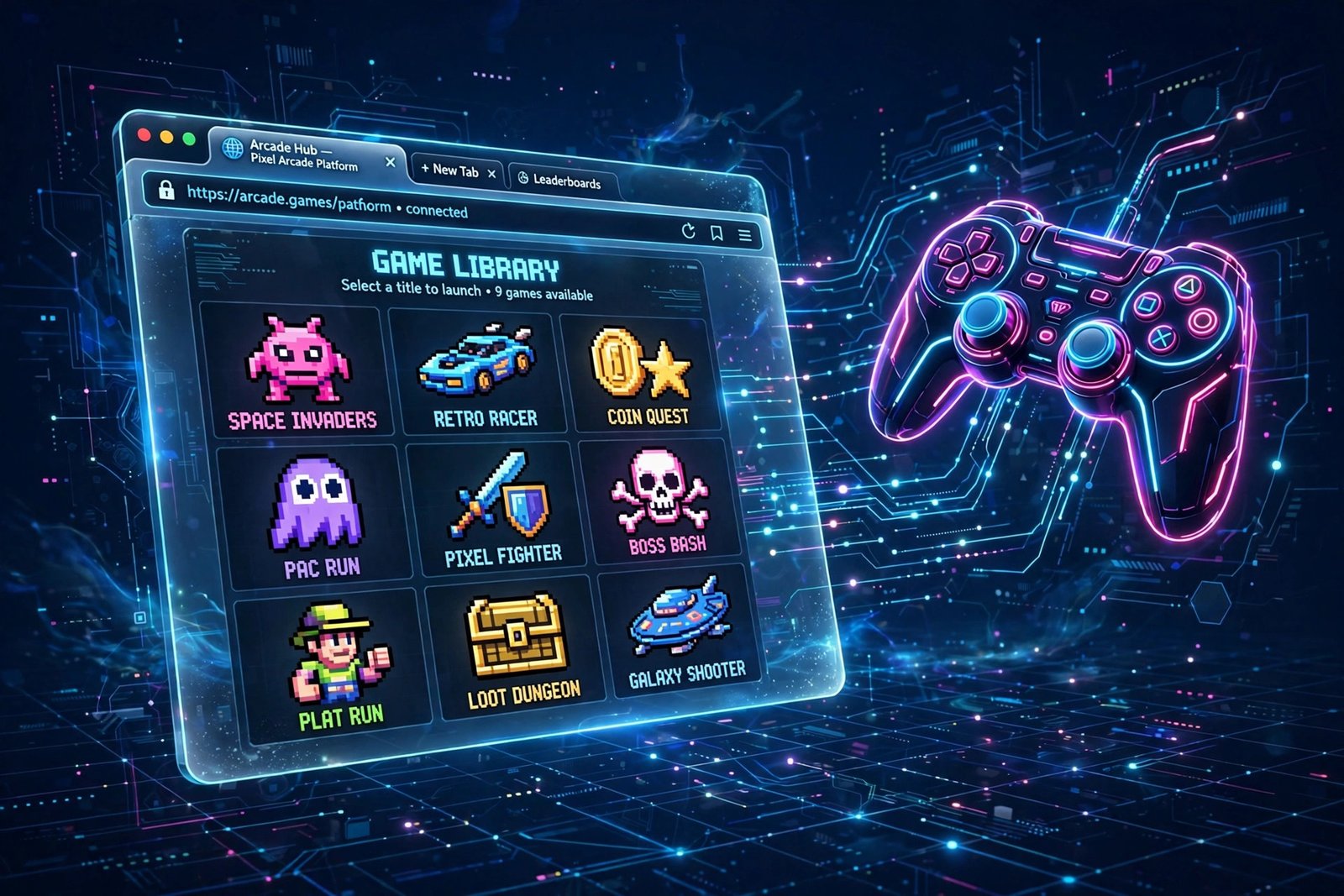
They work by embedding HTML5 games in web pages, so playing is really just loading a web page. There is no magic to the “unblocked” label. School filters block categories of sites, and a new or little-known game page may not be on the block list yet. Popular portals often do get blocked over time, which is why students keep searching for new names like classroom 30x and its numbered cousins.
The business model is advertising. Free portals earn money through display ads, video pre-roll ads before games, and sponsored game placements. That is normal, but it also explains the biggest safety caveat: aggressive or misleading ads are the main risk on these sites, not the games themselves.
Is Classroom 30x Safe to Use?
Playing a browser game is generally low risk, but unblocked game portals deserve caution because of their ads, redirects, and copycat sites. The games run in the browser sandbox, which keeps web pages from touching your files. The real hazards come from the surrounding page: pop-up ads, fake “download” or “play” buttons, and permission prompts a game page has no business asking for. We also cannot verify who runs any given classroom 30x page, so treat unknown portals as casual entertainment, not trusted services.
Practical safety habits for classroom 30x and every similar portal:
- Never download anything. A real browser game never needs an installer or an app. If a button pushes a download, close the tab.
- Do not enter personal information. No accounts, emails, or phone numbers. Legit browser games do not need them.
- Watch out for fake buttons. Ads often mimic play buttons. Make sure you click the actual game, not an ad dressed up as one.
- Keep the browser updated. Updates patch the weaknesses malicious ads try to exploit. School Chromebooks usually update themselves.
- Use an ad blocker if allowed. On a personal device, a reputable ad blocker cuts most of the risk on ad-heavy portals. School devices may not allow extensions, so check the rules.
- Respect school rules. Playing during class when it is prohibited can get the site blocked for everyone and earn you a warning. Keep game portals for free time.
Classroom 30x vs Other Unblocked Game Portals
Classroom 30x is one of many interchangeable unblocked game portals, and the bigger, established portals usually offer more games with better moderation.
| Portal type | Game library size | Ads and moderation | Best for |
|---|---|---|---|
| classroom 30x style portals | Small to medium, varies by page | Often heavy, lightly moderated | Quick access when bigger sites are blocked |
| Poki | Large, curated | Moderate, professionally managed | Polished casual games with mobile support |
| CrazyGames | Large, curated | Moderate, professionally managed | Wide variety, including .io and multiplayer games |
| Kongregate | Very large, community uploads | Moderate, with user ratings | Deep catalog with achievements and ratings |
| Itch.io browser games | Huge, indie-focused | Minimal, creator-set pages | Unique indie and experimental games |
The established portals have been around for years, moderate their submissions, and have clearer reputations. They are also where students usually migrate once a school filter catches up with the smaller portals.
How to Play Games on Classroom 30x
Playing is straightforward: open the page, pick a game, wait for it to load, and use the on-screen or listed controls. Keyboard controls are usually the arrow keys or WASD, mouse games are point and click, and touch controls appear automatically on tablets and touch-screen Chromebooks.
- Reload if a game stalls. Assets load on first open; a quick tab reload usually fixes a stuck game.
- Use full screen when offered. It removes the browser chrome and helps on small Chromebook screens.
- Close other tabs. This frees memory, which matters on a school Chromebook with limited RAM.
Games work best as breaks, not all-day sessions. Short gaming breaks between study blocks pair well with structured focus methods like the Pomodoro technique for students, which builds timed breaks into study time.
Can You Play Classroom 30x Games on Mobile?
Many of the games work on phones and tablets because HTML5 runs in mobile browsers too, though the experience varies. Touch-friendly titles like puzzles and tap-controlled runners play fine on a phone, while keyboard-built games feel awkward. The bigger portals designed with phones in mind, such as Poki, tend to feel smoother on mobile than small unblocked portals optimized for desktop screens.
Are Classroom 30x Games Free?
Yes. The games are free to play and supported by advertising. You should never need to pay, subscribe, or enter payment details. Any page asking for a credit card to “unlock” a browser game is a red flag and should be closed immediately.
What Should Parents and Teachers Know About Classroom 30x?
Classroom 30x is entertainment, not an educational tool, and the main concern is distraction plus ad quality. The games are not malware in the traditional sense, but school filters block these portals because they pull attention away from classwork. For households, the same rules that work for any screen time work here: play in free time, keep devices in shared spaces for younger kids, and talk about not clicking ads or entering personal details. For schools, blocking one portal name rarely ends the search, since students just find the next numbered variant.
Frequently Asked Questions
What is classroom 30x?
Classroom 30x is a web page hosting free browser games, popular with students because the games run in the browser without downloads and work on school Chromebooks. The name is used by several pages, so it describes a type of site rather than one official property.
Is classroom 30x free?
Yes. Games on classroom 30x style portals are free and ad-supported. You never need an account or payment, and any request for payment details is a red flag.
Is classroom 30x safe?
The games run in the browser and are generally low risk, but these portals often carry aggressive ads and fake download buttons. Do not download anything, do not enter personal information, and keep your browser updated.
What games are on classroom 30x?
Typical games include endless runners, platformers, puzzles, racing minigames, sports games, and tower defense titles. The exact lineup varies by page.
Does classroom 30x work on a Chromebook?
Yes, that is its main use case. The games are lightweight HTML5 titles that run in the Chrome browser on devices that cannot install software.
Do I need an account to play on classroom 30x?
No. These portals launch games without logins. High scores are sometimes saved in your browser’s local storage on the same device.
Why is classroom 30x blocked at my school?
Schools block game portals to reduce distraction and limit exposure to ad-heavy pages. New portal names appear regularly, which is why students keep finding alternatives.
What are the best alternatives to classroom 30x?
Established free portals like Poki, CrazyGames, Kongregate, and the browser games section of Itch.io offer larger, better-moderated libraries with clearer reputations.
Want more guides on tech, games, and digital tools? Browse the latest posts on DigitalGeekSpot for fresh, practical coverage.