
Last updated: November 2026
Written by Oliver Bennett for Digital Geek Spot.
Introduction
Classroom 30x is a name students use for browser-based game hubs that work on school networks, and it is also used for a newer idea of a gamified digital classroom. The two meanings share one name, and that shared name causes most of the confusion around it. Classroom 30x is not a single official product, it is not owned by Google, and it has no single official website. This guide explains what classroom 30x usually means in student slang, how the hubs work, what games they offer, how they differ from Google Classroom, and whether they are safe and legit for school use. It also gives teachers and parents a practical routine for using game-based learning without breaking school rules. The facts come from a fresh check of the top ranking pages for classroom30x, plus the Wikipedia pages for Google Classroom and gamification.
- Classroom 30x is a student nickname for a group of look-alike browser game hubs, not one official product or company.
- The same name is also used for a gamified digital classroom concept with points, badges, and adaptive lessons.
- Classroom 30x has no link to Google Classroom, which is a separate learning management tool from Google.
- Most classroom 30x hubs are free, need no login, and run in a browser on Chromebooks and low-spec devices.
- The main risks are ads, pop-ups, off-task play, and school policy breaches, not malware alone.
Table of Contents
- What Is Classroom 30x?
- Is Classroom 30x Legit?
- How Does Classroom 30x Work?
- What Games and Activities Does Classroom 30x Offer?
- Classroom 30x vs Google Classroom
- What Are the Benefits of Classroom 30x for Students?
- What Are the Risks of Classroom 30x?
- Is Classroom 30x Safe for Students?
- How Can Teachers Use Classroom 30x Responsibly?
- Classroom 30x for Parents at Home
- What to Do When Classroom 30x Does Not Load at School
- What Are the Best Classroom 30x Alternatives?
- Frequently Asked Questions About Classroom 30x
- Conclusion
What Is Classroom 30x?
Classroom 30x is a label students use for websites that gather browser-based games in one place, and it is also a name used for a gamified digital classroom concept. In student slang, classroom 30x refers to hubs that host small HTML5 games students can play on school devices. In edtech writing, it refers to a web-based learning environment with adaptive paths, points, badges, and real-time feedback. The two uses describe different things, so any guide that treats classroom 30x as one product misses the point.
The game-hub meaning is the older and more common one. Students share links to these hubs during free periods because the games load in a browser, need no account, and often work on school networks where other entertainment sites are blocked. The hubs use names like Classroom 30x, ClassRoom30x, and Classroom 30X, and the domains change often.
The learning-platform meaning is newer, and none of the top ranking pages name a company, a founder, a launch date with a source, or an official website for it.
The “30X” in the name has no verified measurement behind it. Some pages say it stands for learning that works 30 times better, and others say it stands for 30 times more engagement. No ranking page gives a study, a dataset, or a named source for that number. Readers should treat 30X as branding, not as a measured result. Digital Geek Spot covers classroom tech in its Technology section, where new learning tools get the same plain check: who makes it, what it does, and what proof exists.
Is Classroom 30x Legit?
Classroom 30x is not a scam in the usual sense, and it is also not a verified official platform, so the honest answer is that legitimacy depends on which site carries the name. There is no single company behind classroom 30x to check, no official support page, and no single terms page. A hub that asks for no login and no payment carries little direct risk, while a page that asks for an email, a download, or a payment under the classroom 30x name deserves a hard look.
Three checks separate a plain game hub from a risky page. First, a legit hub runs games in the browser and never asks for an install. Second, it never asks for a student email, password, or payment details. Third, its games load from the page itself instead of pushing the visitor to download files.
Review sites add to the confusion. Some classroom 30x reviews publish big figures, such as user counts in the millions and engagement gains above 60 percent, with no named source. Those figures cannot be checked, so this guide does not repeat them as facts. The safer test is simple: if a classroom 30x page hides who runs it and still asks for personal details or money, close the page.
How Does Classroom 30x Work?
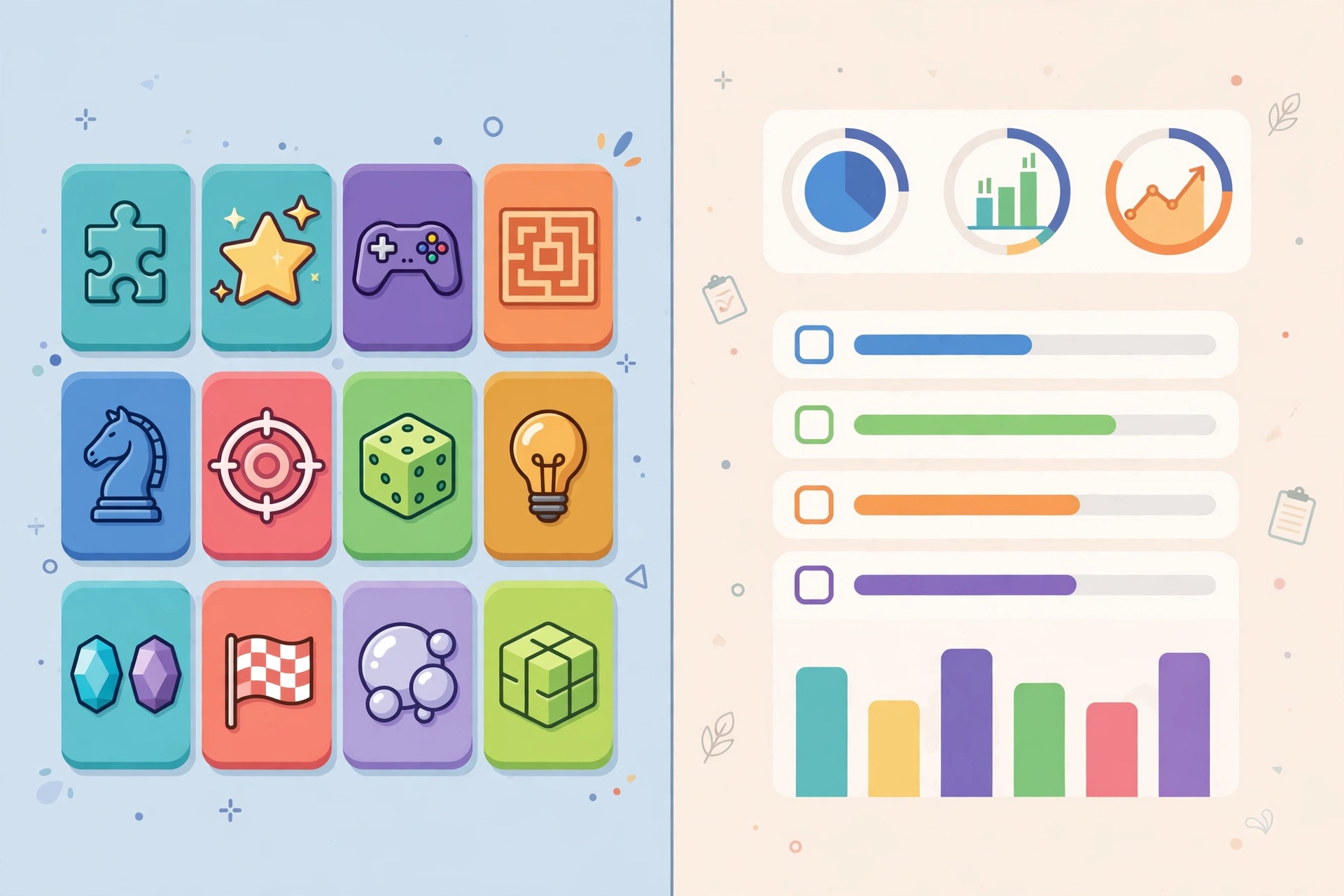
Classroom 30x works through a web browser with no install and no account, and the games run on lightweight HTML5 code that loads fast on low-spec school devices. A student opens a hub page, picks a game tile from a grid, and the game starts in the same tab. Most hubs sort games into groups such as puzzle, arcade, racing, sports, and platform, and some add a learning group with math facts, logic puzzles, and geography quizzes.
The tech behind the hubs is simple by design. HTML5 and JavaScript power the games, and WebGL handles graphics and simulations in the heavier titles. Because the code is light, the games run on school Chromebooks, old laptops, tablets, and some phones.

What Games and Activities Does Classroom 30x Offer?
Classroom 30x hubs offer short browser games in 5 main groups, plus a smaller set of learning-leaning titles that practice school skills. The catalog on any single hub changes often, because domains come and go, but the groups stay the same across hubs.
| Game type | What it is | School skill it can practice |
|---|---|---|
| Puzzle games | Logic grids, block puzzles, pattern matching | Problem solving and planning |
| Math games | Number facts, fractions, quick sums | Arithmetic speed and accuracy |
| Reaction games | Timed clicks, endless runners, aim challenges | Focus and hand-eye speed |
| Racing and sports games | Driving, ball games, track challenges | Timing and spatial judgment |
| Word and memory games | Word ladders, vocabulary matches, memory pairs | Vocabulary and recall |
| Simulations | Physics sandboxes, simple circuits, forces and motion | Science concepts through trial |
Most titles run for 2 to 5 minutes per round, which fits a short break or a quick reward after finished work. The learning group is the smallest part of most catalogs: arcade titles take most of the space, and the “educational” label on a hub page often covers far less than it promises.
Students who want game-based practice with clear study value can also look at the best AI tools for students, which pair practice questions and explanations with the same browser-first access.
Classroom 30x vs Google Classroom
Classroom 30x and Google Classroom are different tools with different jobs, and the shared word “classroom” is the only real link between them. Google Classroom is a free blended learning platform from Google that helps teachers create, distribute, and grade assignments. Classroom 30x hubs are entertainment sites with a few learning-leaning games. One manages schoolwork, the other fills free time.
| Feature | Google Classroom | Classroom 30x hubs |
|---|---|---|
| Owner | Google, launched August 12, 2014 | No single owner, many look-alike sites |
| Main job | Assignments, grading, class communication | Browser games, mostly arcade |
| Login | Google account, class code or school domain | Usually none |
| Teacher dashboard | Yes, with grading and feedback | No, or a thin progress view at best |
| Gradebook | Yes, with returned work and comments | No |
| Cost | Free for schools | Free, ad-supported |
| Privacy rules | Google Workspace for Education terms | Varies by site, often unclear |
| Works on Chromebooks | Yes | Yes, when not blocked by filters |
Google Classroom stores each class in a Drive folder, lets teachers return graded work with comments, and links with Docs, Sheets, Slides, Forms, and Gmail. Classroom 30x hubs do none of that. The Wikipedia page for Google Classroom lists its release date and its 150 million user figure from 2021, which shows how far apart the two names sit in scale and in purpose.
What Are the Benefits of Classroom 30x for Students?
Classroom 30x gives students fast, free, low-friction play that can refresh focus and give short skill practice, and its main benefit is access, not depth. The benefits below apply to the hub version, which is the version students actually use.
- Zero setup. No account, no install, and no payment stand between a student and a game, so a 5 minute break starts in seconds.
- Device fit. Light HTML5 games run on Chromebooks and old laptops that struggle with heavier apps.
- Short sessions. Rounds last 2 to 5 minutes, which suits a brain break or a reward after finished work.
- Skill micro-practice. Math facts, logic puzzles, word games, and memory games give quick repetition of school skills.
- Student agency. Quick choices and instant retries let students test a strategy, fail fast, and try again without a grade at stake.
The gamified classroom version adds adaptive difficulty: lessons get harder when a student answers well and easier when a student struggles. Gamification is the process of adding game design elements such as points, badges, and leaderboards to non-game settings to raise engagement, as the Wikipedia page for gamification explains.
What Are the Risks of Classroom 30x?
The main risks of classroom 30x are ads, pop-ups, off-task play, and school policy breaches, and each risk grows when use has no routine around it. None of these risks needs a download to appear: they come from the hub page itself.
- Ads and pop-ups. Most hubs run on ads, so sidebars, pop-ups, and outbound links sit next to the games. A student can tap a promo by accident and land on a page the school never approved.
- Off-task drift. Fast arcade games compete with attention during lessons. Without a timer and a clear stop point, a 5 minute break can take the whole period.
- Policy breaches. School acceptable use policies often ban entertainment sites during class time. A game that loads is not the same as a game that is allowed.
- Mixed content quality. A hub can label a game “educational” when it practices nothing. The label is marketing, not a curriculum check.
- No progress record. Hubs keep no record of what a student practiced, so a teacher cannot check mastery from hub play alone.
- Copycat domains. Because the name has no owner, look-alike domains can copy the branding and add aggressive ads or download prompts.
Is Classroom 30x Safe for Students?
Classroom 30x is safe enough for short, supervised use on a plain hub, and it is not safe as an unsupervised free-for-all during school hours. Safety depends on the site, the device rules, and the routine around the play. A hub that runs games in the browser, asks for no login, and shows only mild ads is low risk. A page that pushes downloads, asks for an email, or opens new tabs full of promos is not.
Parents and teachers can run a 60 second safety check before they allow a hub. First, open the hub and look for a download button or an install prompt: a safe hub has neither. Second, click a game and watch for pop-ups that open new tabs: a safe hub keeps play in one tab. Third, check the school filter: if the district blocks the domain, that block is the answer.
How Can Teachers Use Classroom 30x Responsibly?
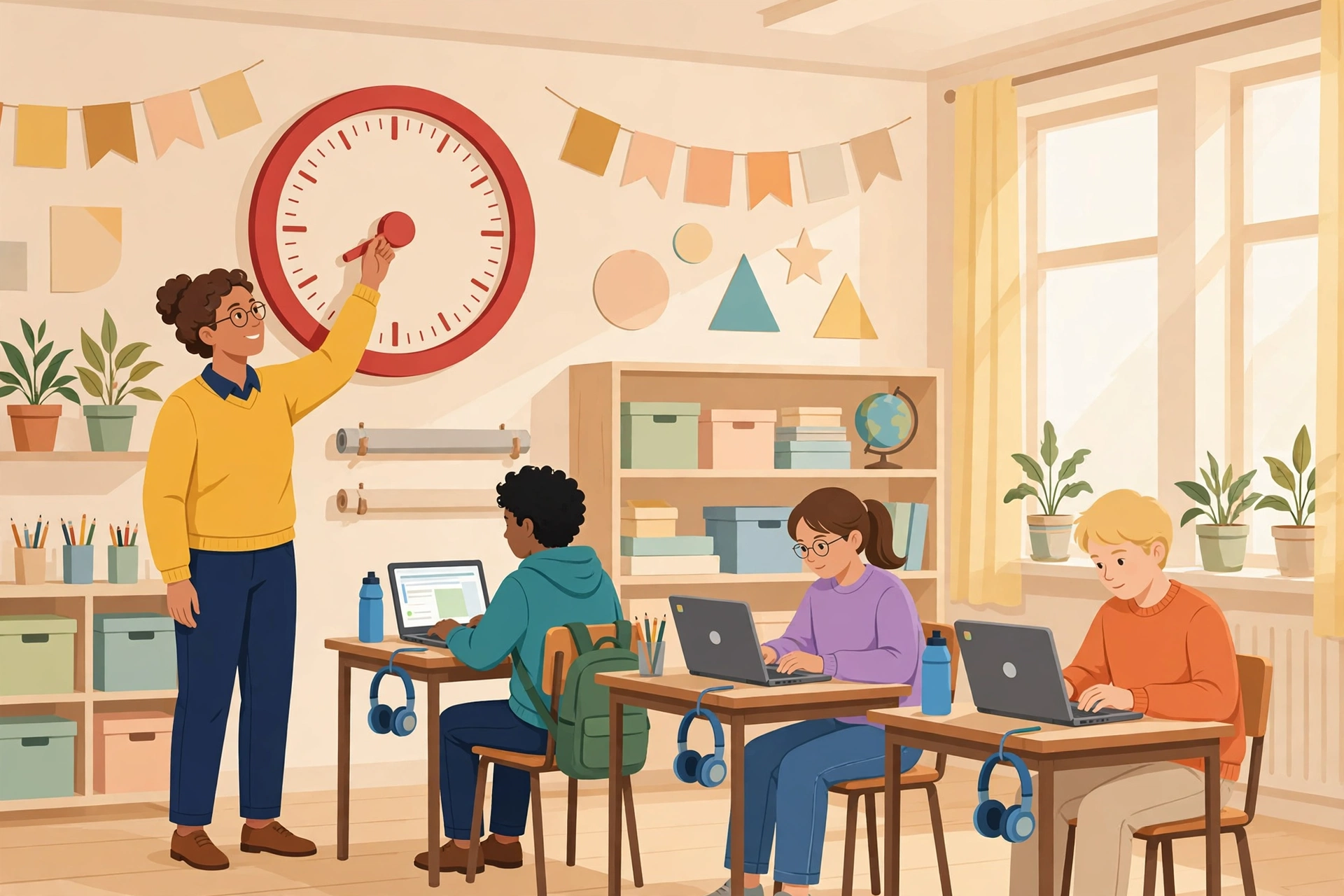
Teachers can use classroom 30x responsibly by turning open play into a short, timed, skill-matched routine with one approved link and a visible reflection at the end. The routine below takes 10 minutes and keeps game time inside learning time.
- Pick one game that matches the day skill, such as a fractions game before a fractions task.
- Share one exact link with the class, not a hub homepage full of other tiles.
- Set a visible timer for 5 minutes and start and stop the whole class together.
- Collect a one-line answer from each student before the next task starts.
A school-policy checklist belongs next to the routine. Check the acceptable use policy for entertainment sites, check with IT before you whitelist any hub, and keep a district-approved option ready for the same skill. When a hub fails any of these checks, use the approved tool instead.
Classroom 30x for Parents at Home
Parents can let children use classroom 30x at home in short windows after homework, with the parent picking the game and watching the ads. A home routine keeps the fun without letting play take the evening.
- Set a 10 to 15 minute window after homework, with a timer the child can see.
- Pick purpose-fit games: logic puzzles before math study, word games before reading.
- Talk strategy: ask “How did you decide that move?” to turn play into thinking.
- Watch the ads: teach children not to tap pop-ups or outbound promos, and keep play in one tab.
- Balance screen time: match game minutes with reading, outdoor time, or creative play.
If a child mentions classroom 30x at home, ask which site they mean and open it together. The name covers many sites, so the only way to judge one is to look at it.
What to Do When Classroom 30x Does Not Load at School
A classroom 30x game that does not load at school is usually blocked by a network filter or a device policy, and the fix is to ask IT for an approved option, not to find a way around the block. District filters block host domains, content networks, or embedded frames, so a hub that loads at home and fails at school is a filter result. Managed Chromebooks can also block embedded game content even when the hub page itself opens.
Teachers who need game-based practice should ask IT early for whitelisted resources instead of testing random hubs in class time. A request that names the skill, the game, and the exact link gets a faster answer than a general request for “unblocked games”. Students should never install a VPN or a proxy to reach a blocked hub: that step breaks school policy and can put the device and the student account at risk.
What Are the Best Classroom 30x Alternatives?
The best classroom 30x alternatives are district-approved game-based tools, teacher-built mini-games, and low-tech game stations, because each one keeps the short-play format without the ad and policy risks. The table below matches each alternative to the job it does best.
| Alternative | Best for | Why it beats an open hub |
|---|---|---|
| District-approved game tools | Curriculum-aligned practice | Vetted privacy terms and no ads |
| Teacher-built mini-games | Quick checks inside existing tools | Uses tools the school already trusts |
| Simulation sandboxes | Science and math practice | Students change variables and report findings |
| Low-tech game stations | Logic and word practice | No screen, no ads, no filter issues |
| Curated puzzle rotations | Brain breaks between tasks | Teacher picks each puzzle, time stays short |
A school that already pays for a learning platform often owns game features it never uses: quiz modes, badges, and timed challenges sit inside the same login students use every day. Turning those features on costs less time than vetting a new hub. For home use, the Digital Geek Spot home page lists new guides on learning tech each week.
Frequently Asked Questions About Classroom 30x
Is classroom 30x a single official website or brand?
No. Classroom 30x is a generic label students use for many look-alike game hubs. Domain names, designs, and game catalogs vary from site to site, so treat the name as a category, not as one company with one official website.
Is classroom 30x legit?
Classroom 30x is not a scam in the usual sense, and it is also not a verified official platform. A plain hub that asks for no login and no payment is low risk, while a page that asks for an email, a download, or money under the name deserves a hard look.
Is classroom 30x safe for students?
Safety varies by site. Most hubs are ad-supported and may show outbound links you cannot control. Share exact links, set a time limit, keep play visible, and follow the school acceptable use policy and device rules at all times.
Does classroom 30x really work on Chromebooks?
Yes, most hubs use browser-based HTML5 games that run well on modest hardware, which is why students like them on managed Chromebooks. Network filters can still block a domain, so a hub that loads at home may fail at school.
Can teachers rely on classroom 30x for progress tracking or assessment?
No. These hubs rarely include teacher dashboards or exportable reports. Pair short play bursts with exit prompts or a quick auto-graded check in the existing learning platform to get visible evidence of learning from every student.
Is classroom 30x the same as Google Classroom?
No. Google Classroom is a free learning platform from Google for assignments, grading, and class communication, with about 150 million users reported in 2021. Classroom 30x hubs are entertainment sites with a few learning-leaning games and no gradebook.
Conclusion
Classroom 30x is a student nickname for browser game hubs and a newer name for a gamified classroom idea, and the two meanings need different judgments. The hubs give fast, free, short play on any device, and they work best as timed breaks or quick skill practice with an adult in charge. The gamified classroom idea adds adaptive lessons and progress tracking, but no ranking page names a real product behind it, and the 30X figure has no source. Google Classroom stays a separate tool with a separate job. The safe path is plain: pick one exact link, set a visible timer, and match the game to a skill.
Want a smart tutor to pair with short game bursts? Learn how to build an AI chatbot without coding and add a practice helper to your classroom toolkit.