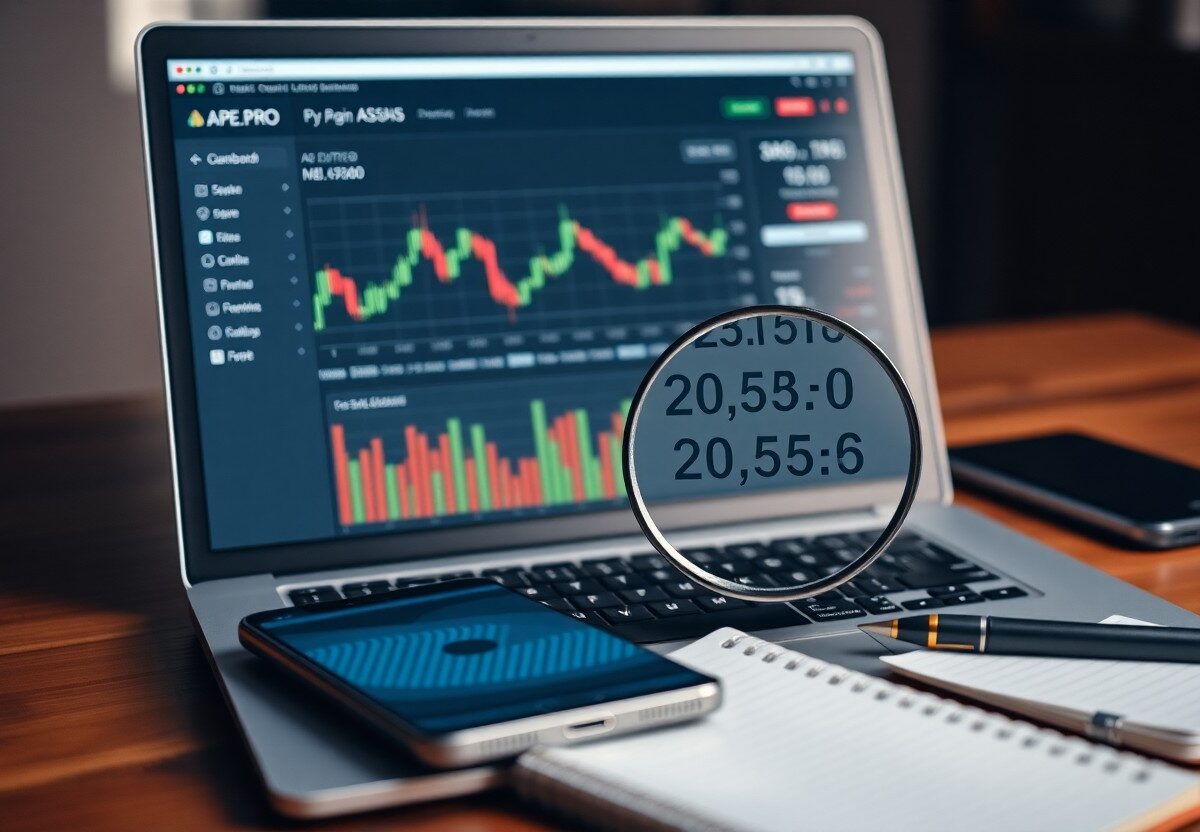
Many new users feel confused when facing the numbers on Ape.Pro, but you can quickly learn what they mean. This guide shows you how to interpret prices, volumes, and percentages accurately. You’ll gain confidence reading crypto data with clarity and precision, right from your first trade.
Navigating the Ape.Pro Dashboard Interface
Your first step into Ape.Pro begins with a clean, intuitive dashboard designed to display key market data at a glance. Every element is positioned for quick access, ensuring you can monitor assets, track performance, and react to shifts without confusion or clutter.
Locating Real-Time Price Feeds
You’ll find live price updates prominently displayed across the top section of the dashboard. These feeds refresh instantly, showing current bid, ask, and last traded prices for each cryptocurrency pair you’re watching.
Identifying Volume and Liquidity Indicators
Look just below the price chart to spot 24-hour trading volume and liquidity depth bars. These metrics help you assess how easily an asset can be bought or sold without drastic price changes.
Volume appears as a numerical value updated every few seconds, reflecting total trade activity in the past day. Liquidity is shown through a visual depth chart that maps buy and sell orders across price levels. High volume paired with deep order books signals strong market interest and tighter spreads, giving you clearer entry and exit points. Watch for sudden spikes or drops-they often precede price moves.
How to Interpret Token Valuation and Decimal Places
Understanding token valuation on Ape.Pro starts with recognizing decimal precision. Most tokens display prices with up to six decimal places, meaning small movements matter. You’ll often see micro-changes in value, especially with low-priced tokens, so pay close attention to the full number shown to avoid misreading actual worth.
Reading Micro-Cap Pricing Structures
Micro-cap tokens often trade at fractions of a cent, making their pricing structures appear deceptively low. You might see prices like $0.0003 or $0.000007, where extra zeros indicate extreme affordability but also higher volatility. These assets can swing rapidly, so always check volume and project fundamentals before acting.
Distinguishing Between Market Cap and Fully Diluted Valuation
Market cap reflects the current price multiplied by circulating supply, giving you today’s valuation. Fully diluted valuation assumes all tokens, including those not yet released, are in circulation. You need both numbers to assess growth potential and understand how future unlocks could impact price stability.
Market cap gives you a snapshot of what the asset is worth right now based on available tokens. The fully diluted valuation, however, prepares you for what the market cap could become if every token promised in the project’s roadmap enters circulation. Projects with high fully diluted valuations relative to market cap may face downward pressure when new tokens are released, so always compare the two before investing.
Critical Factors Influencing Numerical Fluctuations
- Market demand and trading volume directly shift token prices.
- Liquidity levels determine how easily large trades execute.
- Transaction taxes alter effective buy and sell values.
- Slippage settings impact execution price during volatility.
Assume that every number you see on Ape.Pro reflects real-time interactions between these forces. Your ability to read them starts with recognizing which factor drives each change.
Impact of Liquidity Pool Depth on Price Stability
Liquidity pool depth affects how much the price moves when someone buys or sells. Thin pools amplify price swings with even small trades. Deep pools absorb volume with minimal impact. You’ll notice sharper deviations in low-liquidity pairs when trading larger amounts.
Understanding Transaction Tax and Slippage Math
Transaction tax is a percentage taken from each trade, reducing the final amount you receive. Slippage is the difference between expected price and actual execution. These values adjust dynamically based on network activity and pool rules.
Every trade on Ape.Pro includes an automatic transaction tax that funds reflection rewards or burns, depending on the token. Slippage tolerance sets how much price deviation you accept. If the market moves beyond that range, the transaction reverts. You must account for both to avoid failed swaps or unexpected output.
How to Monitor Portfolio Performance and PnL
Your portfolio’s performance and PnL are updated in real time on Ape.Pro’s dashboard. You’ll see total value, daily change, and net profit or loss based on your entry prices. This summary helps you assess your trading effectiveness and adjust strategies as market conditions shift.
Tracking Realized vs. Unrealized Gains
You can distinguish between realized and unrealized gains by checking the transaction history and open positions separately. Realized gains appear after you close a trade, while unrealized amounts reflect current profits or losses on active positions. Knowing this difference gives you clearer insight into actual versus potential returns.
Analyzing Percentage Changes Across Different Timeframes
You’ll find percentage changes displayed for various periods-1h, 24h, 7d, and 30d-on each asset’s detail page. These metrics let you compare short-term volatility with longer trends, helping you identify whether recent movements are part of a broader pattern or just temporary fluctuations.
Looking at percentage changes over different intervals reveals how your assets respond to market cycles. A coin might show strong 7-day growth but minimal 30-day movement, indicating a recent spike rather than sustained performance. You should use these layered timeframes to avoid overreacting to short-term noise and make decisions grounded in actual trend behavior.
Essential Tips for Accurate Data Analysis
- Always verify the time frame of the data you’re viewing
- Compare metrics across multiple indicators, not in isolation
- Use Ape.Pro’s built-in tools to highlight anomalies
Recognizing patterns early improves your ability to act decisively.
Cross-Referencing On-Chain Data for Precision
You gain clearer insights when you align trading volume with wallet activity and token flow. Discrepancies between price movement and on-chain behavior often signal manipulation. Matching data points across layers reduces false conclusions and strengthens your analysis.
Filtering Out Wash Trading Noise
Artificial volume can distort your perception of a token’s real activity. Ape.Pro flags suspicious transaction clusters, letting you exclude them with one click. Recognizing these patterns protects your strategy from misleading signals.
Wash trading inflates volume by repeatedly buying and selling the same asset across coordinated accounts. On Ape.Pro, you can apply filters that detect rapid, repetitive transfers between known bot wallets. This feature strips away fake activity so you see only organic market behavior, helping you assess true demand and liquidity depth.
Evaluating Risk Metrics and Security Scores
You’ll find risk metrics and security scores displayed prominently for each project on Ape.Pro. These numbers summarize potential vulnerabilities, contract safety, and trust indicators based on real-time data. A lower risk score generally means stronger security, while higher values suggest caution. Always review what factors contribute to the score before making decisions.
Reading Smart Contract Audit Numbers
Audit numbers tell you how many times a project’s smart contract has been reviewed by independent firms. A higher count often reflects greater transparency, but quality matters more than quantity. Look for audits from known providers and check if any critical issues were flagged and resolved.
Interpreting Holder Distribution and Whale Activity
Holder distribution shows how tokens are spread across wallets. A large number of small holders usually indicates a fair launch and lower manipulation risk. Watch for whale activity-sudden large transfers can signal upcoming price volatility. You should monitor these trends over time to spot red flags.
When you study holder distribution, focus on the percentage of supply held by the top 10 or 100 wallets. If a small group controls a large chunk, they can influence price swings. Frequent movements from these addresses may precede market shifts. A balanced distribution with steady growth in unique holders often reflects a healthier, more resilient community.
Final Words
As a reminder, reading numbers in Ape.Pro Crypto becomes simple once you understand the basics of decimal places, token values, and price displays. You now know how to interpret balances, track changes, and make informed decisions. Stay observant, double-check figures, and let accurate reading guide your actions in every transaction.
FAQ
Q: What does ‘Ape.Pro Crypto’ mean when it shows numbers like 1.23e+8 or 5.67e-4?
A: These numbers use scientific notation, a way to write very large or very small values clearly. For example, 1.23e+8 means 1.23 multiplied by 10 raised to the 8th power, which equals 123,000,000. The ‘e-4’ in 5.67e-4 means the number is divided by 10,000, so it becomes 0.000567. This format helps avoid long strings of zeros and makes it easier to read crypto balances, prices, or token supplies on platforms like Ape.Pro.
Q: How do I read decimal places in cryptocurrency prices on Ape.Pro?
A: Cryptocurrency prices often show many decimal places because values can be extremely small. For instance, a price listed as 0.00045678 means the coin costs less than half a cent. On Ape.Pro, the number after the decimal point represents fractions of a cent or even smaller units. If you see 4.50000000, that’s four and a half units of the base currency, while 4.00000001 is just slightly more. More decimals allow precise trading, especially for low-value tokens.
Q: What does a red or green number mean on Ape.Pro?
A: Red and green numbers show price changes over time. A green number means the price has gone up since the last update, while a red number means it has gone down. For example, if a token’s price is listed in green with +2.5%, it gained 2.5% in value recently. A red -1.8% means it dropped. These colors help users quickly understand market movement without reading every number in detail.