Last updated: November 2026
Written by Oliver Bennett for Digital Geek Spot.
Introduction
DuckDuckGo is a private search engine that does not track your searches, store your search history, or build a personal profile on you, and it answers the question “is DuckDuckGo safe” with a yes for search privacy, with clear limits outside search. DuckDuckGo launched on September 25, 2008, and it now handles about 100 million searches a day. It earns money from ads tied to the words you type, not from your identity. This guide explains what DuckDuckGo is, how it works, whether it is safe, where it falls short, and how to switch to it in 5 steps.
- DuckDuckGo is a private search engine founded in 2008 by Gabriel Weinberg, based in Paoli, Pennsylvania.
- DuckDuckGo stores no search history, builds no personal profiles, and shows ads based on your typed keywords only.
- Yes, DuckDuckGo is safe for search privacy, but it is not a VPN and it does not block malware or phishing sites.
- Most DuckDuckGo results come from Microsoft Bing, layered with DuckDuckGo instant answers and its own crawler.
- A 2026 independent test found DuckDuckGo set zero cookies, against 5 for Google and 25 for Bing.
- DuckDuckGo now offers a no-AI search version at noai.duckduckgo.com for readers who want no AI answers.
Table of Contents
- What Is DuckDuckGo?
- How Does DuckDuckGo Work?
- Is DuckDuckGo Safe?
- Is DuckDuckGo Really Private?
- How Does DuckDuckGo Make Money?
- What Is the DuckDuckGo Browser?
- What Are DuckDuckGo Bangs?
- DuckDuckGo vs Google: What Changes When You Switch?
- What Are the Downsides of DuckDuckGo?
- The 2022 Microsoft Tracker Controversy, Explained
- How to Switch to DuckDuckGo in 5 Steps
- Who Should Use DuckDuckGo, and Who Should Skip It?
- Frequently Asked Questions About DuckDuckGo
- Conclusion
What Is DuckDuckGo?
DuckDuckGo is a privacy-focused search engine and internet privacy company that searches the web without tracking the person who runs the search. DuckDuckGo launched on September 25, 2008. Gabriel Weinberg founded DuckDuckGo, and Weinberg still leads the company as chief executive. DuckDuckGo is headquartered in Paoli, Pennsylvania, and it employs about 335 people. The name comes from the children’s game duck, duck, goose.
DuckDuckGo started as a search engine and now has 4 parts: the search engine, the DuckDuckGo Private Browser, browser extensions, and the DuckDuckGo Subscription. DuckDuckGo also offers Email Protection, App Tracking Protection for Android, and Duck.ai, an AI chat tool. Every product in the family follows the same rule: DuckDuckGo does not track you.
DuckDuckGo handles about 100 million searches a day, about 36 billion a year (Source: Surfshark, 2026; Comparitech, 2026). DuckDuckGo holds about 0.7 percent of the global search market and about 1.75 percent of the United States search market as of September 2026 (Source: StatCounter, 2026). Digital Geek Spot covers privacy tools in its Technology section, where each tool gets the same plain check: who makes it, what it collects, and what proof exists.
How Does DuckDuckGo Work?
DuckDuckGo works by sending your search to its servers, fetching results from more than 400 sources, and returning the results without tying the search to you. DuckDuckGo keeps no record of the search, no IP address stored next to the search, and no cookie that follows you from one search to the next. When you close the search, nothing about that search stays behind on DuckDuckGo servers.
DuckDuckGo results come mainly from Microsoft Bing, layered with results from DuckDuckGo’s own web crawler, DuckDuckBot, plus instant answers from sources such as Wikipedia and Wolfram Alpha. A Bing outage in 2024 left DuckDuckGo with no results to show, which proved how much of the result set comes from Bing.
DuckDuckGo search runs over an encrypted HTTPS connection, so a network observer cannot read the words you type. DuckDuckGo adds instant answers at the top of the results page: short direct answers drawn from trusted sources, so many simple questions get answered without a click.
DuckDuckGo settings need no account. You can change the region, the safe search level, and the theme in the settings menu, and DuckDuckGo saves those choices in your browser. Switching the default search takes under a minute, and the search box then behaves the same as Google for most daily queries.
Is DuckDuckGo Safe?
Yes, DuckDuckGo is safe to use, and it is widely regarded as one of the safest mainstream search engines, but safety here means search privacy, not full online security. DuckDuckGo protects the search itself: no search history, no personal profile, no tracking cookies, and encrypted searches. DuckDuckGo does not protect you from the wider web: a bad link in the results can still lead to a phishing page or a malware download, and a site you open can still try to track you after you leave DuckDuckGo.
DuckDuckGo has a clean breach record. As of mid-2026, DuckDuckGo has suffered no major publicly disclosed data breach, and no DuckDuckGo user data has appeared in known dark web leaks (Source: Norton, 2026; Comparitech, 2026). A 2024 security audit by Securitum found 15 vulnerabilities in DuckDuckGo VPN infrastructure, and DuckDuckGo fixed all high-risk and medium-risk findings by 2025 (Source: Comparitech, 2026).
PC Mag rated DuckDuckGo “Best for Anonymity” in its review of the top search engines. The Tor Project made DuckDuckGo the default search engine for Tor Browser in 2016. DuckDuckGo is also the default search engine in Linux Mint and in the Debian build of Chromium, both chosen for privacy reasons.
Is DuckDuckGo Really Private?
Yes, DuckDuckGo is really private for search, because it stores no search history, builds no advertising profile, and sells no personal data, while the honest limits sit outside the search box. DuckDuckGo privacy policy states the promise in one line: “We don’t track you.” DuckDuckGo does not store your IP address next to your searches, does not use cookies to tie searches to a person, and does not keep a record of what you searched for last week or last year.
A real test backs the claim. In October 2026, an independent reviewer ran the same searches on DuckDuckGo, Google, and Bing in fresh browser profiles with no history and no account, and counted the cookies each engine set. DuckDuckGo set zero cookies. Google set 5 cookies. Bing set 25 cookies (Source: Path Around The World, 2026). The same test found DuckDuckGo contacted no outside servers during a search, while Google and Bing both did. DuckDuckGo privacy is measurable, not just a policy line.
DuckDuckGo privacy has 3 clear limits. First, DuckDuckGo is a United States company, so a court order could demand data, but DuckDuckGo has no search history to hand over, because it never stored it. Second, once you click a result, you leave DuckDuckGo, and the site you open can track you. Third, DuckDuckGo is not a VPN, so it does not hide your IP address or encrypt all of your traffic. DuckDuckGo search hides what you searched for. It does not hide the fact that you connected to DuckDuckGo.
How Does DuckDuckGo Make Money?
DuckDuckGo makes money from 2 sources: keyword ads shown next to search results, and affiliate codes attached to shopping links. The ads are based only on the words you just typed. Search for “best hiking boots” and DuckDuckGo shows ads for hiking boots, because the words match, not because DuckDuckGo knows your shoe size, your past searches, or your location history. When you close the search, the ad link ends there.
DuckDuckGo also earns affiliate revenue when you buy a product through a link in its results. DuckDuckGo adds an affiliate code to the link, and the retailer pays DuckDuckGo a small fee if you buy. The affiliate code carries no personal information about you. DuckDuckGo sells no personal data and runs no ads based on a profile, because no profile exists to base ads on.
The money model has one wrinkle. DuckDuckGo ads pass through Microsoft, which supplies the ad system behind DuckDuckGo search ads. An October 2026 test decoded a real DuckDuckGo ad link and found the click passes through Microsoft before it reaches the retailer (Source: Path Around The World, 2026). Your search terms do not travel with that click in a way that identifies you. Readers who want zero ad contact can turn ads off in DuckDuckGo settings.
What Is the DuckDuckGo Browser?
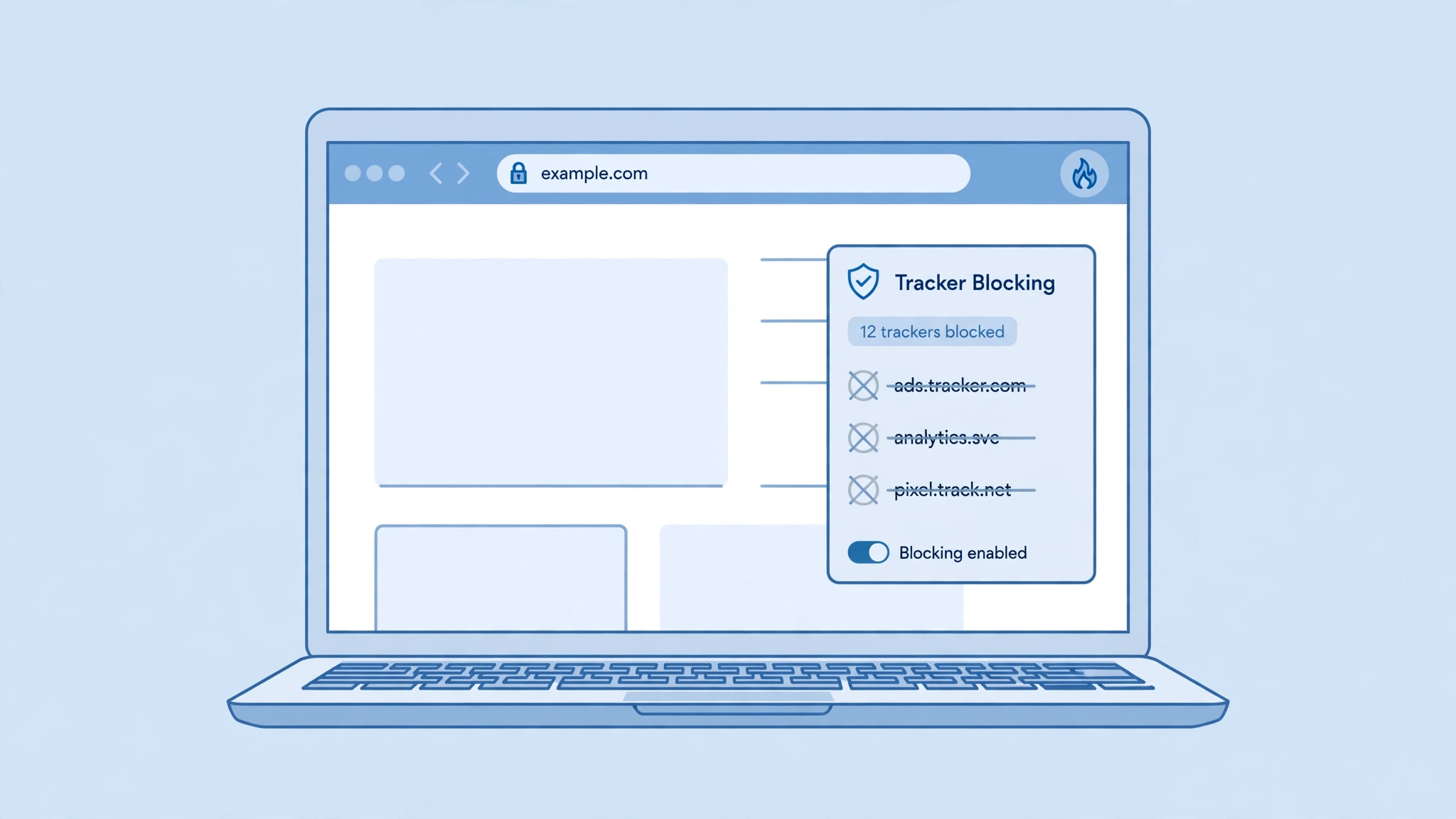
The DuckDuckGo Private Browser is a free web browser for Windows, Mac, iPhone, and Android that blocks trackers on every site you visit, not just in search. DuckDuckGo launched the browser on mobile first, then released the desktop browser in 2022. The browser blocks third-party trackers, forces HTTPS encryption where a site supports it, and clears tabs and data when you close the browser with the Fire Button.
The browser has 4 privacy tools built in. Tracker blocking stops known trackers from loading on the pages you visit. Smarter Encryption upgrades plain HTTP connections to HTTPS where possible. Email Protection gives you a free @duck.com address that strips trackers from emails before forwarding them. App Tracking Protection, on Android only, blocks trackers inside other apps on your phone.
DuckDuckGo also sells the DuckDuckGo Subscription, formerly called Privacy Pro, which launched in April 2024. The paid subscription adds a VPN, personal information removal, and identity theft restoration, while the search engine, browser, and extensions are free.
What Are DuckDuckGo Bangs?
DuckDuckGo Bangs are shortcut commands that start with an exclamation mark and send your search straight to another site search engine. Type “!w” plus a topic and DuckDuckGo searches Wikipedia. Type “!a” plus a product and DuckDuckGo searches Amazon. Type “!yt” plus a video title and DuckDuckGo searches YouTube. As of May 2026, DuckDuckGo lists 13,566 Bangs for sites across shopping, video, maps, news, and reference (Source: DuckDuckGo on Wikipedia, 2026).
Bangs keep DuckDuckGo as your default search while still reaching a site search in one step. The trade-off is plain: a Bang sends that search to the destination site, and the destination privacy rules then apply. A “!g” Bang sends the search to Google, so that search is no longer private in the DuckDuckGo sense.
Bangs also solve the result-quality complaint. When DuckDuckGo results feel thin on a hard query, a “!g” or “!b” Bang runs the same query on Google or Bing without changing your default search engine. The Bang list is public, and users can suggest new Bangs, though DuckDuckGo removed about 2,000 Bangs in 2018, including broken ones and Bangs for pirated content sites.
DuckDuckGo vs Google: What Changes When You Switch?
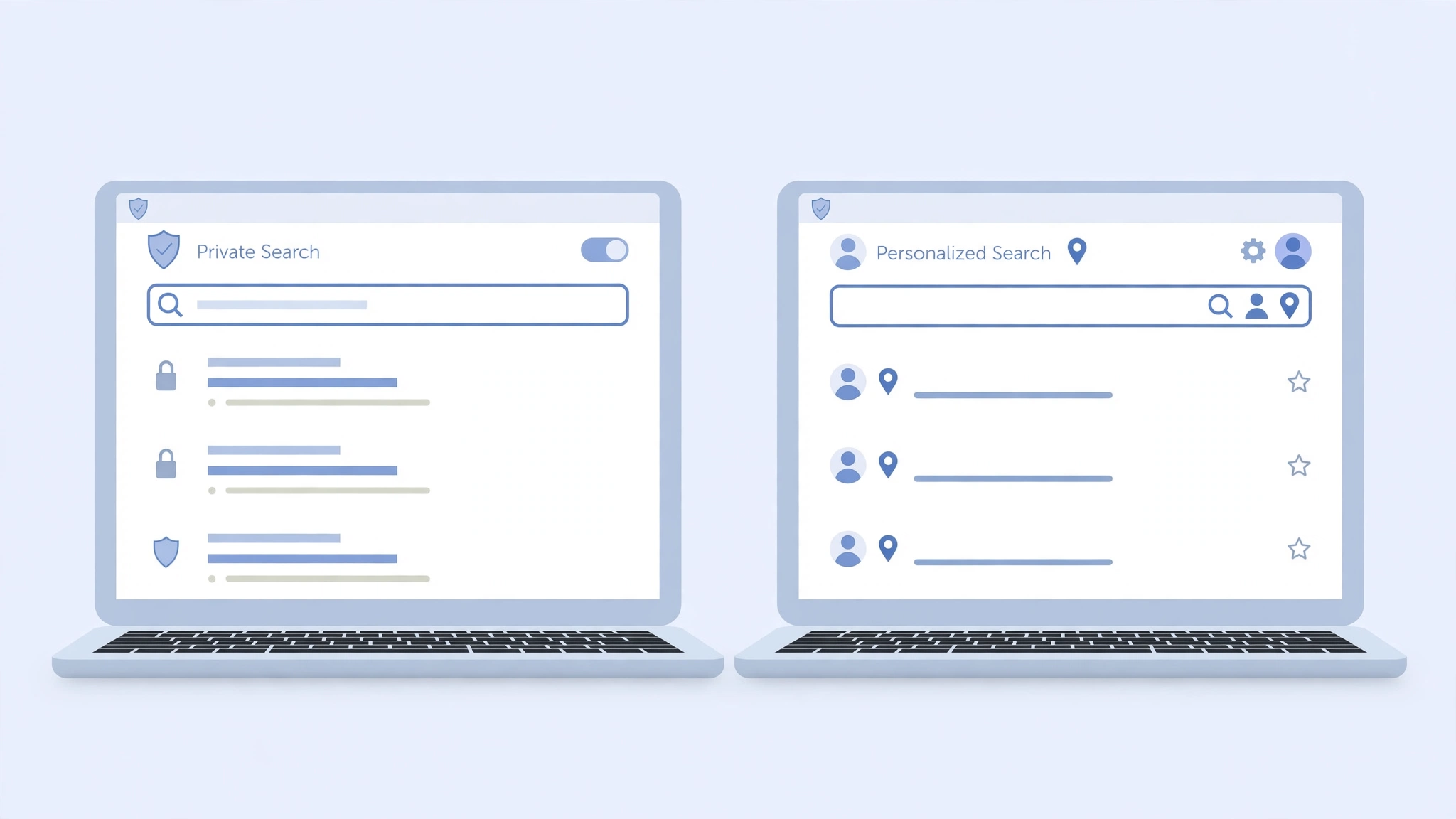
Switching from Google to DuckDuckGo changes 3 things at once: your searches stop building a profile, your results lose personalization, and your ads stop following you. Google uses your search history, location history, and account data to shape results and ads. DuckDuckGo uses only the words you typed. The switch trades personal results for private results.
| Feature | DuckDuckGo | |
|---|---|---|
| Search history stored | No | Yes, tied to your account |
| Personal advertising profile | No | Yes, built from your activity |
| Cookies set per search | 0 in a 2026 test | 5 in the same test |
| Results source | Mostly Bing, plus own crawler | Own index |
| Account needed | No | Optional, but central to the service |
| Personalized results | No | Yes, based on history and location |
| AI answers in search | Search Assist, can be turned off, plus a no-AI version | AI Overviews, always present |
| Price | Free | Free |
| Market share | About 0.7 percent global | About 90 percent global |
In daily use, two people in two cities who type the same query on DuckDuckGo see the same results, because no personal data shapes the page. On Google, the same query returns results shaped by each person history and location. DuckDuckGo results are often just as good for common questions, news, and shopping, and thinner for obscure technical questions and forum threads. That gap is the main reason people keep Google as a fallback, usually through a “!g” Bang.
Readers who want a second opinion on private browsers can read our guide to the Brave Browser, what it is, whether it is safe, and whether you should switch in 2026, which covers the closest rival to DuckDuckGo browser on the same privacy terms.
What Are the Downsides of DuckDuckGo?
DuckDuckGo has 5 real downsides: thinner results on hard queries, ads on shopping searches, no malware protection, no full VPN, and a United States base. Each downside is fixable or avoidable, but readers should know them before they switch.
First, result quality. DuckDuckGo results come mostly from Bing, and Bing can lag Google on deep research, niche forums, and troubleshooting threads. A 2026 comparison of 8 private search engines found DuckDuckGo found the right page on all 15 scored searches, the same as Google, so the gap shows up only on the hardest queries (Source: Path Around The World, 2026).
Second, ads. On shopping searches, ads can fill most of the first screen: a 2026 test found ads filled at least 72 percent of the first screen (Source: Path Around The World, 2026). The ads are keyword-based and carry no profile, but they push real results down the page. DuckDuckGo settings let you reduce ads.
Third, no malware protection. DuckDuckGo does not warn you about phishing sites or block malicious downloads. Google Safe Browsing does some of that work on Google. DuckDuckGo users still need antivirus software and the habit of checking a link before they click it.
Fourth, DuckDuckGo is not a VPN. DuckDuckGo search encrypts your queries, but your internet provider can still see that you connected to DuckDuckGo, and sites you open can still see your IP address. The paid DuckDuckGo Subscription adds a VPN for readers who want that layer.
Fifth, DuckDuckGo is a United States company, and only part of its code is open to inspection. Privacy purists who want a fully open source engine should look at SearXNG or Mojeek instead. For most readers, the United States base is a minor point, because DuckDuckGo stores so little data.
The 2022 Microsoft Tracker Controversy, Explained
In 2022, DuckDuckGo admitted that its browser did not block Microsoft tracking scripts, because a syndicated search content contract with Microsoft required it, and DuckDuckGo has since fixed the gap. A security researcher found that DuckDuckGo browser blocked trackers from Google and Facebook but let Microsoft trackers through on third-party sites. DuckDuckGo founder Gabriel Weinberg confirmed the exception and said it came from the search syndication deal with Microsoft.
The fix came in stages, and the browser now blocks Microsoft trackers like any other tracker. The episode still matters: it showed that a privacy company can hold a contract that limits its privacy promises, and that public pressure works, because the fix followed the disclosure within months. Treat the controversy as history, not as a live flaw.
How to Switch to DuckDuckGo in 5 Steps
Switching to DuckDuckGo takes 5 steps and under 5 minutes, and the switch is reversible at any time. Follow the steps for your browser, then test the change with one search.
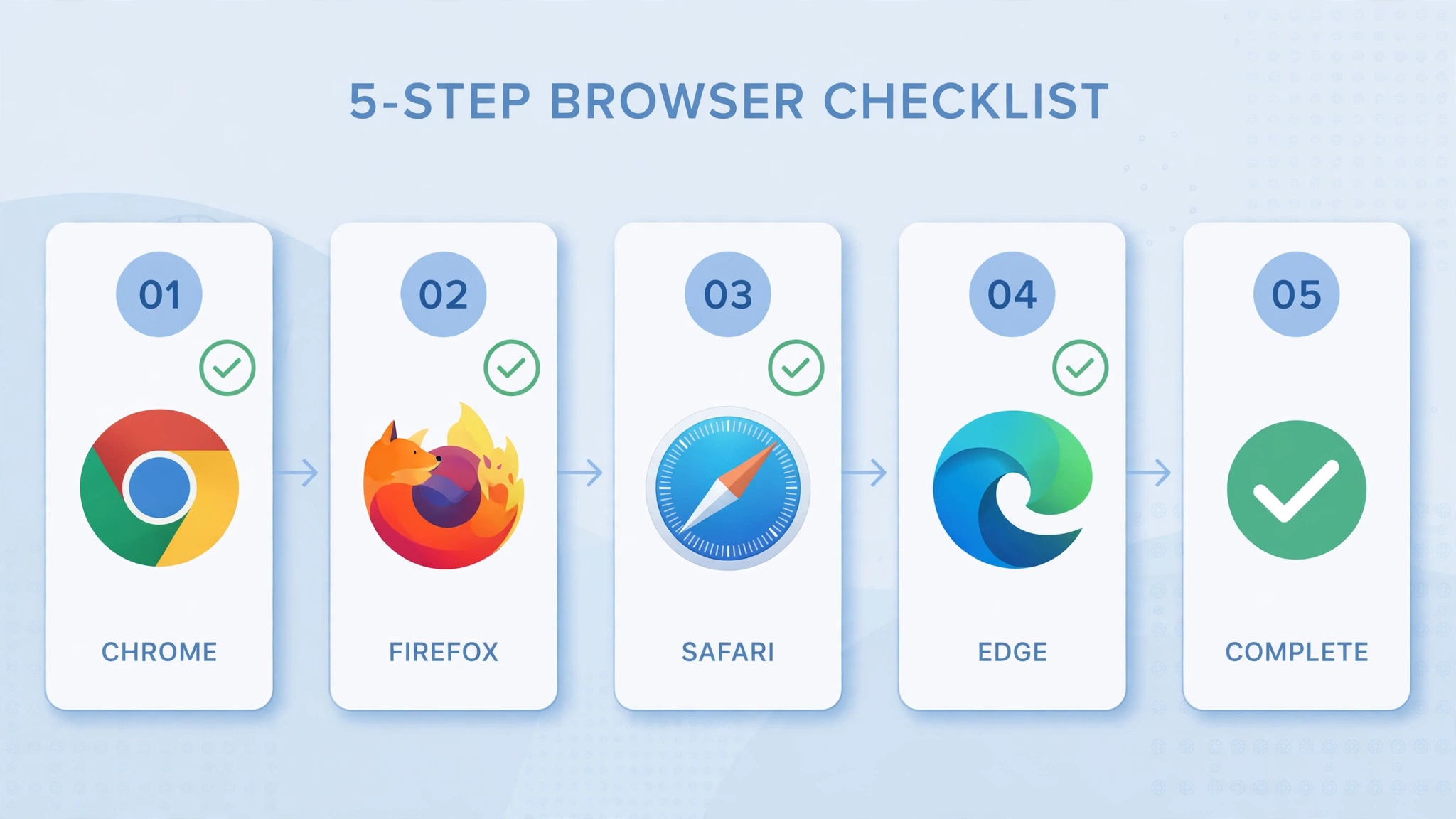
- Open your browser settings and find the search engine section. In Chrome, go to Settings, then Search engine. In Firefox, go to Settings, then Search. In Edge, go to Settings, then Privacy, search, and services, then Address bar and search.
- Pick DuckDuckGo from the list of search engines. If DuckDuckGo is missing from the list, open duckduckgo.com once, and the browser will offer to add it.
- Set DuckDuckGo as the default search engine and confirm the change. The address bar now searches DuckDuckGo.
- On iPhone, go to Settings, then Apps, then Safari, then Search Engine, and pick DuckDuckGo. On Android, open Chrome settings, then Search engine, and pick DuckDuckGo, or install the DuckDuckGo Private Browser from the app store.
- Open DuckDuckGo settings and set your region, safe search level, and theme. Turn off ads if you want a cleaner results page, and set Search Assist to Never or On-demand if you want no AI answers, or use noai.duckduckgo.com for a version with AI features removed.
Test the switch with a search you run often. Compare the results with what Google gave you. If a query feels thin, add “!g” to run it on Google once, then return to DuckDuckGo. Most readers settle in within a week, because daily searches look almost the same.
Who Should Use DuckDuckGo, and Who Should Skip It?
DuckDuckGo fits readers who want private search with no setup, and it fits less well for readers who live inside Google services or run deep research all day. The decision turns on what you value most: privacy with no friction, or personalization with full Google integration.
Use DuckDuckGo if you want search without a profile, a free privacy upgrade with no account and no setup, or a browser that blocks trackers on every page. DuckDuckGo is also the right pick for shared computers, because no search history means the next person at the keyboard sees no trace of your searches.
Skip DuckDuckGo, or keep it as a second engine, if you rely on Google personal results, such as Gmail, Maps, and Drive woven into your searches, or if you run obscure technical research and need Google index depth every time. In those cases, use DuckDuckGo for daily searches and keep Google one Bang away.
DuckDuckGo also pairs well with a VPN. DuckDuckGo search hides what you searched for, and a VPN hides your IP address and encrypts all traffic. Together, the two tools cover search and connection. The DuckDuckGo Subscription bundles a VPN for readers who want one bill and one app.
Frequently Asked Questions About DuckDuckGo
Is DuckDuckGo safe?
Yes, DuckDuckGo is safe to use. DuckDuckGo stores no search history, builds no personal profile, and runs searches over encrypted connections. DuckDuckGo has suffered no major publicly disclosed data breach as of mid-2026. DuckDuckGo does not block malware or phishing sites, so pair it with antivirus software and safe browsing habits.
Is DuckDuckGo really private?
Yes, DuckDuckGo is really private for search. DuckDuckGo stores no search history, uses no tracking cookies, and sells no personal data. A 2026 independent test found DuckDuckGo set zero cookies, against 5 for Google and 25 for Bing. DuckDuckGo privacy ends when you click a result, because the site you open can track you with its own tools.
Is DuckDuckGo free?
Yes, DuckDuckGo is free. The search engine, the Private Browser, and the browser extensions cost nothing. DuckDuckGo earns money from keyword ads and affiliate codes, not from selling personal data. The optional DuckDuckGo Subscription is paid and adds a VPN, personal information removal, and identity theft restoration.
Is DuckDuckGo better than Google?
DuckDuckGo is better than Google for privacy, and Google is better than DuckDuckGo for personalized results and deep research. DuckDuckGo gives the same results to everyone for the same query, while Google shapes results from your history and location. Most daily searches work as well on DuckDuckGo, and a “!g” Bang runs a hard query on Google when needed.
Does DuckDuckGo hide my searches from my internet provider?
No, DuckDuckGo does not hide your searches from your internet provider on its own. DuckDuckGo encrypts your searches, so your provider cannot read the words you typed, but your provider can still see that you connected to DuckDuckGo. A VPN hides the connection itself. Encrypted DNS closes most of the remaining gap.
What is Duck.ai?
Duck.ai is DuckDuckGo’s free AI chat tool, launched in June 2024 and out of beta in March 2025. Duck.ai lets you chat privately with models from OpenAI, Anthropic, and Mistral, with no account needed. DuckDuckGo says conversations stay on your device and are not used to train models. Subscription users get higher limits and more advanced models.
Can I turn off AI answers in DuckDuckGo?
Yes, you can turn off AI answers in DuckDuckGo. Open DuckDuckGo settings and set Search Assist to Never to stop AI summaries in results. For a version with AI features removed, use noai.duckduckgo.com, which turns off Search Assist and Duck.ai and filters AI-generated images from results.
Conclusion
DuckDuckGo is a private search engine that does what it promises: it searches the web without tracking you, storing your history, or building a profile, and that promise held up in independent testing in 2026. DuckDuckGo launched in 2008, it now handles about 100 million searches a day, and it pairs the search engine with a tracker-blocking browser, Email Protection, and an optional subscription with a VPN. DuckDuckGo is safe for search privacy, it is free, and it takes under 5 minutes to switch. Its limits are honest ones: most results come from Bing, ads can crowd shopping searches, it is not a VPN, and it does not block malware. Switch your default search today, test it for a week, and keep Google one Bang away for the rare query that needs it. If you want a private AI chat tool with no account, read our guide on how to use ChatGPT without creating an account, which pairs well with Duck.ai for private AI use. For more privacy tools and plain reviews, visit the Digital Geek Spot homepage.