Last updated: November 2026
Written by Oliver Bennett for Digital Geek Spot.
Brave Browser is a free, open-source web browser that blocks ads and trackers by default, runs on the same Chromium base as Google Chrome, and pays users in a cryptocurrency called Basic Attention Token (BAT) when they choose to view privacy-respecting ads. Brave Browser was first released in 2016 by Brave Software, a company co-founded by Brendan Eich, the creator of JavaScript, and Brian Bondy. Brave Browser now reports more than 97 million monthly active users, according to the Brave Transparency Data Feed from September 2025, and it works on Windows, macOS, Linux, Android, and iOS. This guide explains what Brave Browser is, how its privacy tools work, whether it is safe, and who should switch to it.
Brave Browser appeals to readers who want stronger privacy without installing extensions or changing settings. Brave Browser blocks third-party ads, tracking scripts, cross-site cookies, and fingerprinting attempts from the moment it is installed. Brave Browser also loads pages faster than Chrome on ad-heavy sites, because blocked content never loads. The trade-offs are real too: some sites break when Shields block too much, and the built-in crypto and AI extras add clutter that many users will want to hide.
Key Takeaways
- Brave Browser is a free, open-source, Chromium-based browser that blocks ads and trackers by default.
- Brave Browser is safe for most people: independent testing rates its privacy protection among the strongest of any mainstream browser.
- Brave Shields scored 43 out of 100 on AdBlock Tester with Standard settings and 65 out of 100 with Aggressive blocking (Source: All About Cookies, 2026).
- Brave Rewards and BAT are fully opt-in: Brave Browser shows no ads and pays no tokens unless the user turns Rewards on.
- Brave Browser syncs bookmarks and settings with a QR code or text code, so no Brave account is needed.
- Brave Browser is a weak fit for users who rely on Google services all day or who want zero crypto features on screen.
Table of Contents
- What Is Brave Browser?
- How Does Brave Browser Work?
- Is Brave Browser Safe?
- Brave Browser vs Chrome: What Is the Difference?
- What Are the Main Features of Brave Browser?
- What Is Brave Rewards and BAT?
- What Are the Downsides of Brave Browser?
- How to Download and Set Up Brave Browser
- Who Should Use Brave Browser?
- Brave Browser Review: Is It Worth Switching?
- FAQs
- Conclusion
What Is Brave Browser?
Brave Browser is a free, open-source web browser built on Chromium that blocks ads, trackers, and fingerprinting by default. Brave Software, Inc., a private company based in San Francisco, develops Brave Browser. Brendan Eich, the creator of JavaScript and a former Mozilla chief executive, co-founded Brave Software with Brian Bondy in 2015, and the first version of Brave Browser shipped in 2016. Brave Browser runs on Windows, macOS, Linux, Android, and iOS, and it supports most Chrome extensions because Brave Browser shares the Chromium base with Google Chrome.
Brave Browser differs from Chrome in one clear way: Brave Browser removes Google tracking from the Chromium base and adds privacy tools that are on from the first launch. Brave Browser does not collect or sell personal browsing data. Brave Browser includes its own search engine, Brave Search, as the default search option, and Brave Browser includes a built-in ad blocker, a crypto wallet, an AI assistant called Leo, and a paid VPN add-on.
Brave Browser has grown from about 1.2 million monthly active users in 2017 to more than 97 million monthly active users in September 2025, with over 41 million daily active users in the same period (Source: Brave Transparency Data Feed, September 2025). Brave Browser growth comes from readers who want privacy without setup work.
For readers who follow new software on Digital Geek Spot, Brave Browser is one of the clearest examples of a privacy-first product reaching a mass audience. The Technology section covers browsers, tools, and apps that change how people use the web, and Brave Browser fits that beat because it changes the default deal between a browser and its user.
How Does Brave Browser Work?
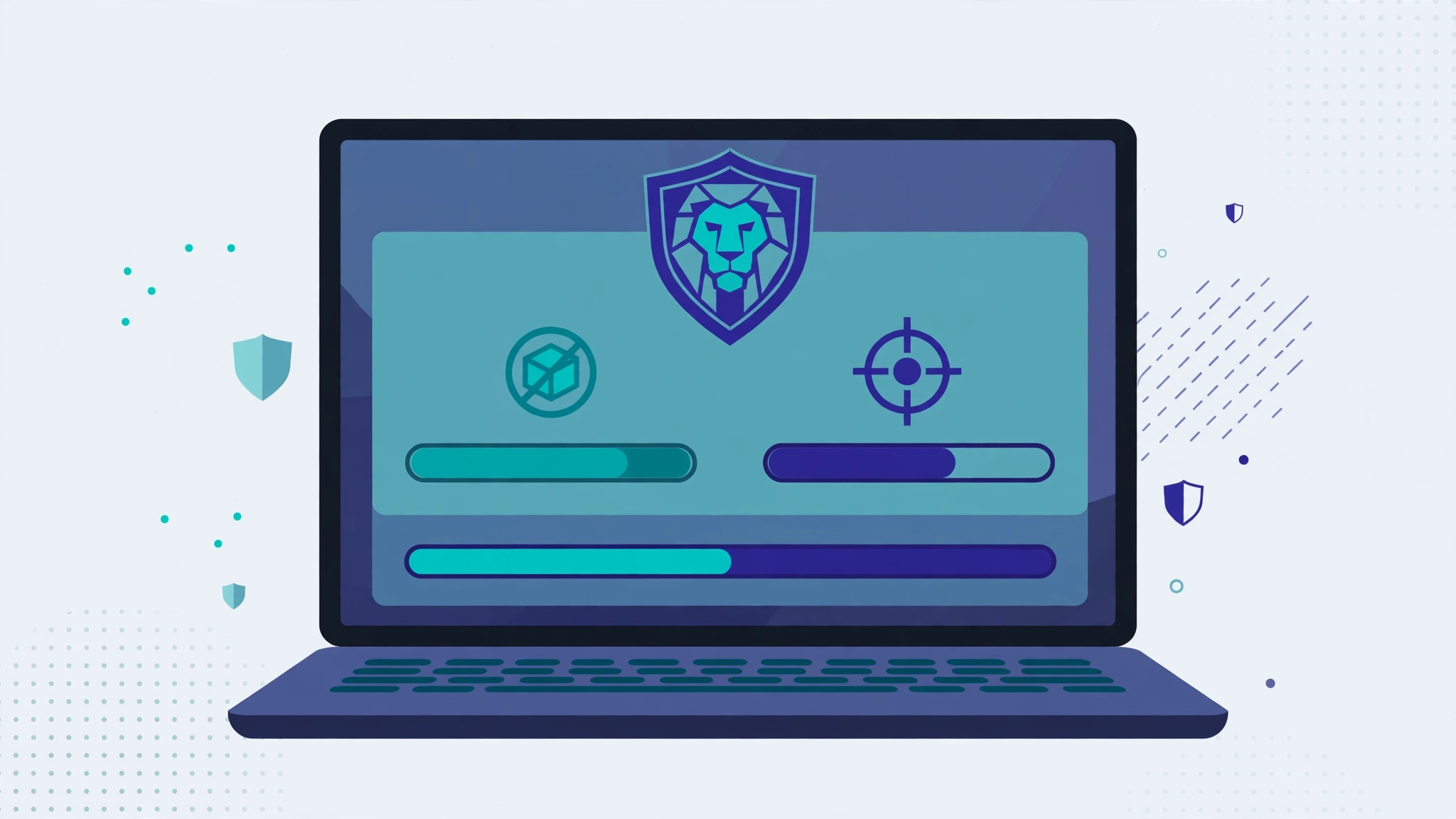
Brave Browser works by blocking ads, trackers, and fingerprinting scripts before a page loads, using a built-in tool called Brave Shields. Brave Shields runs on every page with default settings, and the lion icon in the address bar shows exactly what Brave Shields blocked on the page. Brave Browser uses filter lists from EasyList, EasyPrivacy, and uBlock Origin to decide what to block. Brave Browser also upgrades connections to HTTPS by default and blocks third-party cookies that follow users across sites.
Brave Browser protects privacy in 4 layers. First, Brave Shields blocks ads and trackers. Second, Brave Browser randomizes browser fingerprint signals, such as language and font data, so sites cannot identify a device from its settings. Third, Brave Browser blocks bounce tracking, a method that follows users through redirect links. Fourth, Brave Browser routes Private Window with Tor traffic through the Tor network, which hides the IP address from sites visited in that window.
Is Brave Browser Safe?
Yes, Brave Browser is safe for most people, and independent testing rates Brave Browser among the strongest privacy browsers available. All About Cookies tested Brave Browser in 2026 and called it one of the safest mainstream browsers for users who want stronger privacy with minimal setup (Source: All About Cookies, 2026). Brave Browser scored 43 out of 100 on AdBlock Tester with Standard Shields settings, and 65 out of 100 with Aggressive blocking enabled, the best score in that test for blocking contextual advertising (Source: All About Cookies, 2026).
Brave Browser safety rests on 3 facts. First, Brave Browser code is open source, so independent developers can read it and check for hidden data collection. Second, Brave Browser blocks trackers by default, so protection starts at install instead of after a settings change. Third, Brave Browser includes HTTPS upgrades, fingerprinting protection, and a built-in password manager.
Brave Browser is not a full anonymity tool. Brave Browser hides browsing activity inside the browser only, and Brave Browser does not hide activity from an internet provider or protect other apps on the device. Brave Firewall + VPN, a paid add-on powered by Guardian, extends protection to the whole device, and Brave Software says the VPN logs no traffic or IP addresses, backed by audits from 2024 (Source: Brave Software, 2024).
Brave Browser had one serious privacy failure. In 2021, Brave Browser Tor windows leaked DNS requests for months because of a new ad-blocking feature. Brave Software fixed the leak the day it went public and advised high-risk users to stay with Tor Browser until the fix shipped (Source: Halocard, 2026). The 2021 leak matters because it shows Brave Browser is not perfect, and it also shows Brave Software fixed a reported flaw fast and in public. Readers who need maximum anonymity should still use Tor Browser, and readers who want strong everyday privacy can trust Brave Browser.
Brave Browser vs Chrome: What Is the Difference?
Brave Browser and Chrome share the Chromium base, and the difference is privacy defaults, ads, and data collection. Chrome sends browsing data to Google services and shows ads from Google ad network, while Brave Browser blocks third-party ads and trackers by default and sends no browsing data to Brave Software. Brave Browser feels like Chrome because the interface, the extension store, and the settings layout are close to Chrome.
| Feature | Brave Browser | Google Chrome |
|---|---|---|
| Base engine | Chromium, open source | Chromium, with Google services |
| Ad blocking | Built in, on by default | None built in, needs extensions |
| Tracker blocking | Built in, on by default | Limited, needs extensions |
| Fingerprinting protection | Built in | Limited |
| Default search | Brave Search | Google Search |
| Account needed to sync | No, QR code or text code | Yes, Google account |
| Crypto wallet | Built in | Needs an extension |
| AI assistant | Leo, built in | Gemini, built in |
| Extension support | Most Chrome extensions work | Full Chrome Web Store |
| Data collection | Minimal, no browsing history sent | Sends data to Google services |
| Price | Free, with paid VPN add-on | Free |
Brave Browser suits readers who want Chrome compatibility without Google tracking. Chrome suits readers who use Gmail, Google Drive, and Google Docs all day and want the tightest link between browser and Google account. Brave Browser imports bookmarks, history, and passwords from Chrome during setup, so switching takes minutes.

What Are the Main Features of Brave Browser?
Brave Browser includes 7 main features: Shields, Brave Search, Leo AI, Brave Wallet, Brave Rewards, Brave Firewall + VPN, and account-free sync. Each feature works without an extension, which keeps Brave Browser light and fast compared with a Chrome setup that needs 5 or 6 extensions for the same tools.
Brave Shields blocks ads, trackers, cross-site cookies, and fingerprinting. Brave Shields has Standard and Aggressive modes. Standard mode blocks most trackers and keeps most sites working. Aggressive mode blocks more, including first-party ads on some sites, and Aggressive mode can break logins, checkouts, and embedded videos. Brave Shields settings can change per site with two clicks on the lion icon.
Brave Search is the default search engine. Brave Search runs its own index and does not track search queries. Brave Search results are weaker than Google for local business searches, and Brave Search results are close to Google for general web searches. Brave Browser lets users change the default search engine to Google, DuckDuckGo, or another engine in settings.
Brave Leo is the built-in AI assistant. Leo answers questions, summarizes pages, and writes short drafts inside the browser. Leo is optional, and Leo can hide from the toolbar.
Brave Wallet is a built-in crypto wallet. Brave Wallet stores and transfers assets on EVM-compatible networks and Solana, connects to decentralized apps, and supports token swaps with a Brave fee of about 0.8 to 0.9 percent depending on the pair (Source: ForkLog, 2025).
Brave Firewall + VPN is a paid add-on. Brave Firewall + VPN protects every app on the device, not just the browser, and Brave Software says it logs no traffic or IP addresses. Brave Firewall + VPN pricing ranges from 3 dollars to 14.99 dollars per month, or 29.99 dollars to 149.99 dollars per year depending on the plan (Source: OneRep, 2026).
Sync without an account links devices with a QR code or a text code. Brave Sync copies bookmarks, history, extensions, and settings between devices. Brave Sync stores no email address and creates no Brave account, which is rare among major browsers.
Private Window with Tor routes traffic through 3 Tor relays, which hides the IP address from sites. Brave Browser warns that a Tor window is not a full replacement for Tor Browser, and Brave Browser keeps that warning visible in the Tor window itself.
What Is Brave Rewards and BAT?
Brave Rewards is an opt-in program that pays users in Basic Attention Token (BAT) for viewing privacy-respecting ads, and BAT is a cryptocurrency with a capped supply of 1.5 billion tokens. Brave Rewards is off by default. Brave Browser shows no ads and pays no BAT unless the user turns Rewards on in settings. Brave Rewards ads analyze behavior on the device, so no browsing data leaves the device to choose an ad.
Brave Software sold BAT worth 35 million dollars in about 30 seconds in a 2017 token sale (Source: ForkLog, 2025). Brave Browser includes a tipping button that sends BAT to a site or a creator with one click, and Brave Browser supports one-off tips and monthly recurring tips.
Brave Rewards works in 3 steps. First, the user turns on Brave Rewards and picks how many ads to see per hour. Second, Brave Browser shows small notification ads at times the user controls. Third, Brave Browser adds BAT to the built-in wallet, and the user can keep BAT, tip a creator, or withdraw BAT through a verified exchange account. Brave Rewards pays small amounts, and Brave Rewards is not a way to earn a living. Brave Rewards suits readers who want to support sites they read without paying a subscription, and Brave Rewards suits nobody who dislikes crypto on screen.
Brave Browser shows its own ads only when Rewards is on. Brave Browser blocks third-party ads on every page regardless of Rewards settings. The distinction matters: Brave Browser ad blocking is default, and Brave Browser advertising is opt-in. Readers who turn Rewards off still get the full ad-blocking benefit of Brave Browser.
Readers who want a deeper look at how Brave Browser compares with other privacy tools can read our review of Nippydrive, another tech service we tested on Digital Geek Spot.
What Are the Downsides of Brave Browser?
The main downsides of Brave Browser are broken sites, crypto clutter, Brave own ads, and weak local search. Brave Shields can break logins, checkouts, and embedded videos on some sites, because Brave Shields blocks scripts that those pages need. The fix is simple: click the lion icon and lower Shields for that site, or turn Shields off for that site only. Brave Browser remembers the per-site choice, and Brave Browser keeps Shields on everywhere else.
Brave Browser shows crypto and AI extras that many users never asked for. Brave Wallet, Brave Rewards, and Leo sit in the toolbar and the new tab page by default. Brave Browser lets users hide each one for free in settings, and Brave Browser offers a 59.99 dollar Brave Origin license that removes the extras (Source: Halocard, 2026).
How to Download and Set Up Brave Browser
To download Brave Browser, get the installer from the official Brave site, run it, import data from the old browser, and check Shields settings. The whole setup takes about 5 minutes, and Brave Browser works on Windows, macOS, Linux, Android, and iOS. Follow these 7 steps.
- Open the official Brave site and download the installer for the device.
- Run the installer and wait for Brave Browser to open.
- Pick the old browser on the import screen to copy bookmarks, history, and passwords.
- Choose Brave Search or another search engine as the default.
- Leave Brave Rewards off unless earning BAT is wanted.
- Open Settings, then Appearance, and hide Wallet, Rewards, and Leo if they are not wanted.
- Open a news site, click the lion icon, and confirm Shields shows blocked ads and trackers.
For a second opinion on a different tech download, see our Classroom30x guide, which walks through another popular web tool step by step.

Who Should Use Brave Browser?
Brave Browser suits readers who want privacy by default, readers who hate ads, and readers who want Chrome compatibility without Google tracking. Brave Browser suits journalists, researchers, and anyone who reads ad-heavy news sites all day. Brave Browser suits readers who want a fast browser on an older laptop, because blocked ads cut memory use. Brave Browser suits readers who want to try crypto tipping without installing a wallet extension.
| Reader type | Best choice | Reason |
|---|---|---|
| Privacy first, wants zero setup | Brave Browser | Shields on by default, no account needed |
| Lives in Google services all day | Chrome | Tightest Gmail, Drive, and Docs link |
| Needs maximum anonymity | Tor Browser | Full Tor protections, not just Tor windows |
| Wants open source and extensions | Firefox | Large extension library, Mozilla backing |
| Wants privacy plus Apple ecosystem | Safari | Built-in tracking prevention on Apple devices |
| Wants speed on ad-heavy news sites | Brave Browser | Blocked ads cut load time and memory |
Brave Browser Review: Is It Worth Switching?
Yes, Brave Browser is worth switching for most readers who want privacy without setup work, and Brave Browser is the best free private browser for most people. Brave Shields blocks ads, trackers, and fingerprinting by default, Brave Browser supports almost every Chrome extension, and Brave Search replaces Google as the default search engine (Source: Halocard, 2026). Brave Browser earns an overall score of 4.4 out of 5 in the Halocard 2026 review, with strong marks for privacy and speed and weaker marks for trust and support (Source: Halocard, 2026).
FAQs
Is Brave Browser safe?
Yes, Brave Browser is safe for most people. Brave Browser blocks ads, trackers, and fingerprinting by default, Brave Browser code is open source, and independent testing in 2026 rated Brave Browser among the safest mainstream browsers. Brave Browser is not a full anonymity tool, so readers who need maximum anonymity should use Tor Browser.
What is Brave Browser?
Brave Browser is a free, open-source, Chromium-based web browser that blocks ads and trackers by default. Brave Software released Brave Browser in 2016, and Brendan Eich, the creator of JavaScript, co-founded the company. Brave Browser includes Brave Shields, Brave Search, Brave Wallet, and an opt-in rewards program that pays BAT for viewing ads.
Is Brave Browser better than Chrome?
Brave Browser is better than Chrome for privacy and ad blocking, and Chrome is better for Google services. Brave Browser blocks ads and trackers by default, runs most Chrome extensions, and sends no browsing data to Brave Software. Chrome links tighter with Gmail, Google Drive, and Google Docs. Readers who want privacy should pick Brave Browser, and readers who live in Google apps should stay with Chrome.
Is Brave Browser really free?
Yes, Brave Browser is free to download and use on every platform. Brave Browser charges nothing for ad blocking, Brave Search, Brave Wallet, or Leo. Brave Firewall + VPN is a paid add-on, with prices from 3 dollars to 14.99 dollars per month. Brave Rewards is free and opt-in, and Brave Rewards pays BAT only when the user turns it on.
Does Brave Browser block YouTube ads?
Yes, Brave Browser blocks most YouTube ads with Shields on, including pre-roll video ads. Brave Browser blocking works because Brave Shields filters ad requests before the video loads. YouTube changes its ad delivery often, so some ads can slip through after a YouTube update, and Brave Browser usually patches the block within days.
Does Brave Browser use a lot of RAM?
No, Brave Browser uses less memory than Chrome on ad-heavy pages, because blocked ads and trackers never load. Brave Software claims 28 percent less memory use than rival browsers, based on its own September 2026 benchmarks. Brave Browser memory use is close to Chrome on clean pages with few ads, and Brave Browser memory use drops most on news and video sites.
Can Brave Browser be trusted after the 2021 Tor leak?
Yes, with the limits stated openly. Brave Browser Tor windows leaked DNS requests in 2021 because of a new ad-blocking feature, and Brave Software fixed the leak the day it went public. Brave Browser code is open source, so flaws get public review. Readers who need maximum anonymity should still use Tor Browser instead of Brave Browser Tor windows.
Conclusion
Brave Browser is a free, open-source browser that blocks ads and trackers by default, loads ad-heavy pages faster than Chrome, and needs no account, no extensions, and no settings work to protect privacy. Brave Browser is safe for most people, Brave Browser is worth switching for readers who want privacy without setup, and Brave Browser is a weak fit only for heavy Google users, crypto skeptics who hate clutter, and readers who need full Tor anonymity. Brave Browser earns its place as the best free private browser for most people in 2026, and the one-week trial costs nothing.