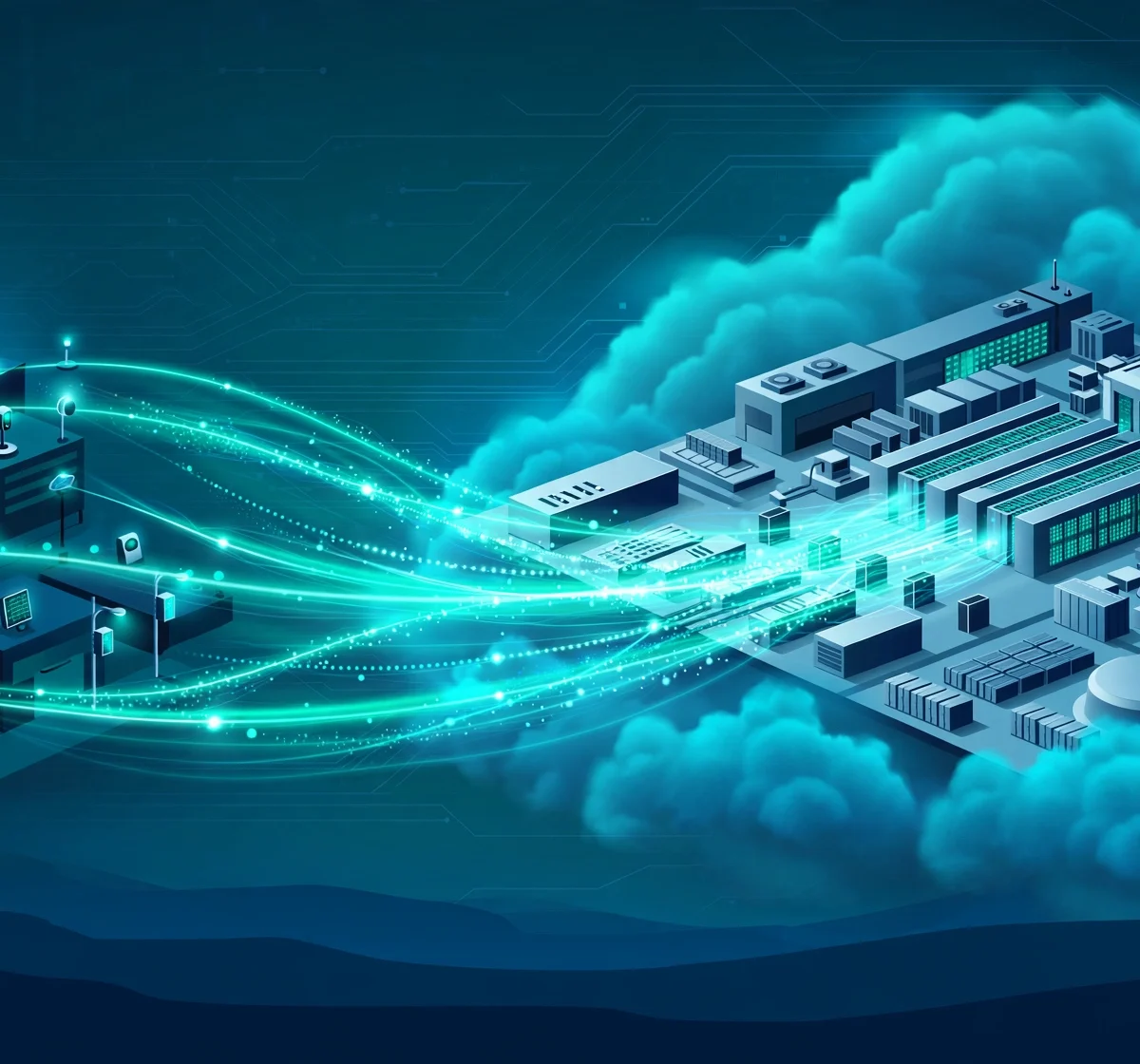
The key difference between edge computing and cloud computing is where data gets processed. Cloud computing sends data to centralized data centers, often hundreds or thousands of miles away, for processing and storage. Edge computing processes data close to where it is created, on local devices, gateways, or nearby micro data centers. This single difference shapes everything else: latency, bandwidth use, scalability, cost, and security. In practice, edge computing delivers response times in single-digit milliseconds because data barely travels, while cloud computing typically responds in tens to hundreds of milliseconds because of the round trip. Most modern systems in 2026 use a hybrid of both, so understanding the trade-offs is what matters.
| Aspect | Cloud Computing | Edge Computing |
|---|---|---|
| Where data is processed | Centralized data centers | Near the data source, at the network edge |
| Latency | Higher, typically tens to hundreds of milliseconds | Ultra-low, often single-digit milliseconds |
| Bandwidth usage | High, large volumes sent to the cloud | Lower, only relevant data or summaries sent up |
| Scalability | Virtually unlimited, elastic resources | Limited by the capacity of each edge node |
| Works without internet | No, needs a connection to the data center | Yes, can keep operating locally |
| Data privacy | Data leaves the local network | Sensitive data can stay local |
| Best for | Analytics, storage, AI training, global apps | Real-time responses, IoT, autonomous systems |
What Is Cloud Computing?
Cloud computing is the delivery of computing power, storage, databases, and software over the internet from large, centralized data centers run by providers such as Amazon Web Services, Microsoft Azure, and Google Cloud. Instead of owning and maintaining physical servers, you rent resources on demand and scale them up or down as needed.
The cloud model became dominant because it solves several hard problems at once. You get near-infinite storage, the ability to run heavy workloads like AI model training, and global availability without building your own infrastructure. A startup can launch an application for users on five continents in an afternoon.
The trade-off is distance. Every request travels from the user or device to a data center and back. For a web app or a monthly report, that delay is invisible. For a self-driving car or a factory robot, it can be the difference between working and failing.
What Is Edge Computing?
Edge computing moves processing closer to where data is generated, at the “edge” of the network. Instead of sending everything to a distant data center, data is handled on the device itself, on a local gateway, or at a nearby micro data center. Examples include IoT sensors, smart cameras, industrial controllers, smartphones, and in-vehicle computers.
The core idea is simple: the shorter the trip data has to make, the faster the response. An edge node can analyze a video feed, detect an object, and trigger an action in milliseconds, without waiting for a round trip to the cloud.
Edge does not replace the cloud. It extends it. In most architectures, the edge handles immediate, time-sensitive work while the cloud handles storage, coordination, and training the machine-learning models that the edge later runs.
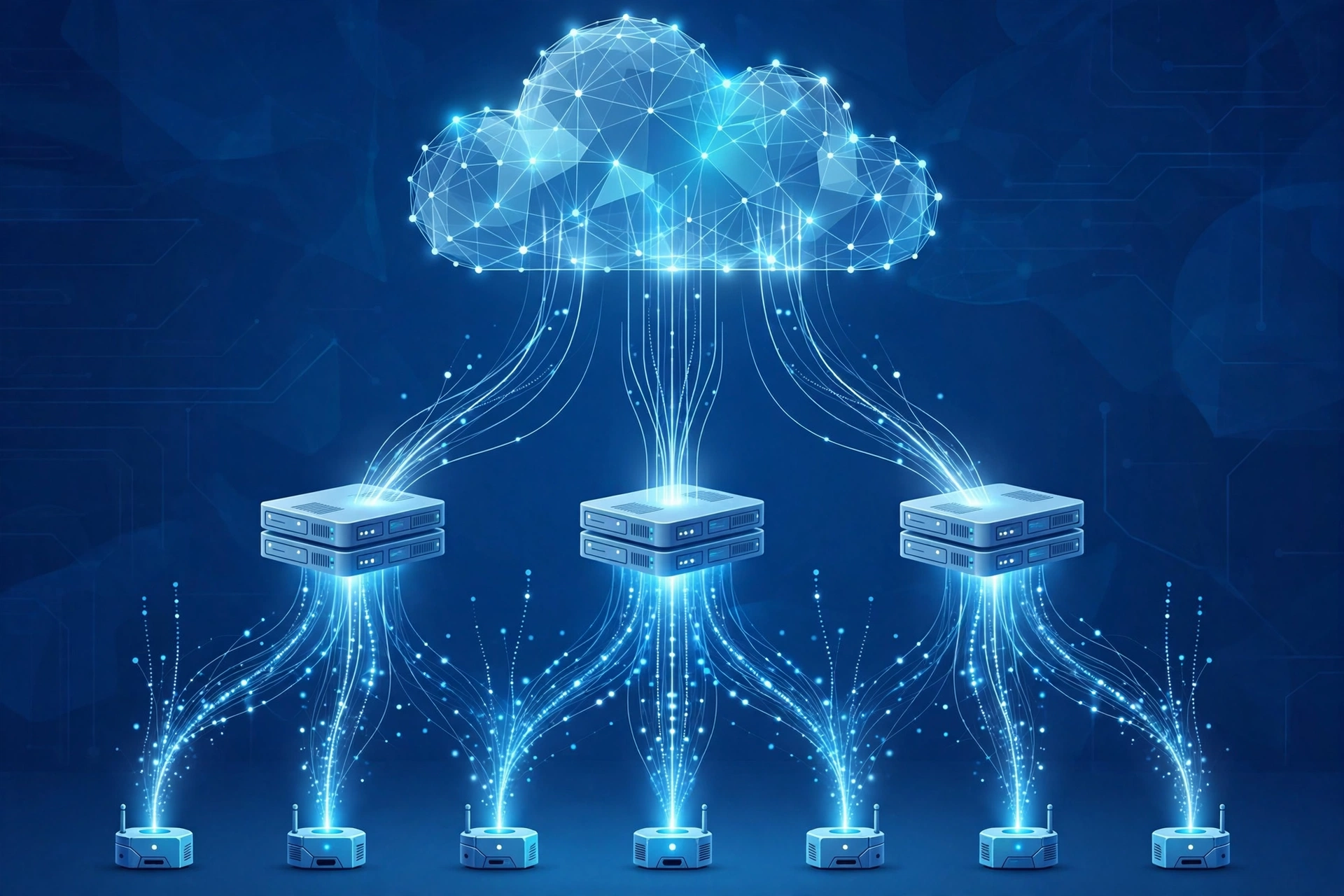
Key Differences Between Edge Computing and Cloud Computing
1. Where Data Is Processed
This is the foundational difference. Cloud computing centralizes processing in a small number of very large data centers. Edge computing distributes processing across many smaller nodes placed near users and devices. A cloud application might serve the whole world from a handful of regions. An edge deployment might run thousands of nodes, each serving a single building, vehicle, or cell tower.
The architectural consequence is that cloud systems are simpler to manage centrally but add network distance to every operation. Edge systems remove that distance but add the complexity of managing many distributed nodes.
2. Latency and Speed
Latency is the most commonly cited reason to choose edge computing. When data must travel to a remote data center and back, the delay typically lands in the tens to hundreds of milliseconds, depending on distance and network conditions. When data is processed locally, the delay can drop to single-digit milliseconds.
For ordinary applications, cloud latency is fine. Nobody notices a 100-millisecond delay when loading a dashboard. But some workloads cannot tolerate it: autonomous vehicle collision detection, industrial safety shutoffs, and AR or VR rendering. For these, edge computing is the only option that meets the requirement.
3. Bandwidth Usage
Cloud-centric designs move raw data across the network. A single smart camera streaming HD video to the cloud consumes significant bandwidth around the clock. Multiply that by hundreds of cameras or thousands of sensors and the bandwidth bill, plus the network congestion, becomes a real problem.
Edge computing reverses the flow. The edge node analyzes the raw data locally and sends only what matters: an alert, a count, or a summary. This can cut bandwidth usage dramatically and also reduces cloud data transfer and storage costs.
4. Scalability
Scalability is where the cloud wins clearly. Cloud platforms offer effectively unlimited compute and storage that can be provisioned in minutes. If your user base doubles overnight, the cloud absorbs it. Edge capacity, by contrast, is tied to physical hardware. Scaling an edge deployment means buying, installing, and configuring more nodes, which takes time and capital.
This is why the two complement each other. Bursty, unpredictable, or globally distributed demand fits the cloud. Predictable, localized, time-critical demand fits the edge. Many organizations keep their elastic workloads in the cloud and put only the latency-sensitive pieces at the edge.
5. Security and Privacy
Security cuts both ways. The cloud offers mature, centralized security: professional security teams, strong encryption, compliance certifications, and continuous monitoring. But it also concentrates risk. All data flows to one place, and a breach or misconfiguration there can expose everything.
Edge computing improves privacy by keeping sensitive data local. A hospital, for example, can process patient data on-premises without it ever crossing the public internet, which helps with data sovereignty and regulatory requirements. The downside is that edge nodes are often in physically accessible places and harder to patch and monitor uniformly. Each node is a potential entry point, so edge security has to be designed in from the start, with secure boot, encrypted communication, and over-the-air updates.
6. Cost Structure
Cloud computing follows an operational expense model: you pay as you go, with little upfront investment. This is attractive, but costs can grow steeply with data transfer and storage.
Edge computing is the opposite: higher upfront cost for hardware and deployment, but lower ongoing costs because you process and store much of the data locally instead of paying to move it.
7. Reliability and Offline Operation
Cloud systems depend on connectivity. If the link between your site and the data center goes down, cloud-based applications stop working. Edge systems can keep running locally even when the internet connection is lost, which matters for factories, remote facilities, and vehicles.
That said, the cloud offers geographic redundancy that a single edge node cannot match. A well-designed edge application survives the failure of its internet link, and the hybrid model, where edge nodes sync with the cloud when connectivity returns, gets the best of both.
When to Choose Cloud Computing
Choose the cloud when scalability, heavy computation, or global reach matters more than response time. Classic cloud workloads include:
- Data analytics and business intelligence: crunching large datasets, building dashboards, and running reports.
- AI model training: training large models needs enormous compute that is only practical in data centers. The trained models can then be deployed to edge devices for inference.
- Web and mobile applications: serving users worldwide with consistent, centrally managed backends.
- Backup and long-term storage: durable, redundant storage of data collected from everywhere.
- Development and testing: spinning environments up and down quickly without buying hardware.
If your workload is bursty, experimental, or growing unpredictably, the cloud’s elasticity is hard to beat.
When to Choose Edge Computing
Choose edge computing when any of these three drivers is strong: latency requirements, bandwidth or connectivity constraints, or data sovereignty. Typical edge workloads include:
- Industrial automation: robotic control, predictive maintenance, and safety systems on the factory floor.
- Smart cameras and video analytics: detecting intrusions, counting people, or reading license plates locally.
- Autonomous vehicles and drones: split-second decisions that cannot wait for a cloud round trip.
- Retail and healthcare: point-of-sale systems, patient monitoring, and equipment that must work even if the internet drops.
- Telecom and 5G: multi-access edge computing at cell towers for gaming, AR, and real-time services.
A useful rule of thumb: if your application breaks when you add 200 milliseconds of delay, or when the internet connection drops, it belongs at the edge.
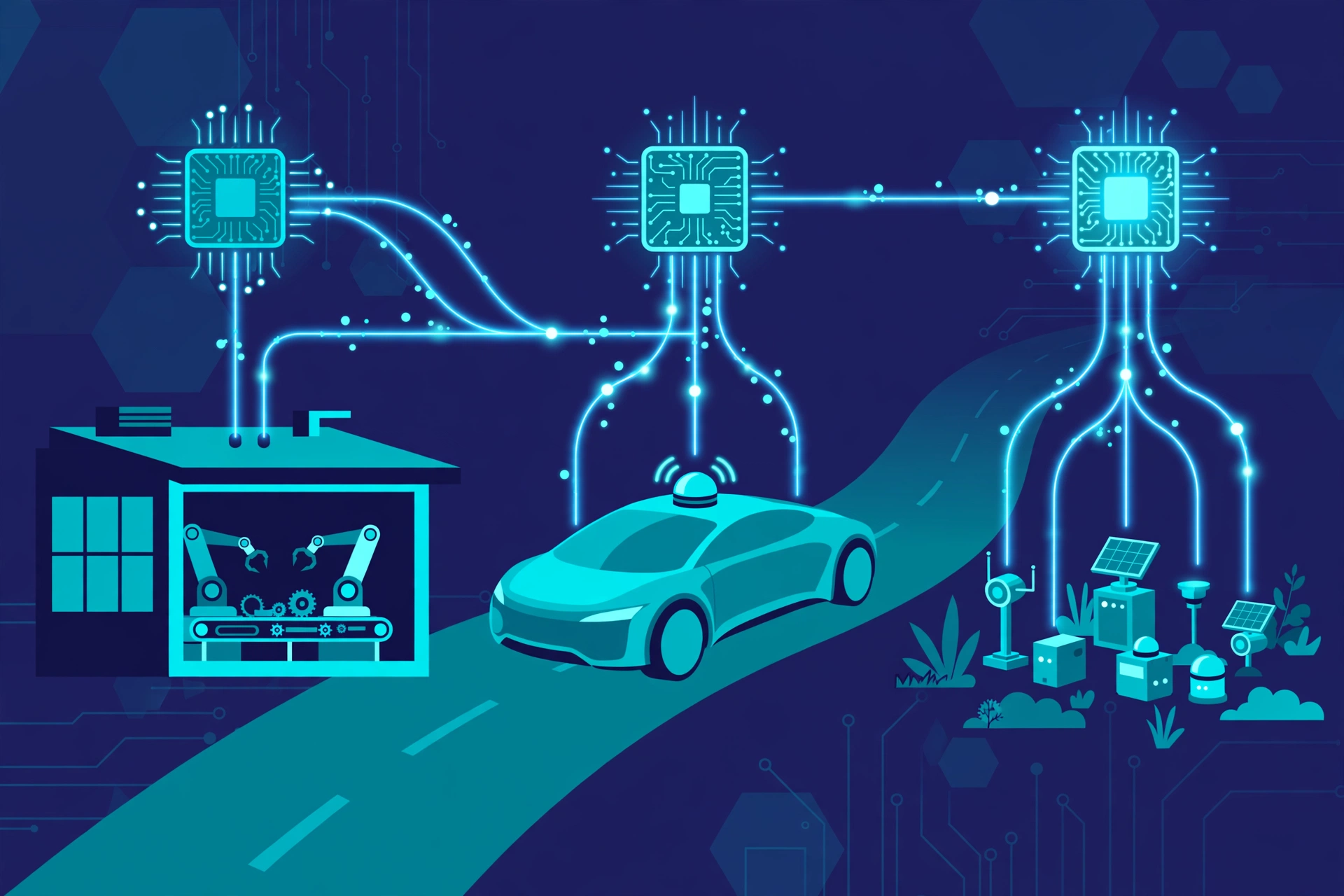
The Hybrid Model: Using Edge and Cloud Together
In 2026, the most common answer to “edge or cloud” is “both.” The hybrid or continuum model assigns each workload to the layer that suits it best, a pattern that shows up across real-time data processing systems:
- Device edge: immediate processing, like a camera detecting motion or a sensor triggering an alert.
- Near edge: aggregation and coordination across a site, like a factory gateway combining data from hundreds of machines.
- Cloud: long-term storage, cross-site analytics, model training, and global dashboards.
Data flows in a loop: the edge makes fast local decisions and sends summaries upward, the cloud finds patterns across all sites and retrains models, and the improved models are pushed back down to the edge. Each layer does what it is best at.
Real-World Examples of Edge and Cloud Working Together
Consider a retail chain with hundreds of stores. Each store runs an edge node that processes transactions and monitors cameras in real time, even if the internet goes down. At night, the nodes sync summarized data to the cloud, where analysts compare performance across all stores. The cloud could not react fast enough for the in-store work, and the edge nodes could not see the big picture across the chain.
Or take a manufacturing plant. Vibration sensors on motors stream data to a local edge gateway that watches for the signature of a failing bearing and can stop a machine in milliseconds. The cloud receives only the anomaly reports and long-term trends, which engineers use to improve maintenance schedules. Without the edge, the response would be too slow. Without the cloud, each plant would learn in isolation.
Frequently Asked Questions
Is edge computing the same as cloud computing?
No. Cloud computing centralizes processing in large remote data centers, while edge computing distributes processing to locations near where data is generated, such as devices, local gateways, or micro data centers. The two are complementary technologies, and most modern systems use both.
Is edge computing replacing cloud computing?
No, edge computing is not replacing the cloud. Edge extends the cloud to handle latency-sensitive and bandwidth-heavy work locally, while the cloud keeps handling storage, analytics, AI training, and global coordination. Industry practice in 2026 is overwhelmingly hybrid, using each where it fits best.
Which is better for AI workloads?
It depends on the phase. Training large AI models needs the massive compute of cloud data centers. Running those trained models, known as inference, often works better at the edge when responses must be instant or data must stay private, for example in phones, cameras, and vehicles.
Is edge computing more secure than cloud computing?
Neither is automatically more secure. Edge computing improves privacy by keeping sensitive data local, which helps with data sovereignty rules. Cloud computing offers centralized, professionally managed security. Edge deployments add many physical devices that must each be secured and patched.
What is the difference between edge computing and fog computing?
Fog computing is a related concept where processing happens in a layer between devices and the cloud, such as local network gateways. Edge computing pushes processing even closer, onto the devices themselves or the first hop from them. In practice, the terms are often used interchangeably, and many architectures include both layers.
What are some everyday examples of edge computing?
Everyday examples include smartphones processing photos and voice commands on-device, smart home devices responding to local commands, cars running driver-assistance systems, and retail stores processing payments locally.
Verdict: Which Should You Choose?
There is no universal winner between edge computing and cloud computing, only the right tool for the workload. Choose cloud computing when you need elastic scale, heavy computation like AI training, global reach, or durable centralized storage. Choose edge computing when milliseconds matter, bandwidth is limited or expensive, systems must work offline, or sensitive data should stay local.
For most organizations in 2026, the practical answer is a hybrid architecture: process time-critical data at the edge, and use the cloud for everything that benefits from centralization. Start by identifying which of your workloads are latency-sensitive or connectivity-dependent, put those at the edge, and keep the rest in the cloud. For more on emerging infrastructure, AI agents and related topics are covered in depth on DigitalGeekSpot.