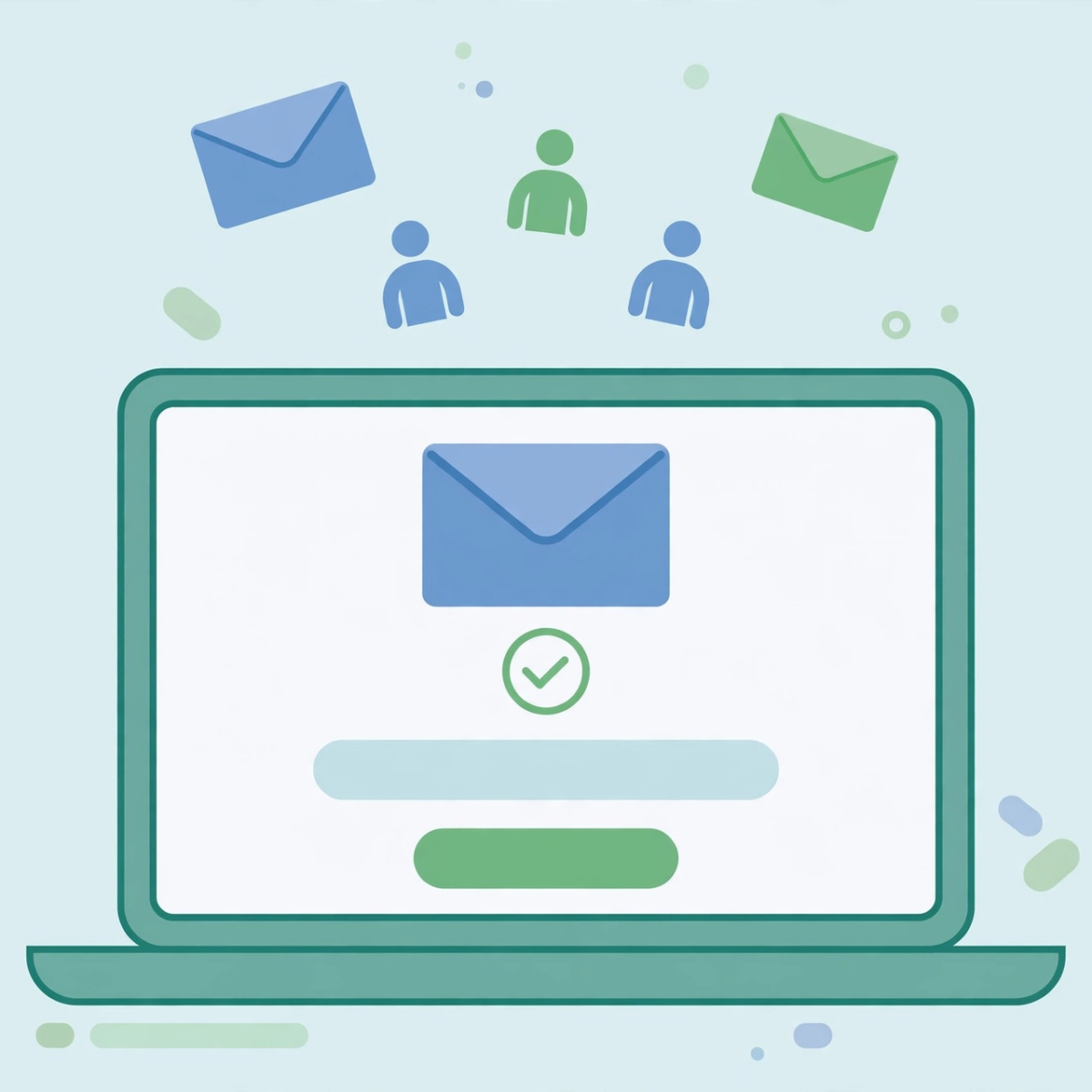
Learning how to build an email list is one of the highest-value skills a blogger, freelancer, or small business owner can pick up. Social media algorithms change overnight and ad costs keep rising, but an email list gives you a direct line to people who chose to hear from you. You do not need a big audience, a budget, or technical skills to start. You need a simple plan, a free email tool, and a reason for people to subscribe. This beginner guide walks you through every step, from choosing your tool to sending your first welcome email.
Why Building an Email List Is Worth Your Time
An email list is an asset you own. When someone joins your list, you get their permission to contact them directly, without competing with hundreds of other posts in a feed. Emails also tend to convert better than social posts for sales, signups, and event registrations, because the reader has already shown interest in your topic.
For beginners, email is forgiving. You can start with a few dozen subscribers and grow at your own pace. Unlike paid advertising, it costs almost nothing to begin, and the skills you learn, writing subject lines, understanding what your audience wants, and tracking opens and clicks, transfer to every other form of marketing you do later.
Step 1: Choose a Free Email Marketing Tool
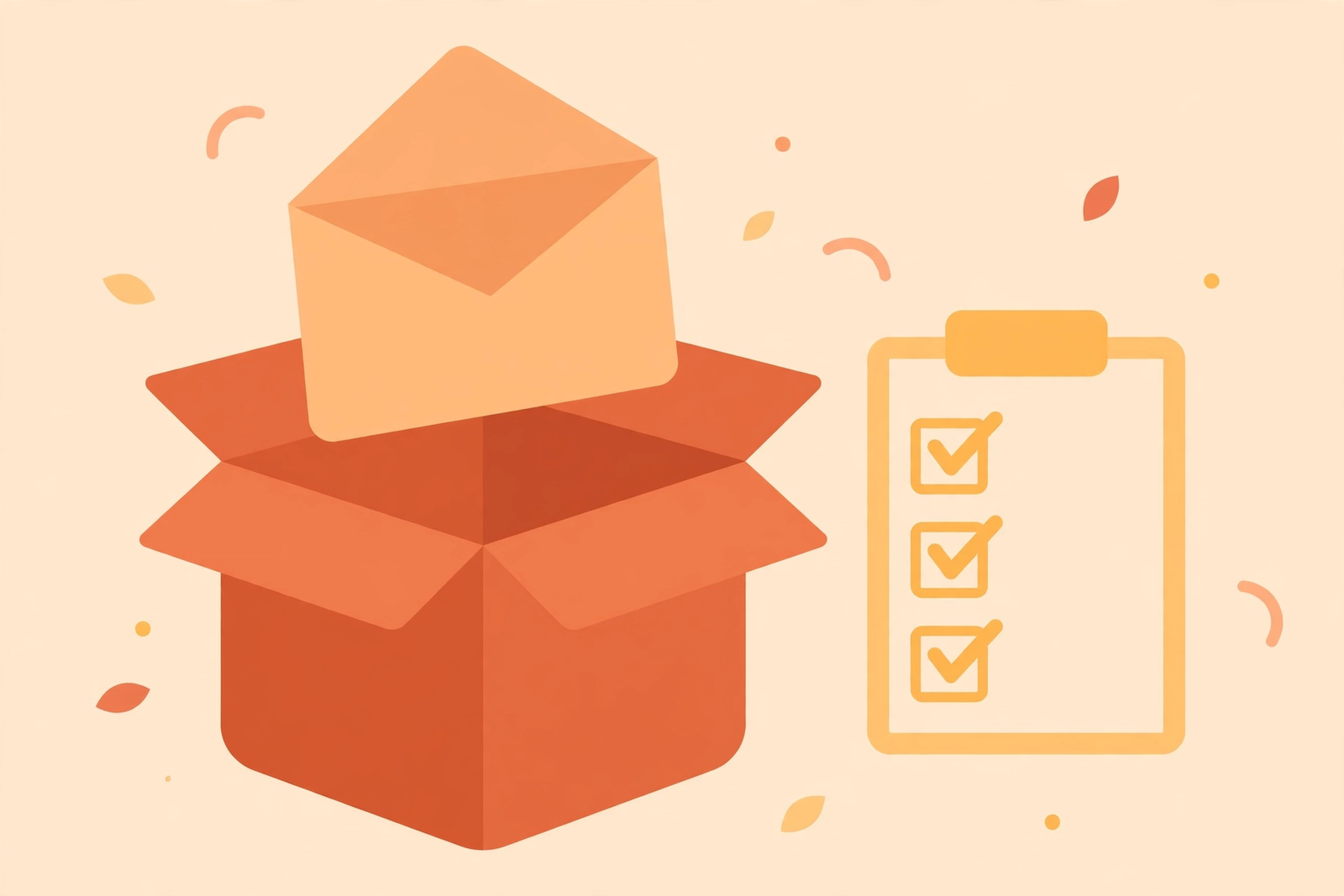
Your first step is to pick an email service provider. As a beginner, you do not need the most advanced platform. Look for a free plan that lets you collect subscribers, create a signup form, and send a basic welcome email. Most free plans support up to a few hundred or a couple of thousand subscribers, which is plenty for getting started.
When comparing tools, check these essentials: an easy form builder, the ability to tag or segment subscribers, basic automation for welcome emails, and clear deliverability practices. You can always switch tools later, since your list can be exported and moved. The important thing is to pick one and start, rather than researching options for weeks.
Popular beginner-friendly options include tools with generous free tiers that grow with you. Set up your account, confirm your sender address, and add your business details to the email footer, which most countries require for marketing emails.
Step 2: Create a Lead Magnet People Actually Want
A lead magnet is a free resource you offer in exchange for an email address. It is the engine of your list growth. People rarely subscribe to “updates” or “newsletters” anymore, but they will happily trade their email for something useful, specific, and fast to consume.
Good beginner lead magnets include:
- A short checklist: for example, “The 10-Point Website Launch Checklist” or “A 7-Day Healthy Meal Prep Plan.”
- A free guide or ebook: a 10 to 20 page PDF that solves one problem for your audience.
- A template or worksheet: budget planners, content calendars, and workout trackers all work well.
- A free mini-course: a short email series delivered over a few days.
- A discount or free trial: ideal for online stores and service businesses.
The key is specificity. A lead magnet that promises to solve one clear problem will always outperform a vague one. Think about the single biggest question your audience asks, and build your freebie around answering it. Deliver it automatically right after signup so new subscribers get instant value.
Step 3: Place Signup Forms on Your Website
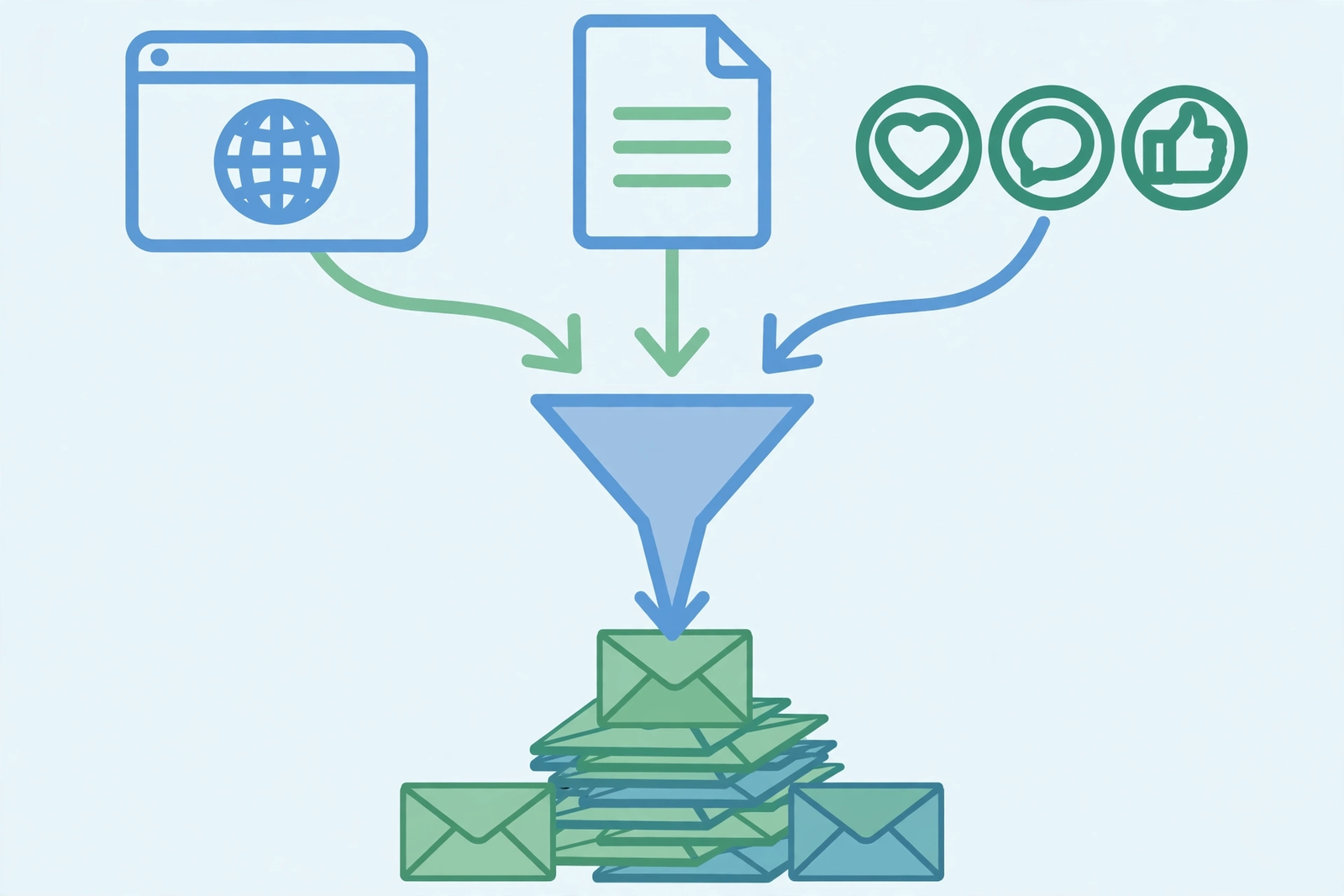
Your website is your best list-building tool because visitors are already interested in what you offer. Add signup forms in several high-visibility spots:
- Above the fold on your homepage: a clear headline, one sentence about the benefit, and the form itself.
- At the end of blog posts: readers who finish an article are warm prospects. Offer a related lead magnet here for the best conversion.
- In the sidebar or footer: these spots capture steady signups over time without being intrusive.
- As a dedicated landing page: a simple page focused only on your lead magnet, with no navigation menu to distract visitors.
Keep forms short. Asking for just an email address, and optionally a first name for personalization, converts far better than long forms. Use a benefit-driven headline like “Get the free checklist” instead of a generic “Subscribe to our newsletter.” You can also explore automation ideas, like this guide to automating tasks with Zapier, to connect your forms with other tools in your workflow.
Step 4: Promote Your Signup Link on Social Media
You do not need a website with heavy traffic to grow a list. Your social profiles can send a steady stream of subscribers if you make signing up easy:
- Add your signup landing page link to your bio or link-in-bio page.
- Pin a post that describes your lead magnet and links to the signup page.
- Mention your freebie naturally in posts, videos, and stories when it fits the topic.
- Add the link to your email signature and any community profiles you use.
Treat every piece of content as a small invitation. When a post helps someone, add a line like “I made a free checklist that goes deeper on this, link in bio.” This gentle, consistent promotion compounds over time. If you run a newsletter alongside your blog, you may also enjoy this look at newsletter publishing on Shopnaclo for extra ideas on formatting and cadence.
Step 5: Send Your First Welcome Email
Once someone subscribes, the welcome email is your most important message. It typically gets the highest open rate of any email you will send, because the subscriber just asked to hear from you. Set it to send automatically, immediately after signup.
A strong welcome email does four things:
- Delivers the lead magnet: put the download link or access details right at the top.
- Introduces you briefly: one or two sentences about who you are and what you help with.
- Sets expectations: tell them what kind of emails you send and how often.
- Invites a reply: ask a simple question so subscribers hit reply, which also helps your future emails land in the inbox.
Keep it short and personal. Write like you are emailing one person, not broadcasting to a crowd. A simple text-style email often outperforms a heavily designed template for welcome messages.
Step 6: Keep Growing With Consistency
List building is a habit, not a one-time project. After your foundation is live, grow steadily with these practices:
- Publish helpful content regularly and link each piece to a relevant signup form.
- Test different lead magnet ideas and keep the ones that convert best.
- Send emails on a predictable schedule, even if it is only once or twice a month.
- Ask subscribers what they want to learn about, then create it.
- Remove inactive subscribers periodically to keep your list healthy and your costs low.
Free tools can help you create better lead magnets faster. This roundup of the best free AI tools includes options for writing, design, and research that are perfect for building checklists, guides, and templates. Find more marketing guides on the DigitalGeekSpot homepage.
Common Mistakes to Avoid
- Buying email lists: purchased lists destroy deliverability and violate most email laws. Build your list with permission only.
- Never emailing your list: subscribers forget you fast. Send something valuable at least monthly.
- Making signup complicated: every extra field reduces conversions. Keep it to email, plus first name if you need it.
- Hiding your forms: if visitors cannot find your signup form in seconds, it might as well not exist.
- Sending only promotions: mix helpful content with offers so subscribers stay engaged between sales.
Frequently Asked Questions
How long does it take to build an email list?
It depends on your traffic and promotion effort. A new blogger might add a few subscribers a week at first, while an active creator promoting a strong lead magnet can grow much faster. Consistency matters more than speed: a small, engaged list outperforms a large, cold one.
Can I build an email list for free?
Yes. Most major email tools offer free plans that cover your first few hundred to a couple of thousand subscribers. You can build your lead magnet with free design and writing tools, and promote it through your existing website and social profiles at no cost.
Do I need a website to build an email list?
A website helps, but it is not required. Most email tools let you create a hosted signup landing page, which you can share on social media, in your bio, in videos, and anywhere else your audience finds you.
How often should I email my subscribers?
Start with a rhythm you can sustain, such as once a week or twice a month. Regular, valuable emails keep your list warm. It is better to send one great email a month than four rushed ones.
What should I write about in my emails?
Share a mix of helpful tips, behind-the-scenes updates, answers to reader questions, and occasional offers. A simple rule: every email should give the reader something useful, even the ones that include a promotion.
Is it legal to email people who sign up?
Generally yes, as long as they gave permission and you include an unsubscribe link and your business details. Rules vary by country, so check the regulations that apply to you, such as CAN-SPAM in the US or GDPR in Europe, and follow your email tool’s compliance guidance.