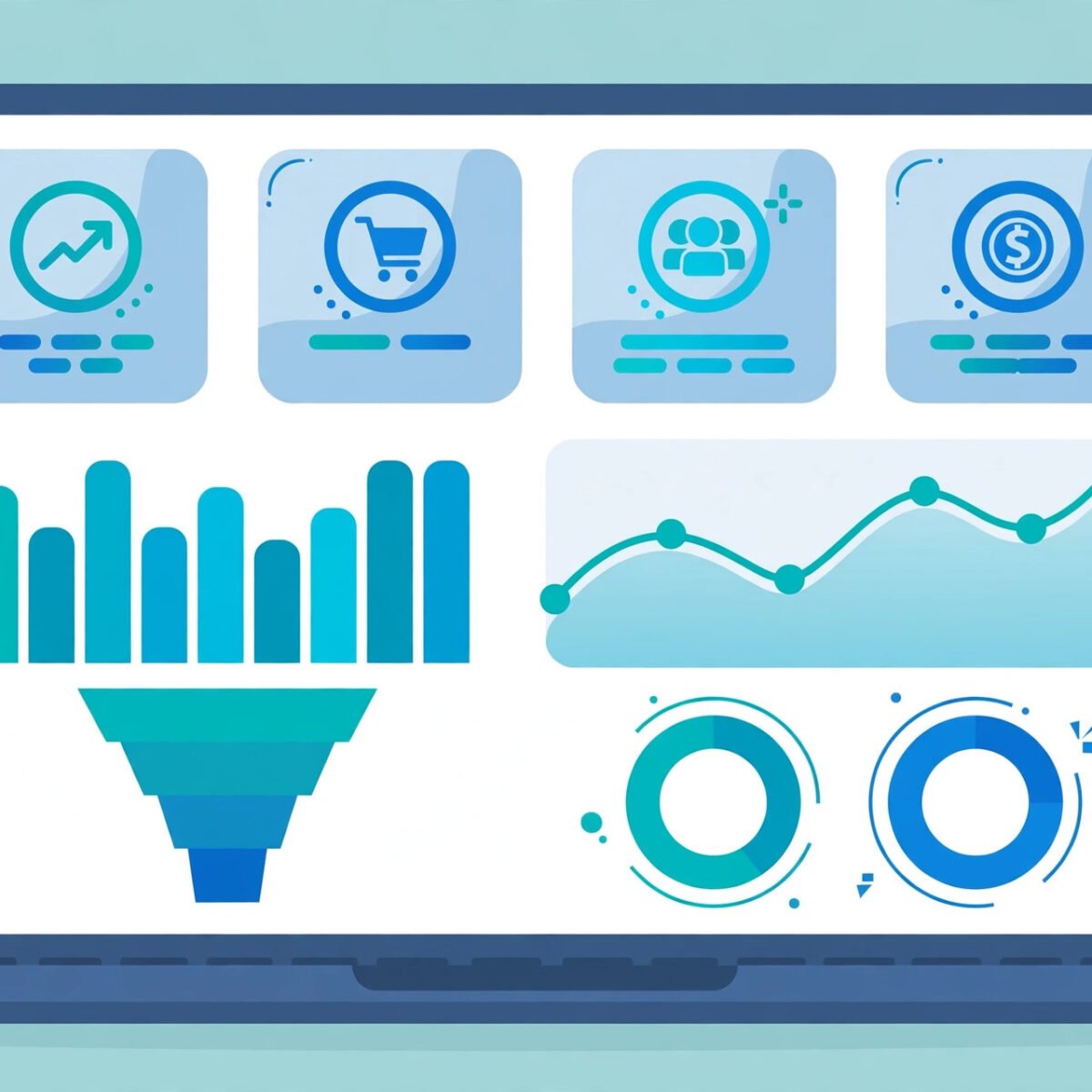
A sales dashboard turns raw selling activity into a live visual command center, and for a carrier the size of AT&T, that visibility matters more than almost anywhere else. Whether you sell AT&T Business services as an authorized partner, manage a telecom sales team, or simply want to understand how enterprise telecom selling works, a well-built sales dashboard is the difference between guessing and knowing.
In this guide, you will learn exactly what a sales dashboard is, how AT&T business sales teams and channel partners use dashboards and CRM analytics, which metrics belong on a telecom sales dashboard, and how to build your own. Every concept is explained in plain language, with tools, data sources, and best practices you can apply right away.

Key Takeaways
- A sales dashboard is a real-time visual display of a sales team’s most important KPIs: pipeline, quota attainment, conversions, churn, and revenue.
- AT&T business sales teams and partners combine CRM data with analytics tools to monitor enterprise and SMB accounts across territories.
- The most important telecom sales metrics are pipeline value, quota attainment, churn rate, ARPU, and win rate.
- You can build your own dashboard by connecting a CRM to a dashboard tool, choosing five to eight KPIs, and setting automatic refresh.
Sales dashboards are not reports that someone compiles on Friday afternoon. They are live views that update as deals move, contracts get signed, and customers renew, so managers can act the same day instead of next month.
Telecom sales has more moving parts than most industries. Deals involve multi-year contracts, device bundles, wireless and wireline services sold together, and renewal cycles that decide next year’s revenue. A dashboard built for telecom has to reflect that complexity, which is why generic templates often fall short for AT&T-style selling.
The rest of this article walks through the definition, the key components, the AT&T sales ecosystem, and a step-by-step build guide you can use for any telecom sales operation, plus answers to common questions.
What is a sales dashboard?
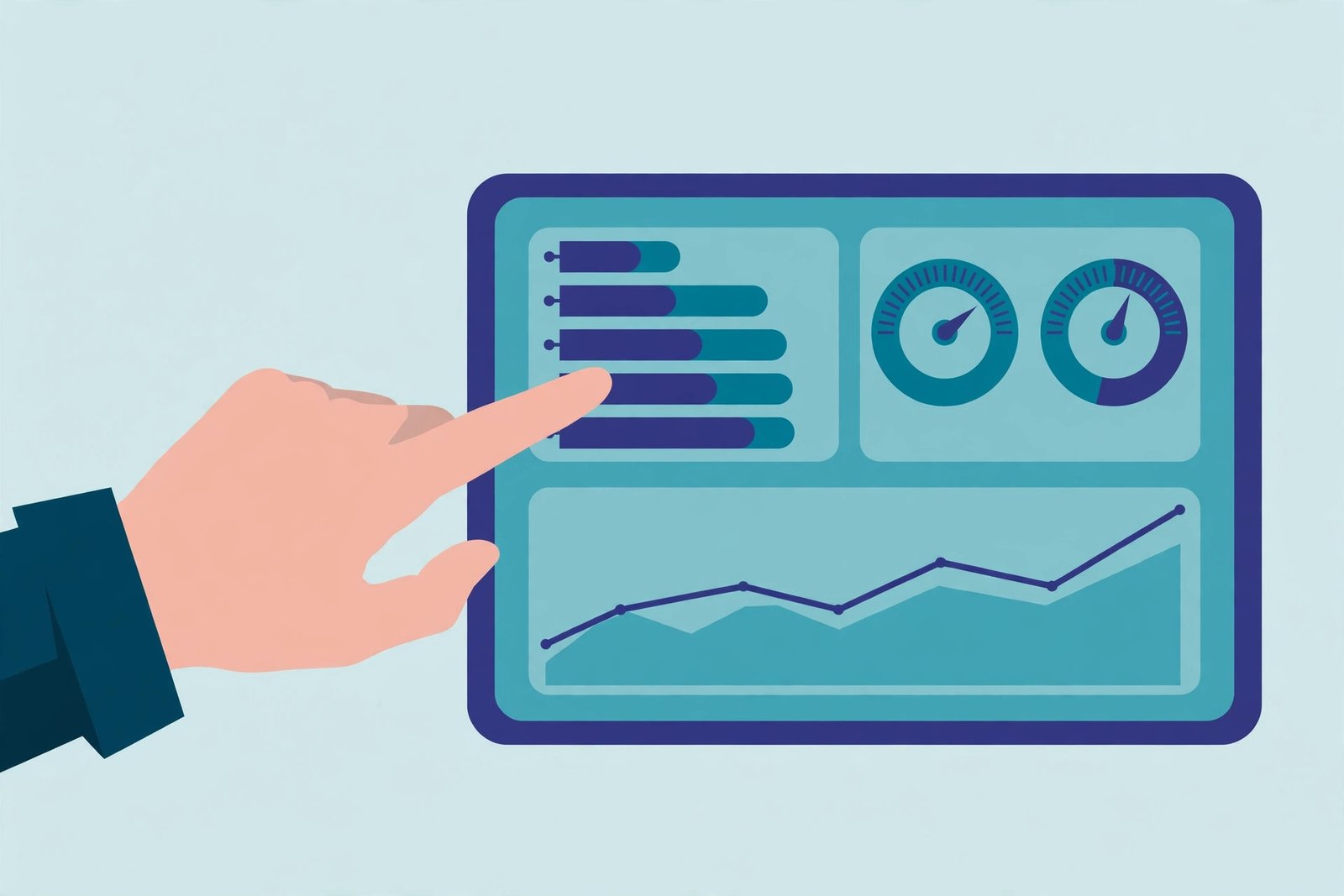
A sales dashboard is a single-screen visual display that tracks a sales team’s most important key performance indicators, or KPIs, in real time. It pulls data from the CRM and other sources and presents it as charts, gauges, and tables so reps, managers, and executives can see performance at a glance.
Dashboards differ from reports in one important way: reports describe the past, dashboards show the present. A dashboard tells you what is happening right now, which deals need attention today, and which rep is closest to quota this week.
Three audiences use the same dashboard differently. Reps check pipeline and quota progress. Managers compare reps and forecast the quarter. Executives watch territory trends and revenue mix. A good dashboard serves all three with filters, not separate spreadsheets.
How do telecom sales teams use dashboards?
Telecom sales teams use dashboards to track pipeline by product line, monitor quota progress by rep and territory, watch churn and renewals, and spot deals that need attention before quarter end. The dashboard becomes the agenda for daily standups and forecast calls.
A typical morning: the manager opens the dashboard, filters by territory, and checks which opportunities moved stage overnight. Reps with stalled deals get coaching, and accounts near contract expiration get renewal plays, because the numbers refresh automatically.
For partner channels, dashboards also track deal registrations and partner-sourced pipeline, so the carrier can see which partners are producing. That shared visibility keeps the direct team and the channel team working from the same numbers.
AT&T’s own sales organization has long relied on internal performance tooling alongside its CRM systems. For background on one piece of that ecosystem, see this overview of My Results at AT&T and how it fits into sales performance tracking.
What metrics belong on a sales dashboard?
The core metrics are pipeline value, quota attainment, win rate, average deal size, sales cycle length, churn rate, and ARPU. Telecom dashboards add renewals, attach rates, and net adds, because recurring revenue is the heart of the business.
Not every metric belongs on every dashboard. Start with the few that drive decisions, and keep the rest one click away. To design sensible pipeline stages, it helps to understand how a sales funnel moves prospects from first touch to close.
| Metric | What it measures | Why it matters |
|---|---|---|
| Pipeline value | Total value of open opportunities, by stage | Shows whether the team has enough deals to hit target |
| Quota attainment | Closed revenue versus target, as a percentage | The headline number for reps and managers |
| Win rate | Percentage of opportunities that become customers | Reveals deal quality and qualification discipline |
| Average deal size | Average revenue per closed deal | Shows whether the team sells to the right customers |
| Sales cycle length | Average days from first contact to close | Long cycles warn of bottlenecks in the process |
| Churn rate | Percentage of customers who cancel in a period | In telecom, keeping customers matters as much as winning them |
| ARPU | Average revenue per user or subscriber | Measures how much value each account produces |
| Net adds | New customers minus lost customers | The growth headline for carriers |
| Renewal rate | Percentage of expiring contracts renewed | Telecom revenue runs on renewals |
| Attach rate | Share of deals including add-on services | Shows cross-sell and upsell success |
How do AT&T business sales teams track performance?
AT&T business sales teams track performance through CRM platforms combined with analytics and reporting tools that roll individual rep activity up into regional and national views. Authorized partners and resellers typically track their own pipeline in their CRM and report key figures into the carrier’s channel systems.
Large telecom sales organizations usually standardize on an enterprise CRM, and many use Salesforce-based setups with custom dashboards for wireless, wireline, and managed services. The CRM records every call, quote, and contract, and the dashboard layer turns that activity into forecasts, leaderboards, and territory views.
AT&T Business also provides online tools for quoting, ordering, and account management, which generate the operational data that feeds dashboards: order volumes, activation dates, and service changes. Combined with CRM data, managers get a full picture from first call to active service.
Partners, dealers, and solution providers sit in the same ecosystem, watching their own pipeline and commissions while the carrier watches partner-sourced revenue. Clear definitions matter, because a deal counted twice will distort every forecast built on top of it.
How do you build a sales dashboard for telecom sales?
Start by defining the five to eight KPIs that matter most, connect your CRM and billing data to a dashboard tool, design one screen per audience, and set automatic refresh. Here is the process step by step.
- Define your KPIs. Pick the metrics that drive decisions: pipeline coverage, quota attainment, win rate, churn, and ARPU. Fewer is better.
- Gather your data sources. Your CRM is the foundation. Add billing systems for revenue and churn, spreadsheets for targets, and marketing tools for lead volume. Clean data matters more than fancy visuals.
- Choose a dashboard tool. Salesforce and HubSpot have built-in dashboards. Power BI, Tableau, and Looker Studio connect to almost anything. Smaller teams can start with Google Sheets and a connector. If you have not chosen a CRM yet, this guide to the best CRM for small business can help you compare options.
- Design one screen per audience. Reps see pipeline and quota. Managers see the team view. Executives see territories and trends. Filters beat extra pages.
- Automate the refresh. A dashboard that needs manual updates dies within weeks. Schedule daily refreshes and assign one owner for data quality.
- Review and iterate. Walk through the dashboard in your weekly sales meeting and cut any chart nobody looks at.
What are the best practices for sales dashboards?
Keep it to one screen, choose few but meaningful KPIs, use consistent colors and definitions, filter by rep, territory, and product, and review the dashboard weekly so it stays trusted.
- One screen, no scrolling. If it does not fit on one screen, it is a report, not a dashboard.
- Five to eight KPIs. Every metric should answer a decision someone actually makes.
- Consistent definitions. Pipeline value must mean the same thing to every rep, in every territory.
- Filters for rep, territory, product line, and time period. One dashboard with filters replaces ten static views.
- Color with meaning. Green for on track and red for at risk, used the same way everywhere.
- Reviewed weekly. A dashboard nobody discusses becomes wallpaper within a month.
What tools do teams use to build sales dashboards?
Popular choices include Salesforce reports and dashboards, HubSpot, Microsoft Power BI, Tableau, Looker Studio, and Pipedrive or Zoho CRM for smaller teams. Most connect directly to a CRM so data refreshes automatically.
The right tool depends on where your data lives. If your team already works in a CRM, start with its built-in dashboards before buying a separate tool. Clean CRM data matters more than fancy visuals.
Frequently asked questions
What is a sales dashboard in simple terms?
It is a live, visual summary of how a sales team is performing, shown as charts and numbers on one screen. Instead of digging through spreadsheets, you open the dashboard and see pipeline, quota progress, and revenue.
What is the difference between a sales dashboard and a sales report?
A dashboard shows what is happening now and updates automatically. A report describes a finished period and is usually built by hand. Teams use dashboards to act and reports to review.
Which KPIs matter most for telecom sales dashboards?
Pipeline value, quota attainment, win rate, churn rate, ARPU, renewal rate, and net adds cover most of what a telecom manager needs.
Does AT&T provide a sales dashboard for partners?
AT&T provides online portals and tools for quoting, ordering, and account management to its business customers and partners, and partners typically build their own pipeline dashboards inside their CRM.
How often should a sales dashboard refresh?
Daily refresh is the minimum for an active sales team. Hourly refresh helps large teams working toward quarter end.
Can I build a sales dashboard without coding?
Yes. HubSpot, Salesforce, Pipedrive, Looker Studio, and Power BI all offer drag-and-drop dashboards that connect to your data without code.
What is ARPU and why do telecom dashboards track it?
ARPU means average revenue per user. It shows how much revenue each subscriber generates, which is central to telecom because growth comes from both new customers and higher spend per customer.
Final thoughts
A sales dashboard for AT&T-style telecom selling is not about charts. It is about making pipeline, quota, churn, and ARPU visible every single day, so the team can act while there is still time. Start with a handful of KPIs, connect your CRM, automate the refresh, and let the dashboard run your Monday forecast call. For more technology explainers and practical guides, visit Digital Geek Spot.