If you spend any time on Instagram, TikTok, or X, you have probably seen a creator end a caption with the words “link in bio.” But what does link in bio mean, exactly? In plain language, it is the single clickable web address that lives in the bio section of a social media profile. Most social platforms do not allow clickable links inside ordinary posts, captions, or comments, so that one bio link becomes the doorway to everything a creator wants to share: a new video, a product page, a newsletter signup form, or a personal website.
For beginners, the idea can feel strange at first. Why would anyone funnel all their traffic through a single link? The answer comes down to how social apps are designed, and understanding it can change the way you use social media, whether you are growing a personal brand, running a small business, or simply curious. This beginner’s guide explains what “link in bio” means, why it matters, how creators use it to drive traffic, and how you can set one up yourself. You will also learn about link-in-bio tools, which turn that single link into a mini landing page with many destinations. For more social media explainers like this one, browse the DigitalGeekSpot homepage.
What “Link in Bio” Means in Simple Terms
Every social media profile has a bio: the short description area at the top of the page, usually shown right under the username and profile picture. Most platforms also provide a dedicated website field in that same area. The URL you place there is your “bio link,” and when creators say “link in bio,” they are telling followers to visit their profile and tap that link.
Think of it as the front door of your online presence. A follower might discover you through a funny video, a helpful post, or a friend’s share, but the bio link is where you send them when you want them to take action. That action could be watching a longer video on YouTube, buying a product, signing up for an email list, reading a blog post, or donating to a cause. Instead of cramming web addresses into captions, where they appear as plain, unclickable text, creators keep one reliable link in the bio and simply point people toward it.
Why Social Platforms Limit You to One Link
New users often wonder why they cannot just paste clickable links into every post. The main reason is user experience. Social apps want people to stay inside the app, scrolling and engaging, rather than tapping away to external websites. Allowing unlimited clickable links in posts could also open the door to spam, scams, and low-quality content flooding everyone’s feed.
By restricting clickable links to the bio (and to specific features like Stories for some accounts, or paid ads), platforms keep the feed cleaner while still giving creators a legitimate path to share outside content. This single-link design is exactly why the phrase “link in bio” became so common. It is a workaround everyone understands: the post creates interest, and the bio link captures it.
Instagram is the classic example. For years, links in captions were never clickable, so “link in bio” became a standard call to action across the platform. TikTok followed a similar pattern, and the phrase is now part of everyday internet language, even on platforms that are more generous with links.
How Creators and Businesses Use the Link in Bio to Drive Traffic
The bio link is one of the most valuable pieces of digital real estate a creator owns, because it converts casual viewers into visitors, subscribers, and customers. Here are the most common ways people put it to work:
- Promoting new content: A YouTuber might link their latest video, a blogger their newest article, and a podcaster their latest episode. The bio link usually points to whatever is newest or most important that week.
- Selling products: Small businesses and influencers link to online stores, product pages, affiliate offers, or limited-time sales. Many update the link whenever a promotion changes.
- Growing an email list: Because social media algorithms decide who sees each post, many creators prefer to build an email list they control. The bio link often leads to a newsletter signup page.
- Collecting everything in one place: Instead of choosing just one destination, many people use a link-in-bio page (explained below) that lists all their important links at once.
- Fundraising and causes: Nonprofits and activists use the bio link for donation pages, petitions, and event registrations.
The smartest creators treat the bio link as dynamic, not permanent. They swap it out to match what they are talking about that day or week, and they always tell followers when it changes with a quick “link in bio” mention. Once visitors arrive from that link, the next challenge is keeping them interested, which is why audience-building tactics matter too. If you run a Facebook Page, for example, our guide on how to increase Facebook engagement covers practical ways to turn visitors into an active community.

What Is a Link-in-Bio Tool?
A link-in-bio tool solves the biggest limitation of the bio link: you only get one. These tools give you a simple hosted landing page, usually at an address like linktr.ee/yourname, where you can list as many links as you want. You then put that single landing page URL in your bio, and it acts as a hub for everything you want to share.
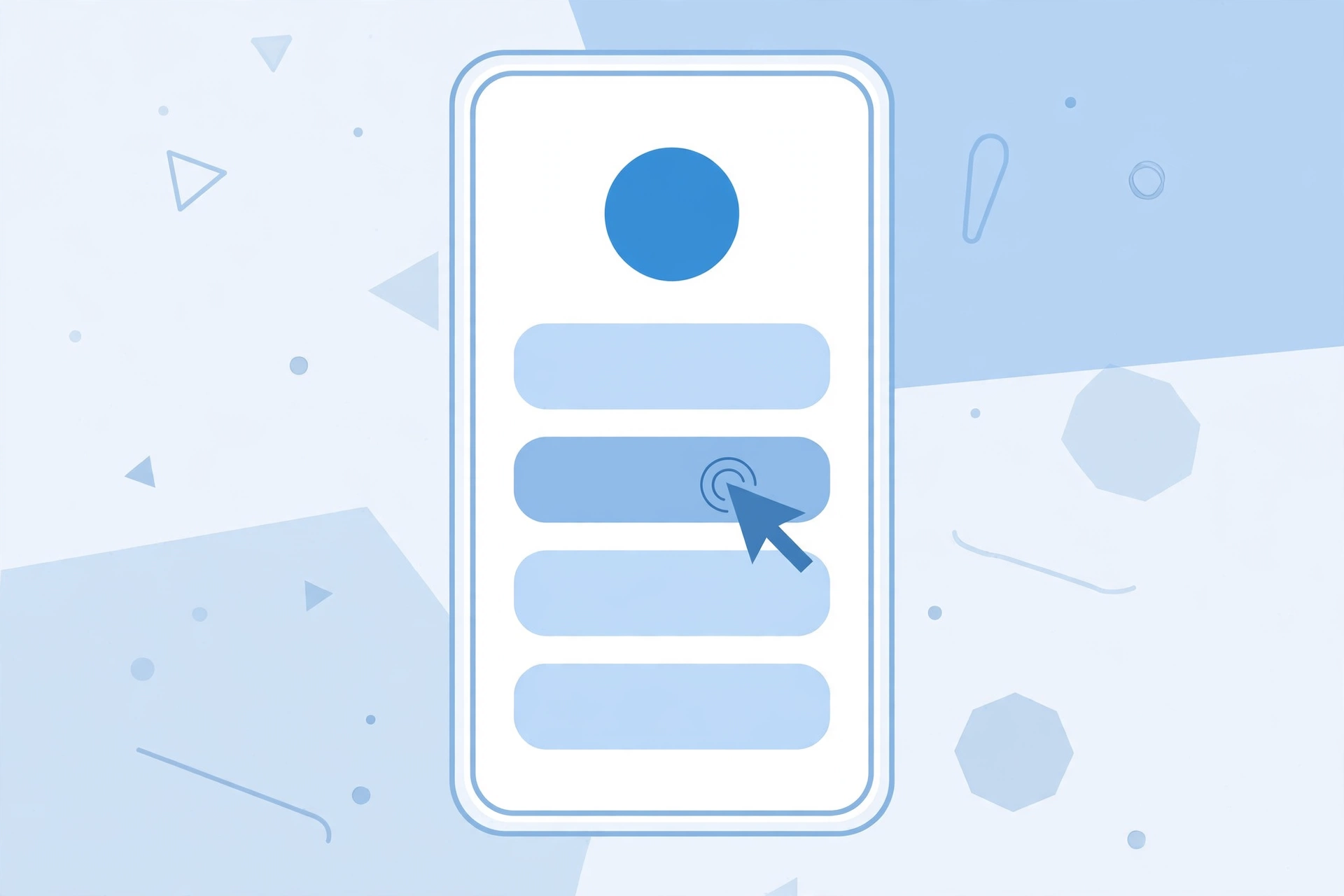
A typical link-in-bio page includes a small profile photo, a short headline, and a stack of buttons or links: latest video, shop, newsletter, other social profiles, contact info, and anything else worth promoting. Some tools also support extras like embedded videos, email signup forms, tip jars, and basic analytics that show how many people clicked each link.
For a beginner, this approach has clear advantages. You do not need to build a website or touch any code. You can rearrange, add, or remove links in seconds. And you never have to keep editing the URL in your bio, because the hub address stays the same while its contents change.
Popular Link-in-Bio Tools Worth Knowing
There are many link-in-bio tools available, and most offer a free basic plan with optional paid upgrades for extra features. Here are some of the best-known options and what they generally offer:
- Linktree: One of the earliest and most widely recognized tools. It creates a clean, mobile-friendly page of links that you can customize with colors, button styles, and your branding.
- Beacons: A creator-focused platform that combines a link-in-bio page with extras like a media kit, email marketing, and digital product sales.
- Stan Store and similar storefront tools: Aimed at creators who sell products, courses, or bookings, these blend a link page with a simple checkout experience.
- Built-in platform features: Instagram and TikTok both let business and creator accounts add multiple links directly in the profile, reducing the need for a third-party tool for some users.
- Your own website page: Some creators simply build a “/links” page on their own website, which gives them full control over design and keeps all traffic on a domain they own.
When choosing, think about what you actually need. If you just want a tidy list of links, a free plan from any major tool is plenty. If you sell products or collect emails, look for commerce and signup features. And whatever you choose, make sure the page loads fast on phones, since almost all bio link traffic comes from mobile devices.
How to Add a Link to Your Instagram Bio
Adding a bio link on Instagram takes less than a minute. The steps can shift slightly as the app updates, but the general process is:
- Open Instagram and tap your profile picture in the bottom right to go to your profile.
- Tap Edit profile near the top of the screen.
- Look for the Links section and tap Add link (older versions of the app show a single “Website” field instead).
- Paste or type the URL you want to use, add a short title if the app asks for one, and save.
- Visit your profile to confirm the link appears and tap it once to make sure it opens the right page.
If you manage Instagram content for a brand, it is also worth learning how people interact with profiles behind the scenes. For instance, our guide on exploring Instagram anonymously and protecting your privacy explains how profile viewing works from the other side of the screen.
How to Add a Link to Your TikTok Bio
TikTok handles bio links a little differently. On many accounts, the website field only appears after you switch to a Business account (free to do in settings) or reach certain follower and activity thresholds, which TikTok adjusts over time. Once the option is available:
- Go to your TikTok profile and tap Edit profile.
- Find the Website field and enter your URL.
- Save your changes and check that the link is tappable on your public profile.
If the website field does not appear on your account yet, you can still grow an audience and add the link later. In the meantime, many TikTok creators mention their Instagram or YouTube handle in their bio so followers can find their other profiles, where the bio link is already set up.
Best Practices for an Effective Bio Link
Having a bio link is only half the job. These practices will help you get more value out of it:
- Keep it updated: Review your bio link regularly. A link to last month’s promotion tells visitors you are not paying attention.
- Match the link to your content: If your latest post says “link in bio,” make sure the bio link actually leads to what the post promised. Mismatches erode trust fast.
- Use clear button labels: On a link-in-bio page, label each link so its purpose is obvious, such as “Watch my latest video” instead of a bare URL.
- Prioritize ruthlessly: Three to six well-chosen links usually perform better than a cluttered page of twenty. Put the most important destination at the top.
- Make it mobile-friendly: Test your link page on your own phone. Buttons should be big enough to tap easily and the page should load quickly.
- Track what works: Many link-in-bio tools show click counts per link. Pay attention to which links get tapped and feature those more prominently.
- Use a short, memorable address: If you use a third-party tool, claim a handle that matches your username so the URL is easy to recognize and trust.
Mistakes to Avoid With Your Bio Link
Beginners often stumble in a few predictable ways. Avoid these common errors:
- Linking to a broken or outdated page: Always test the link after adding it, and re-test whenever you change what it points to.
- Saying “link in bio” without updating the bio: Followers who tap through and find something unrelated will stop trusting the call to action.
- Sending mobile traffic to a desktop-only page: If the destination is hard to use on a phone, most visitors will leave immediately.
- Overloading a link-in-bio page: Too many choices can paralyze visitors. Curate the list instead of dumping every link you own onto it.
- Ignoring link safety: Use reputable tools and your own domains where possible. Followers are rightly cautious about unfamiliar short links.
- Forgetting the bio itself: The bio text around the link matters too. A clear one-line description of who you are and what followers get helps convert profile visits into link clicks.
If you like understanding the mechanics behind social apps, you may also enjoy our look at anonymous Instagram story viewers and how they work, which explores another corner of Instagram behavior.
Frequently Asked Questions
What does “link in bio” mean on Instagram?
On Instagram, “link in bio” refers to the clickable URL in the website or links section of a profile. Because links in captions and comments are not clickable, creators write “link in bio” to direct followers to their profile to tap the link there.
What does “link in bio” mean on TikTok?
It means the same thing: the clickable website link in a TikTok profile’s bio section. TikTok may require a Business account or certain account thresholds before the website field appears, but once set, creators use the same “link in bio” call to action in their videos and captions.
Can I put more than one link in my bio?
Most platforms give you one primary website field, though Instagram now supports adding multiple links directly. The popular workaround is a link-in-bio tool, which turns your single bio URL into a landing page containing as many links as you like.
Are link-in-bio tools free?
Many link-in-bio tools offer a free basic plan that covers a simple page of links, with paid tiers adding features like custom branding, analytics, email capture, and commerce. For most beginners, the free plan is enough to start.
Why do my links in captions not work as clickable links?
Social apps deliberately disable clickable links in captions and comments to keep users in the app and reduce spam. The bio link, along with features like Story link stickers and paid ads, is the intended path for sharing external URLs.
Should I use a link-in-bio tool or link to my own website?
If you have a website, linking to a dedicated page on your own domain gives you full control and keeps traffic on property you own. If you do not have a website yet, a free link-in-bio tool is the fastest way to get started.