QR codes are everywhere now: restaurant tables, business cards, product packaging, event tickets, and WiFi signs. The good news is that you never need to pay to make one. In 2026, several genuinely free QR code generators let you create unlimited codes with no signup, no watermark, and no expiring trial.
Direct answer: To create a QR code for free, open a free generator like QR Code Monkey or Adobe Express in your browser, choose what the code should contain (a URL, WiFi credentials, contact card, or plain text), enter the details, customize the colors if you like, and download the code as a PNG or SVG. The whole process takes under a minute and requires no account.
Key Takeaways
- QR Code Monkey, Adobe Express, QRStuff, and GoQR.me all generate unlimited free static QR codes with no signup and no watermark.
- Static QR codes are free forever and never expire; dynamic (editable, trackable) codes almost always require a paid plan.
- You can encode URLs, plain text, WiFi credentials, vCards, emails, phone numbers, and SMS messages, not just web links.
- Always test-scan your code with a phone camera before printing it, and keep strong contrast between the code and background.
- Download SVG or high-resolution PNG if the code will be printed; low-resolution images blur and stop scanning.
Best Free QR Code Generators Compared
| Generator | Signup | Free Static Codes | Logo Upload | Best For |
|---|---|---|---|---|
| QR Code Monkey | No | Unlimited | Yes | High-resolution print-ready codes since 2012 |
| Adobe Express | No | Unlimited | Yes | Quick codes with color and logo customization |
| QRStuff | No | Unlimited | No (free tier) | 20+ data types: WiFi, vCard, events, PayPal |
| GoQR.me | No | Unlimited | No | Privacy-focused minimal generator, no tracking |
| Canva | Free account | Unlimited | Via design tools | Building the code into a design you are already making |
| The QR Code Generator | No | Unlimited | Yes | Simple interface with templates |
How Do You Create a QR Code for Free Step by Step?
Short answer: Pick a free generator, select the content type, enter your information, optionally customize the design, and download the PNG or SVG file. It takes about 30 seconds.
Here is the exact walkthrough using QR Code Monkey, the longest-running free option:
- Open the QR Code Monkey website in any browser. No account or download is needed.
- Choose your content type from the tabs: URL, text, email, phone, SMS, vCard, WiFi, and several more.
- Enter the content. For a URL, paste the full link including https://. For WiFi, enter the network name, password, and security type.
- Customize the look (optional): change the dot pattern and colors, and upload a logo to place in the center.
- Set the quality slider to high resolution, especially if you plan to print.
- Click Create QR Code, preview it, then download as PNG (for screens) or SVG/EPS (for print).
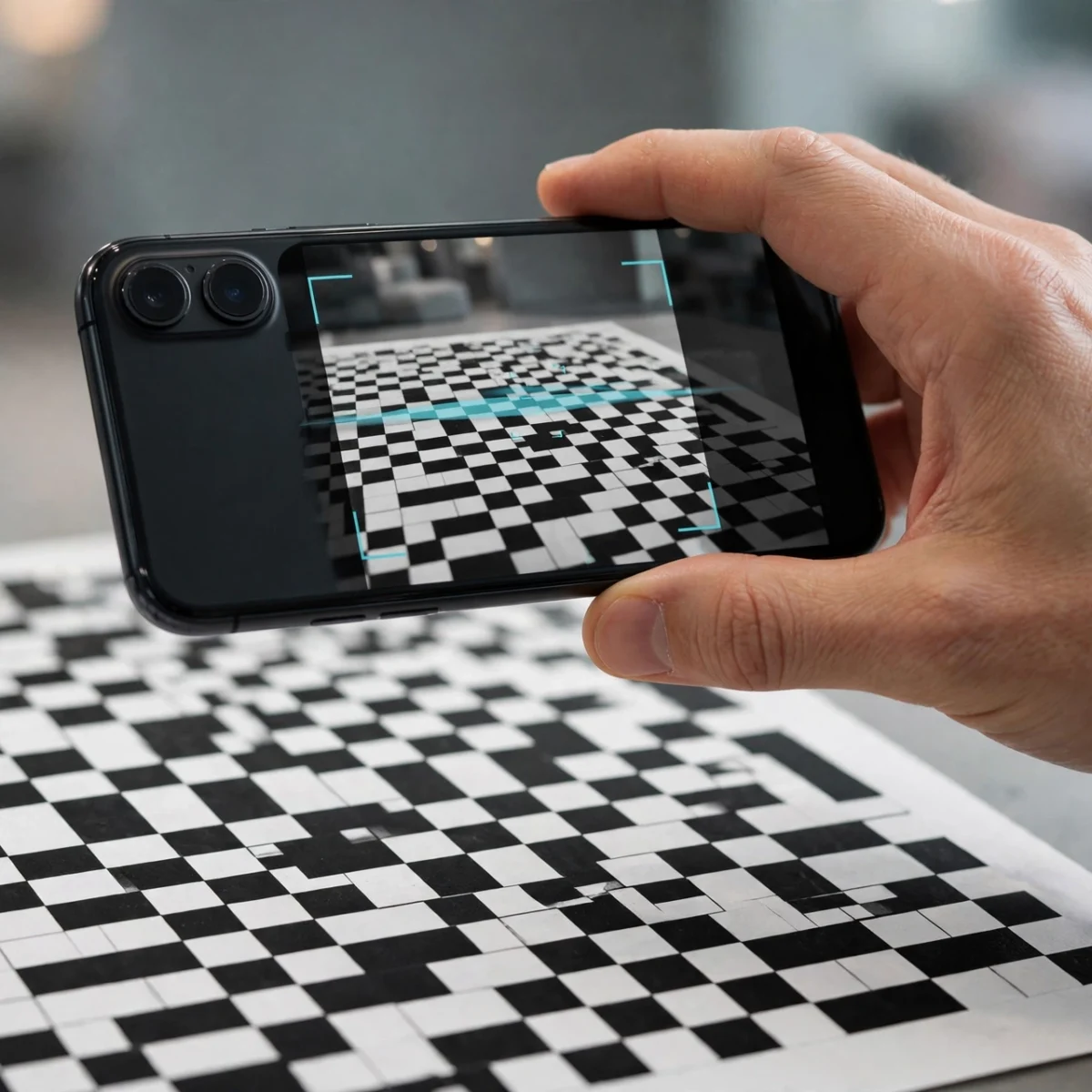
- Test it: point your phone camera at the code and confirm it opens the right destination before you publish or print it.
The process is nearly identical on Adobe Express and the other free generators; only the button labels change. If you are making codes for a business, pair this with a quick read of free AI tools that can help you design the flyer or menu the code will live on.
What Is the Difference Between Static and Dynamic QR Codes?
Short answer: Static QR codes encode the destination permanently and are free forever; dynamic QR codes point to a redirect you can edit later and track, but they almost always cost money.
This is the single most misunderstood part of QR codes, and it is where free-generator marketing gets slippery. A static code bakes your URL directly into the pattern. It works forever, costs nothing, and needs no account. The tradeoff: if your URL changes, you must generate and reprint a new code.
A dynamic code encodes a short redirect link owned by the generator service. You can change the destination later and see scan statistics, which is genuinely useful for printed marketing materials. But the redirect lives on the provider’s servers, so dynamic codes are a subscription product nearly everywhere. Some services offer one or two free dynamic codes; beyond that, expect a monthly fee.
Rule of thumb: if the destination is permanent (your homepage, a WiFi network, a contact card), static and free is the right call. If you need to edit the link after printing or want scan analytics, budget for a dynamic plan.

What Can You Put in a QR Code Besides a Website Link?
Short answer: Plain text, WiFi credentials, contact cards (vCard), email addresses, phone numbers, SMS messages, and calendar events, depending on the generator.
Most people think QR code equals URL, but that is maybe half of the real use cases:
- WiFi credentials: encodes the network name and password so guests connect with one scan instead of typing a long password. Genuinely one of the best uses; if your home network itself is slow, fix that first with a guide to improving WiFi speed at home, then share the fast network via QR.
- vCard contact: puts your name, phone, email, and company straight into the scanner’s contacts app. Perfect for business cards and conference badges.
- Plain text: up to roughly 4,000 characters. Useful for serial numbers, instructions, or short messages.
- Email and SMS: pre-fills a new message to your address or number, optionally with subject and body text.
- Phone: tapping the scan result starts a call to the encoded number.
QRStuff supports more than 20 data types on its free tier, the widest selection among no-signup generators, so it is the one to try when you need something beyond a URL.
How Do You Make a QR Code With Your Logo for Free?
Short answer: Use QR Code Monkey or Adobe Express: upload your logo image in the customization step, and the generator places it in the code’s center at no cost.
A logo in the center does not break scanning because QR codes include built-in error correction: up to 30 percent of the pattern can be obscured and the code still reads. Generators account for this automatically, sizing your logo to stay within safe limits.
Two design rules keep branded codes scannable. First, maintain strong contrast: dark code on a light background scans reliably; light-on-dark or low-contrast color pairs often fail, especially in dim restaurants or on glossy packaging. Second, leave a quiet zone, the blank margin around the code, at least as wide as one row of the pattern. Cropping the margin is the most common reason pretty codes do not scan.
After customizing, always test with two different phones (an iPhone and an Android if possible) before printing hundreds of copies. A code that scans on your screen may struggle once printed small or placed behind glass.
Are Free QR Codes Safe to Use?
Short answer: Codes you generate yourself on reputable free tools are safe; the risk is in scanning random codes, which can point to phishing sites.
Generating is the safe direction. Your code encodes exactly what you typed, and static codes from established generators contain no tracking. The privacy-conscious choice is GoQR.me, which generates codes with no account and a stated no-tracking approach.
Scanning is where caution belongs. A QR code is just a machine-readable link, and attackers do place malicious codes over legitimate ones (on parking meters, restaurant tables, and mailed notices). Before tapping through, check the preview URL your phone shows. If it does not match where you expect to go, do not proceed. This is the same skepticism you should apply to any unexpected link, and it is worth teaching to anyone you make codes for, since a screenshot of a suspicious code can help you report it later.
How Big Should a Printed QR Code Be?
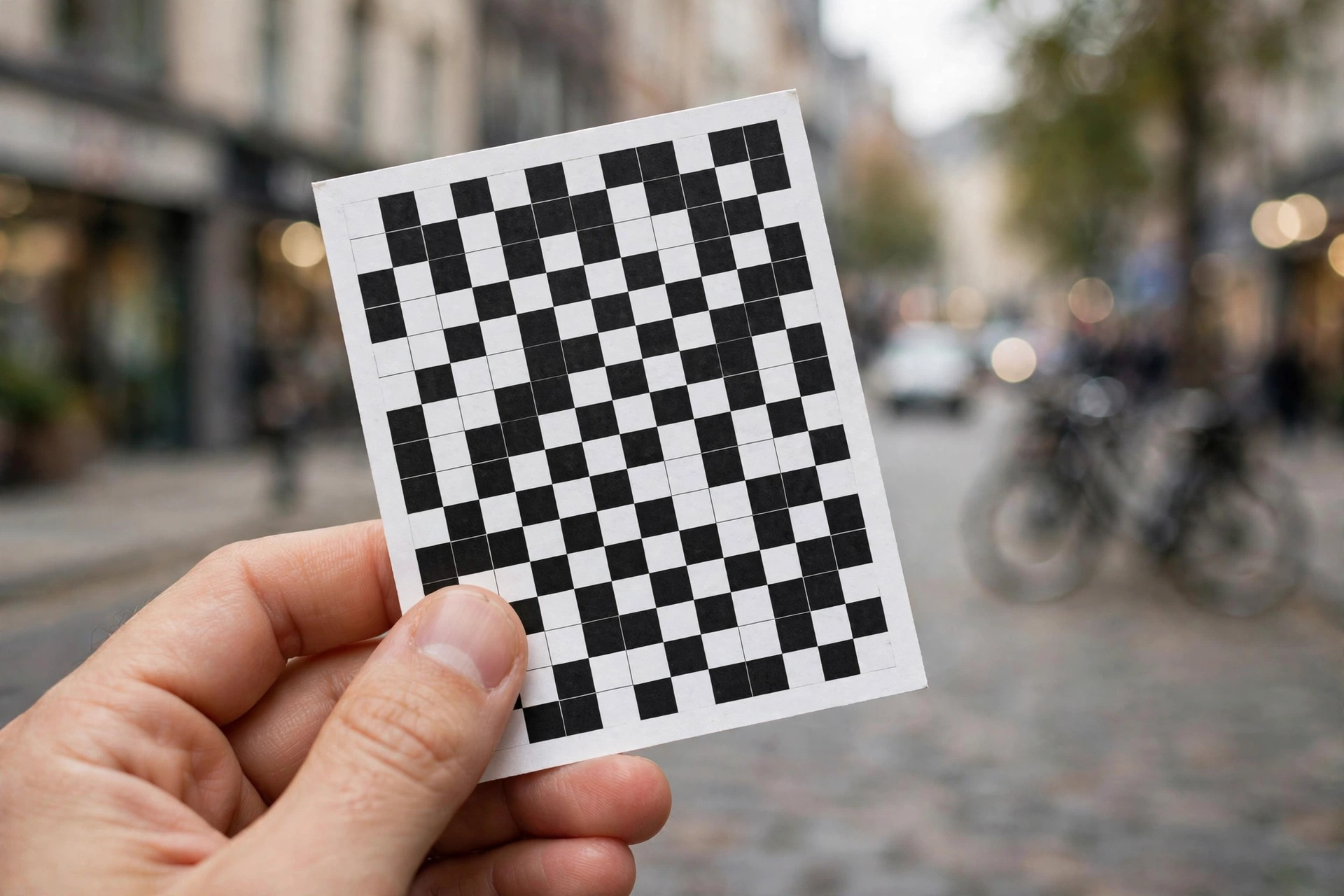
Short answer: At least 2 x 2 cm (about 0.8 inches) for close scanning like business cards, and larger the farther away the scanner will stand, roughly 10 percent of the viewing distance.
Size and distance scale together. A code on a business card scanned from 15 cm away can be tiny; a code on a billboard scanned from across the street must be huge. The practical formula printers use: minimum code size equals about one-tenth of the expected scanning distance.
Resolution matters as much as physical size. For print, download SVG (vector, infinitely scalable) or set PNG export to the highest quality setting. QR Code Monkey’s quality slider exists precisely for this. A low-resolution PNG blown up to poster size turns into a blurry grid that no camera can decode, which is an embarrassing way to waste a print run.
Frequently Asked Questions
Can I create a QR code for free without signing up?
Yes. QR Code Monkey, Adobe Express, QRStuff, GoQR.me, and The QR Code Generator all create unlimited free static QR codes with no account, no email gate, and no watermark on downloads.
Do free QR codes expire?
Static QR codes never expire; the destination is encoded directly in the pattern and works as long as the link itself works. Only dynamic codes tied to a subscription can stop working if you cancel the plan.
How do I create a QR code for my WiFi?
Choose the WiFi type in any free generator, enter your network name (SSID), password, and security type (usually WPA/WPA2), then download the code. Guests scan it and join without typing the password.
Can I track how many people scan my QR code for free?
Generally no. Scan analytics require dynamic codes, which are paid on almost every platform. A few services include limited free analytics, but expect to pay for serious tracking.
Why is my QR code not scanning?
The usual causes are low contrast (light code on light background), a cropped quiet zone, too-small print size, or low image resolution. Regenerate with dark-on-light colors, keep the blank margin, and download at high resolution.
Can I put a QR code on my business card for free?
Yes. Generate a vCard or URL code with your logo on QR Code Monkey or Adobe Express, download the high-resolution PNG or SVG, and place it in your card design. Static codes cost nothing and never expire.
Is it safe to put my phone number in a QR code?
Anyone who scans the code can read it, so only encode contact details you are comfortable sharing publicly. For business use this is normal; for personal numbers, consider whether a QR code is the right channel.
What file format should I download my QR code in?
PNG for screens, presentations, and documents; SVG or EPS for anything printed, since vector formats scale without losing sharpness. Always choose the highest quality setting available.
The Verdict
Creating a QR code for free takes less than a minute and costs nothing: pick QR Code Monkey or Adobe Express, enter your content, download the file, and test-scan it before you publish. Use static codes for anything permanent and save your money; only pay for dynamic codes when you truly need editing or analytics after printing. Keep contrast high, resolution higher, and the quiet zone intact. DigitalGeekSpot regularly covers free tools like these, so bookmark the workflow and you will never pay for a QR code again.