How to Get Verified on TikTok in 2026: Requirements, Steps, and Tips
Getting the blue checkmark on TikTok is one of the most searched goals for creators, brands, and public figures, and the process has changed over the years. Here is the quick answer: to get verified on TikTok in 2026, you request verification in the TikTok app under Settings and privacy, then Account, then Verification, and TikTok reviews whether your account is active, authentic, complete, notable, and secure. The hardest requirement by far is notability, which usually means being featured in multiple legitimate news sources. Follow the full guide below to see every requirement, the exact application steps, and the practical moves that give your request the best chance of approval.
Quick Summary: TikTok Verification at a Glance
| Topic | What TikTok Checks |
|---|---|
| How to apply | In-app request via Settings and privacy, Account, Verification; online form is the fallback if the option is missing |
| Account activity | Logged in within the last 6 months, with regular original posting |
| Authenticity | The account represents a real person, business, or organization |
| Profile completeness | Public account with a profile photo, bio, and at least one video |
| Notability | Featured in multiple legitimate news sources; paid content and press releases do not count |
| Security | Two-step verification enabled and a confirmed email address on file |
| Review time | Typically within about 30 days; approval is never guaranteed |
What the Verified Badge Actually Means in 2026
The verified badge is a small blue checkmark that appears next to your username and on your profile. It tells anyone who finds your account that TikTok has confirmed you are the real, notable person, brand, or organization behind the profile. It helps followers tell the genuine account apart from impersonators and fan pages, which is a real problem for accounts that start growing quickly.
Beyond credibility, the badge can help with visibility and trust. People are more likely to follow, collaborate, and do business with a verified account. It can also strengthen your position when pitching brand deals or media coverage, because it signals that the platform itself recognizes your identity and standing. That said, verification does not buy you better treatment from the algorithm by itself. The badge is a trust signal, not a magic boost.
It is also worth knowing what the badge is not. It is not tied to follower count alone. Plenty of accounts with large followings have never been verified, while smaller accounts with strong press coverage have received the badge. TikTok evaluates the whole picture: identity, activity, and notability together.
The 5 Core Requirements for TikTok Verification
Before you tap that request button, make sure your account clears all five of TikTok’s baseline criteria. Missing even one is enough for a rejection.
1. Active
Your account must have been logged into within the last 6 months. In practice, reviewers also look at whether you post content regularly. An account that logs in once a month but never posts is a weaker candidate than an account publishing original videos week after week. If your profile has been dormant, wake it up with a consistent posting schedule before you apply. Creators who are learning how to grow on TikTok in 2026 usually find that the same habits that build an audience also strengthen a verification request.
2. Authentic
Your account must clearly represent a real individual, business, or organization. Your username, display name, bio, and profile photo should all point to the same identity. If you are applying as a business, use a branded email address and a username that matches your brand name. Fan pages, parody accounts, and meme aggregators generally do not qualify.
3. Complete
Your profile must be public and complete: a profile photo, a bio, and at least one published video. A private account cannot be verified. Fill out every field, add a website or contact link if relevant, and make sure your bio describes who you are in plain language.
4. Notable
This is the hurdle that stops most applicants. TikTok wants to see that you or your brand are featured in multiple legitimate news sources. Paid articles, sponsored content, and self-submitted press releases do not count. The coverage should mention you by name and come from recognized publications. Smaller creators can clear this bar when they have genuine media coverage in their niche or region, such as a feature article, an interview, or coverage of a project they led.
5. Secure
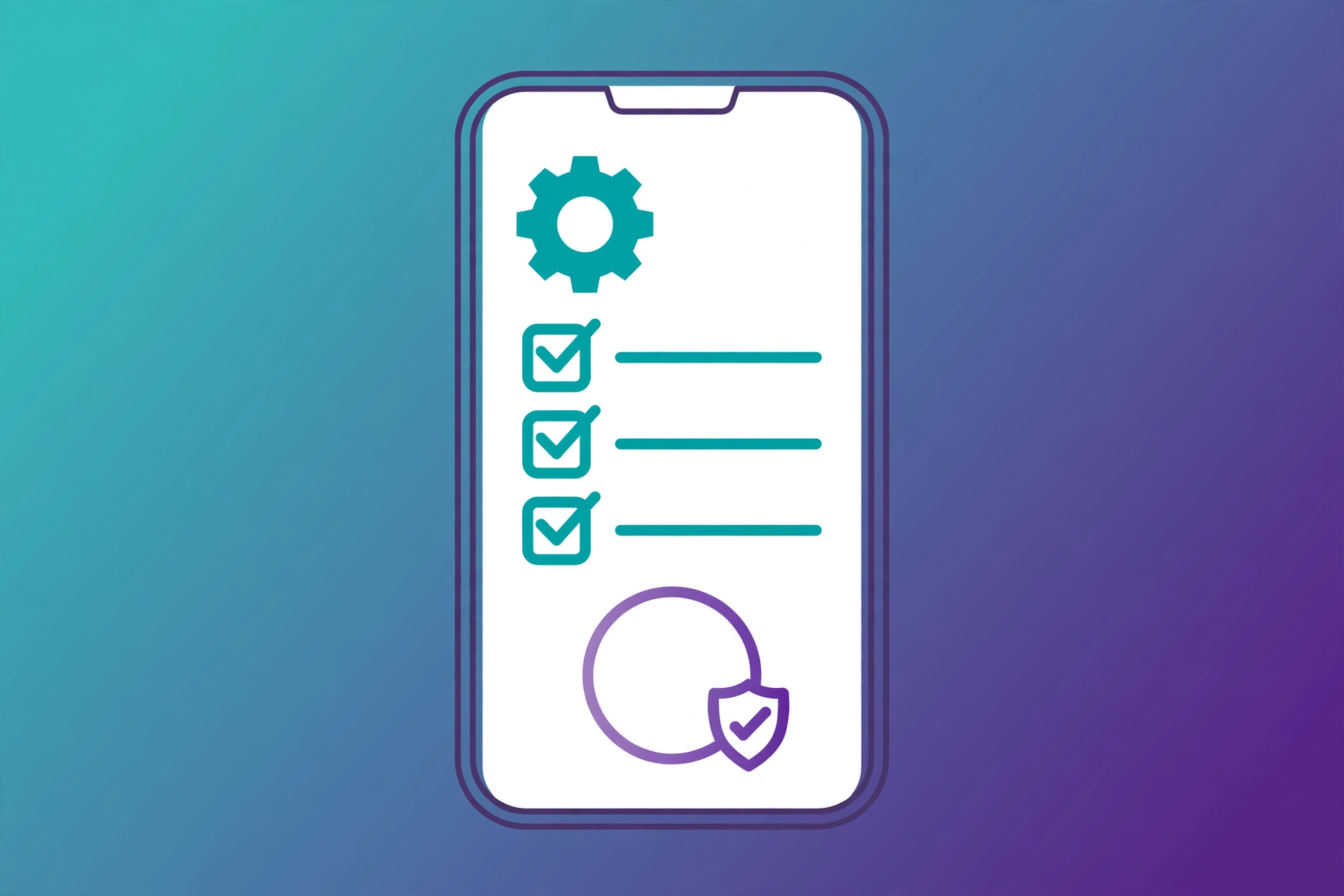
TikTok requires two-step verification to be turned on and a confirmed email address on the account. This proves the account is in the hands of its authentic owner and makes it harder for someone to steal the badge along with the account. Turn these on well before you apply, not on the day you submit.
Step-by-Step: How to Request Verification in the TikTok App
In 2026 the verification process is almost exclusively done inside the TikTok app. Here is the exact path:
- Open the TikTok app and tap Profile at the bottom of the screen.
- Tap the Menu button (three lines) in the top right corner.
- Select Settings and privacy.
- Tap Account, then tap Verification.
- Choose your verification type: personal, institutional, or business. Personal covers notable individuals such as creators, journalists, and public figures. Institutional covers nonprofits, schools, and government bodies. Business accounts apply for business verification.
- Fill out the required information and submit your request.
For a personal verification you will typically provide your username, full name, date of birth, and country or region, plus supporting evidence. Gather this before you start: links to recent press coverage that mentions you by name, links to verified accounts you hold on other platforms such as Instagram or YouTube, and a short explanation of why you are notable in your field. Government-issued ID may be requested to confirm your identity.
Once submitted, TikTok reviews the application, which can take up to about 30 days. You will receive an update in the app when a decision is made. If your request is denied, you can try again after a waiting period, so use the time to strengthen the areas that were weak.
What If the Verification Option Is Missing?
Not every account sees the Verification option in settings. TikTok rolls features out by region and account type, and some accounts never get the in-app option. If it is missing from your app, you can submit a request through TikTok’s official online verification form on the web instead. Fill in all fields accurately and upload the same supporting documentation: identity documents, media coverage, and proof of verification elsewhere.
If you work with TikTok through a managed account relationship, such as a talent agency or media partnership, you can also ask your TikTok representative about the verification process. Do not confuse the profile badge request with “Business Center Verification,” which is a separate process for advertisers and has nothing to do with the blue checkmark.
6 Tips That Actually Improve Your Chances
You cannot buy or force verification, but you can shape your account into the kind TikTok tends to verify. These six moves address what reviewers actually look at.
1. Complete your profile thoroughly
Use your real name, a recognizable photo or logo, a clear bio, and links that establish who you are. Keep your identity consistent everywhere: the same name, the same photo, and the same brand voice on every platform you use. Consistency makes authenticity obvious.
2. Post original content consistently
Reviewers favor accounts with a real body of original work. Reposted clips and low-effort content do not help. Publish on a schedule you can keep, and pay attention to what the algorithm rewards. Timing matters too: knowing the best time to post on TikTok in 2026 helps your videos reach more people, which compounds into the steady growth reviewers like to see.
3. Earn legitimate press coverage
Pitch yourself to journalists in your niche rather than buying sponsored posts. Local news, trade publications, and podcast interviews all count when they are genuine editorial coverage. Keep links to every feature in one document so you can attach them to your request. This single factor decides more applications than anything else.
4. Show steady growth and real engagement
An account growing steadily with real comments and shares looks very different from one with a flat line and suspicious follower spikes. Engage with your audience, reply to comments, and build a community around your content. Avoid anything that inflates your numbers artificially: TikTok can revoke verification for accounts that reached the criteria through inauthentic activity.
5. Get verified on other platforms first
A badge on Instagram, YouTube, X, or Facebook supports your case, because it shows other platforms have already confirmed your identity and notability. Link these verified profiles from your TikTok bio or include them in your application as supporting evidence.
6. Stay in good standing
Follow TikTok’s Community Guidelines and Terms of Service strictly. Accounts with a history of violations, strikes, or removed content are unlikely to be verified no matter how notable they are. One controversial video can cost you months of progress, so keep your content clean and original.
Common Reasons Verification Requests Get Rejected
- Weak notability: no independent press coverage, only paid articles, press releases, or your own website.
- Incomplete profile: missing bio, missing profile photo, private account, or no videos posted.
- Inconsistent identity: the name, photo, and bio do not clearly match the person or brand in the application.
- Low activity: the account has not been logged into or posted to recently enough.
- Security gaps: two-step verification turned off or no confirmed email address.
- Guideline violations: a history of strikes, removed videos, or warnings on the account.
- Fake engagement: signs of purchased followers, likes, or other inauthentic activity.
If you are rejected, treat the feedback as a checklist. Fix the weak spots, give it a few months of consistent work, and reapply. Many verified accounts succeeded on their second or third attempt.
FAQs
How many followers do you need to get verified on TikTok?
TikTok does not publish a minimum follower count. Reviewers look at authenticity, activity, completeness, notability, and security together. Accounts with modest followings but strong press coverage get verified, while accounts with huge followings and no press often do not.
Is TikTok verification free?
Yes. Requesting verification through the app or the official online form costs nothing. Be extremely cautious of anyone offering to sell you a badge for a fee: that is a scam, and paying for verification attempts can get your account penalized.
How long does TikTok verification take?
Review typically takes up to about 30 days after you submit your request, though some applicants hear back sooner. You will receive the decision in the app.
Can a business account get verified?
Yes. Switch to a business account, then follow the same path through Settings and privacy, Account, and Verification. Business applicants should use a branded email address and a username that matches the brand.
What should I include in my verification request?
Your basic details, government ID if asked, links to recent press coverage that mentions you by name, links to verified accounts on other platforms, and a short statement of why you are notable in your field. Press coverage should be genuine editorial content, not paid or self-submitted.
Can TikTok take away the verified badge?
Yes. TikTok can revoke verification if the account violates the Community Guidelines or Terms of Service, or if it turns out the criteria were met through inauthentic activity such as purchased followers or fake engagement.
Verdict: Should You Apply for TikTok Verification in 2026?
If you meet the five core requirements, especially notability through real press coverage, you should absolutely submit a request. It costs nothing, and the badge genuinely helps with trust, impersonation protection, and partnership opportunities. If you are not there yet, the smart move is not to rush the application. Spend the next few months completing your profile, posting original content consistently, pitching for real media coverage, and securing your account. A strong application submitted later beats a weak one submitted now, and you can reapply if the first attempt falls short. For more strategies on building the audience that supports your case, DigitalGeekSpot regularly publishes creator guides, including breakdowns of TikTok hashtags that work in 2026.