MCP, the Model Context Protocol, is the open standard that lets AI applications connect to external tools and data sources through one universal interface instead of hundreds of custom integrations. Introduced by Anthropic in November 2024, it has become the closest thing the AI industry has to a “USB-C for AI”: build a connector once, and every MCP-compatible assistant can use it.
If you have heard developers mention MCP servers, MCP clients, or “giving Claude access to my database,” this guide explains what the Model Context Protocol actually is, the problem it solves, how its host-client-server architecture works, who supports it in 2026, and how you can start using it today, no engineering degree required for the concepts.
Quick Answer: What Is the Model Context Protocol?
- Definition: MCP is an open, vendor-neutral protocol that standardizes how AI applications request context from, and take actions through, external systems like databases, file systems, APIs, and web browsers.
- The analogy: before USB-C, every device needed its own cable; before MCP, every AI assistant needed its own custom plugin format. MCP is the single standard connector.
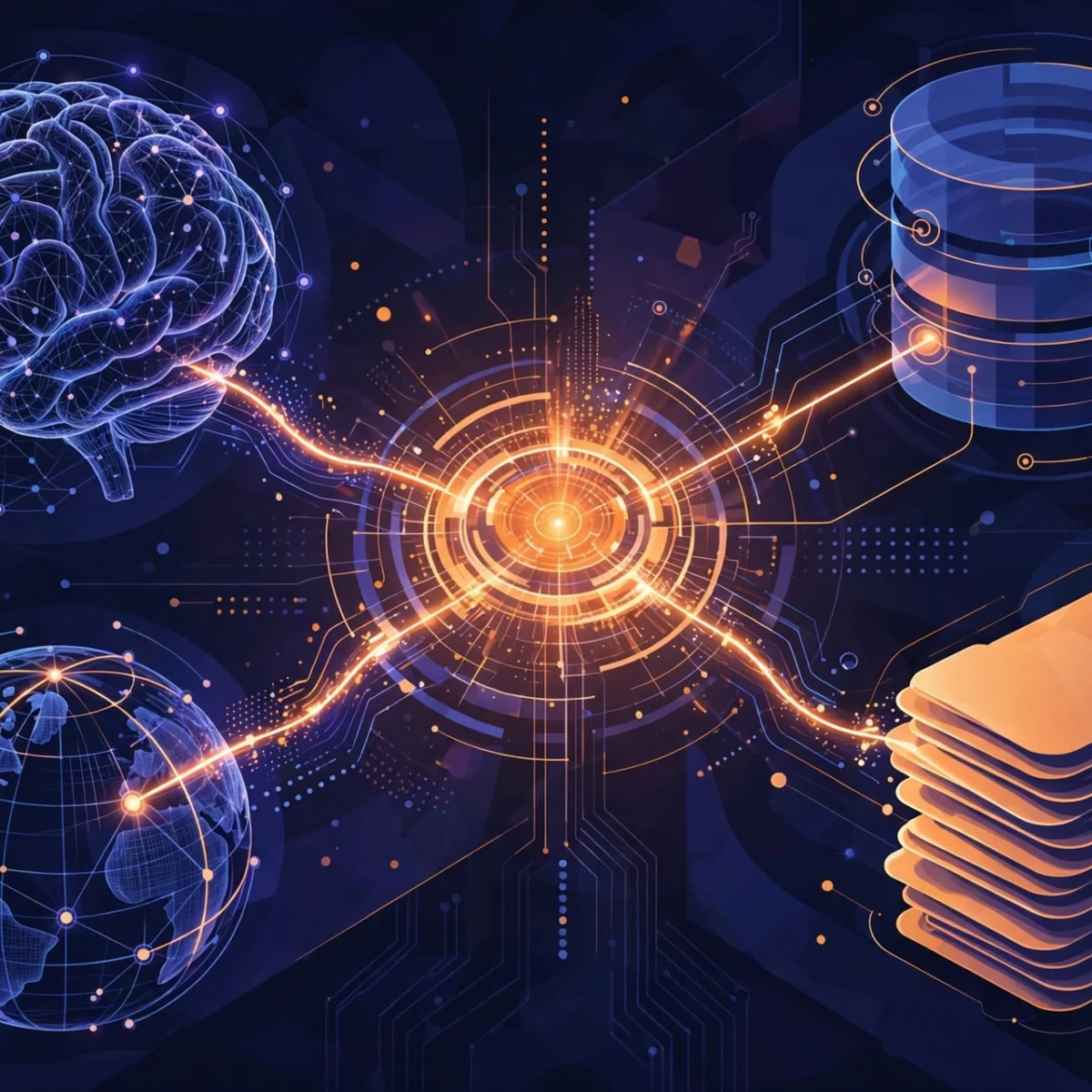
- How it works: an MCP host (e.g. an AI coding assistant) runs MCP clients, each connected 1:1 to an MCP server that exposes tools, data resources, or prompt templates. The model discovers and calls them through the protocol.
- Why it matters: tool developers write one server instead of N integrations, and users get the same tools in every compatible app. It is a key reason AI agents became dramatically more capable in 2025–2026.
- Getting started: install an MCP-compatible app, add a server or two (filesystem access and web search are the classic first picks), and grant only the permissions each server genuinely needs.
The Problem MCP Solves: The N×M Integration Nightmare
Before MCP, connecting an AI assistant to your company’s database, your GitHub repos, or your calendar meant building a bespoke integration for every assistant. Each vendor had its own plugin format, its own auth flow, its own quirks. With N AI applications and M tools, the industry faced an N×M explosion of one-off connectors, the same capability rebuilt over and over, none of it portable.
Earlier attempts helped but stayed vendor-specific: OpenAI’s function-calling API (2023) standardized tool calls for OpenAI models only, and ChatGPT plugins lived and died inside ChatGPT. MCP’s breakthrough was being open and neutral from day one, any model, any application, any tool can speak it. That collapsed the N×M problem into N+M: tool authors implement the protocol once, client authors implement it once, and the two sides meet in the middle.
How MCP Works: Hosts, Clients, and Servers

MCP uses a strict three-tier architecture. The relationship to memorize: one host runs many clients, and each client talks to exactly one server.
| Role | What it is | Responsibility |
|---|---|---|
| Host | The AI application, an IDE, desktop assistant, or CLI agent | Creates and manages clients, handles user authorization, coordinates the model, aggregates context |
| Client | A connector inside the host | Maintains a 1:1 connection to one server; routes protocol messages; manages subscriptions |
| Server | A program exposing capabilities | Provides tools, resources, and prompts; runs locally or remotely; enforces its own security constraints |
A typical interaction flows like this: you ask your AI coding assistant to “summarize the latest open issues.” The host spins up (or reuses) a client connected to your GitHub MCP server. The client asks the server what it can do; the server replies with its tool schemas, say, get_recent_issues with its parameters. The model decides to call that tool, the client forwards the call, the server queries GitHub’s API, and the structured result flows back into the model’s context for a final answer. Adding a tenth tool later means adding a tenth client/server pair, the host code does not change at all.
This indirection buys real isolation, too: a misbehaving or compromised server is contained behind its own client, its own configuration, and, for local servers, its own operating-system process.
The Three Primitives: Tools, Resources, and Prompts
Everything an MCP server exposes falls into three categories:
- Tools: callable functions the model can invoke to take actions, search a database, create a ticket, send a message. This is the closest analog to function calling, and the most powerful primitive.
- Resources: read-only data the model can pull into context, file contents, database schemas, documents. Think of these as the model’s reading material.
- Prompts: reusable, pre-built prompt templates exposed by the server, standardized ways to invoke common workflows (“review this pull request,” “summarize these logs”) with best practices baked in.
Communication runs over JSON-RPC, which keeps the protocol language- and platform-agnostic, servers can be written in Python, TypeScript, Go, or anything else. A 2026 specification update moved the protocol to a stateless core with a server/discover method, simplifying how clients learn a server’s capabilities on demand.
MCP in Action: What Servers Actually Give You

The abstract architecture clicks once you see concrete servers. These are the classic first additions most people configure:
- Filesystem server: lets the AI read and navigate your project files. It can explore your codebase, check existing patterns, and understand directory structure before suggesting changes, no more pasting files into chat.
- GitHub server: exposes issues, pull requests, and repository metadata. Ask the AI to summarize open issues, review PR comments, or explain what your team shipped this week.
- Database server (e.g. Postgres): lets the AI inspect your schema and run read queries directly. It understands your data model without you copying table definitions into the prompt.
- Web search / browser servers: give the model live web access for current information beyond its training cutoff.
Configuration is usually a small JSON file listing each server, how to launch it, and any credentials it needs, many servers install with a single npx command from the official @modelcontextprotocol package scope. You configure once, and any MCP-compatible client can use the same servers. Power users even pair MCP with local AI models for laptops, getting tool-using assistants that run entirely on their own machine.
Who Supports MCP in 2026?
Adoption has been the protocol’s biggest success story. The ecosystem now includes:
- Anthropic’s own tools: Claude Desktop and Claude Code, where MCP originated.
- AI coding assistants like Cursor and GitHub Copilot: agent modes in modern editors connect to MCP servers for repo-aware help, see our Cursor vs GitHub Copilot comparison for how the assistants themselves differ.
- General IDE agent modes: VS Code’s agent mode and similar features across editors.
- Cloud platforms: Cloudflare, among others, ships MCP infrastructure, including its “Code Mode” pattern, where the agent writes typed code against an SDK instead of exposing thousands of API endpoints as individual tools, dramatically cutting context-window costs.
- A public server ecosystem: official reference servers plus thousands of community-built ones for everything from Google Drive to smart-home hubs.
MCP vs the Alternatives
| MCP | Vendor function calling | Old plugin systems | |
|---|---|---|---|
| Standard | Open, vendor-neutral | Vendor-specific (e.g. OpenAI only) | Vendor-specific |
| Portability | One server works in every compatible client | Rebuilt per vendor | Locked to one app |
| Capabilities | Tools + resources + prompts | Tools only | Varies, often limited |
| Transport | JSON-RPC, language-agnostic | Vendor SDK | Vendor-defined |
| Best for | Reusable tool ecosystem | Single-vendor apps | Legacy integrations |
One related standard worth knowing: A2A (Agent-to-Agent), which standardizes how agents built by different vendors communicate and delegate to each other. If MCP is the protocol for agent-to-tool connections, A2A is the emerging protocol for agent-to-agent ones.
Security: The Part You Should Not Skip
MCP’s power, letting AI take real actions in real systems, is also its risk. Treat every server like you would any software with access to your data:
- Grant minimum permissions. A filesystem server given your entire home directory can read everything in it. Scope servers to the folders they genuinely need.
- Prefer official and well-reviewed servers. Community servers are convenient and occasionally malicious or sloppy, check the source before handing one your API keys.
- Keep secrets out of prompts. Credentials belong in the server’s configuration or environment, never pasted into chat where they enter model context.
- Require approval for destructive tools. Good clients let you approve-or-deny tool calls; enable that for anything that writes, deletes, or spends.
- Watch for prompt injection. A compromised data source can embed instructions in content the model reads (“ignore previous instructions and…”). This is an active research area, not a solved problem.
How to Start Using MCP Today
- Pick an MCP-compatible host. Claude Desktop is the friendliest starting point for non-developers; developers usually start with their editor’s agent mode or Claude Code.
- Add one server. Filesystem access scoped to a single project folder is the classic first server, immediately useful, tightly bounded.
- Add a second server for live data. Web search or your GitHub account, depending on whether you want current information or repo awareness.
- Test with a real task. “Summarize the open issues in this repo” or “find every TODO comment in this project”, small enough to verify, real enough to feel the difference.
- Expand deliberately. Add servers one at a time, scoping permissions as you go. Ten well-chosen servers beat fifty you do not understand.
Related Articles
Go deeper on the AI topics around MCP at DigitalGeekSpot:
- What Are AI Agents? A Beginner-Friendly Guide (2026)
- Cursor vs GitHub Copilot: Which AI Coding Assistant Wins in 2026?
- Best Local AI Models for Laptops (2026)
- How to Build an AI Chatbot Without Coding
Frequently Asked Questions
What does MCP stand for?
MCP stands for Model Context Protocol, “model” for the AI model, “context” for the external data and tools it connects to, “protocol” because it is an open standard, not a product.
Is MCP only for Claude?
No. Anthropic created and open-sourced MCP, but it is vendor-neutral by design. Editors, desktop assistants, CLI agents, and cloud platforms from many vendors support it, and servers written once work across all compatible clients.
Do I need to code to use MCP?
Not for basic use. Installing a server is usually a one-line command or a few clicks in your app’s settings, plus pasting an API key where needed. Building your own server takes some programming, but the ecosystem of ready-made servers covers most common needs.
Is MCP secure?
The protocol itself is designed with permissioned access, and local servers run isolated in their own processes. But security ultimately depends on your configuration: scope permissions narrowly, use trustworthy servers, keep secrets in config (not chat), and require approval for destructive actions.
What is the difference between MCP and function calling?
Function calling is a vendor-specific API for giving one provider’s model access to tools. MCP standardizes the same idea across vendors and adds resources (read-only data) and prompts (reusable templates) on top, so integrations become portable instead of locked to one ecosystem.
Can I use MCP with local AI models?
Yes, MCP is model-agnostic. Local setups can pair open-weight models running through tools like Ollama with MCP servers for fully private, offline-capable tool use. See our guide to the best local AI models for laptops for the model side of that setup.
Final Verdict
MCP matters because it turned AI integrations from craft projects into commodities. If you use any AI assistant with tools, and in 2026, that is nearly all of them, you are already benefiting from the standardization MCP drove, whether you ever configure a server yourself. For hands-on users, the advice is simple: pick a compatible host, add two or three well-scoped servers, and feel the difference that real context makes. The era of pasting files into chat windows is ending.
Protocol details reflect the MCP specification as of September 2026, including the stateless-core update. Check modelcontextprotocol.io for the current spec before building on it.