If your reach suddenly collapsed and you searched for “instagram shadowban how to fix”, you are in the right place. A shadowban is not an official term used by Instagram. It describes a situation where your content quietly gets less distribution: your posts do not appear in Explore, hashtags stop working, or non-followers stop seeing your Reels, without any notice from the app.
The good news is that most cases of reduced reach are fixable. Instagram now offers a built-in Account Status tool that tells you whether your account has any active violations, which makes diagnosis much easier than it used to be. This article explains what a shadowban really is, how to check your account, the most common causes, and a step-by-step recovery plan. You can also start at the DigitalGeekSpot homepage for more social media guides.
What Is an Instagram Shadowban?
The word shadowban gets thrown around a lot, and it is worth clarifying what it actually means. Instagram does not secretly ban accounts in the dramatic sense. What people experience is usually one of two things: an actual penalty on their account or content, or a normal dip in reach caused by content performance, seasonal changes, or algorithm shifts.
When Instagram does limit distribution, it is typically because the account or its content was flagged for violating community guidelines or recommendation guidelines. Recommendation guidelines are the rules for what Instagram will show to non-followers in Explore, Reels, and suggested posts. Content that breaks these rules may still be visible to your followers but hidden from everyone else. That is exactly the “shadowban” feeling: you are posting, your followers may even see it, but discovery dies.
Important: Instagram has publicly stated that shadowbanning, in the sense of secretly suppressing accounts without reason, is not a real thing. Reduced distribution almost always has a traceable cause. The steps below will help you find it.
How to Check If You Are Shadowbanned
Before assuming the worst, run through these checks. Most people discover their reach problem has a simple explanation.
1. Check your Account Status in the app
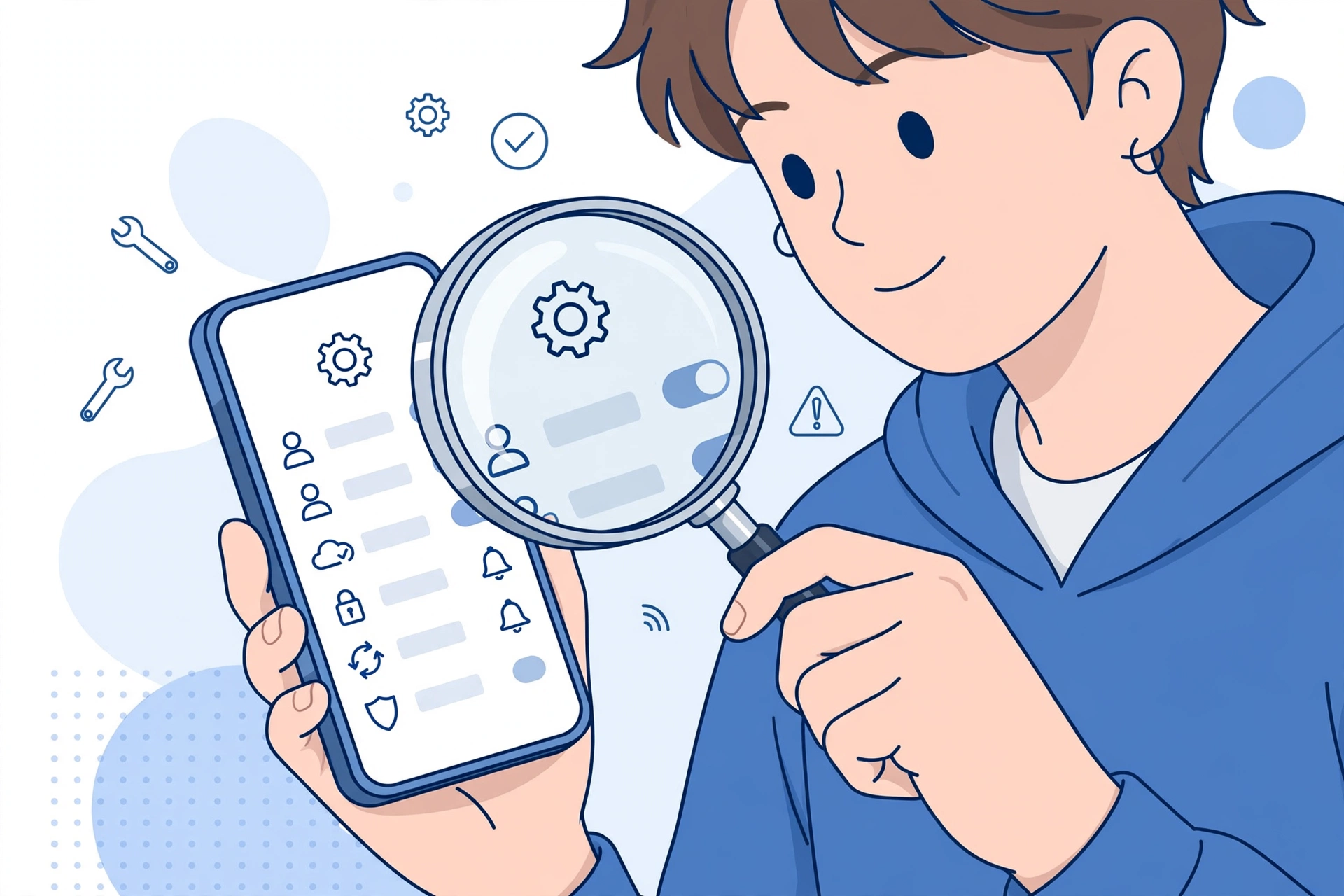
Instagram’s built-in Account Status page is the most reliable diagnostic tool. To find it: go to your profile, tap the menu, open Settings and privacy, then tap Account status. This page shows whether you have posted anything that violates community guidelines, whether your account has any active restrictions, and whether your content is eligible to be recommended to non-followers.
If the page says everything is fine, you probably do not have a shadowban. Your reach dip is more likely a content or timing issue, and the growth tactics in our guide on how to grow on Instagram organically will help more than a recovery plan.
2. Test your hashtag visibility
Post a photo or Reel with a very specific, low-competition hashtag, then check whether it appears under that hashtag’s Recent tab from a second account that does not follow you. If your post does not appear, that is a classic sign of limited distribution.
3. Compare your Insights
Open Instagram Insights and look at your recent posts’ reach breakdown. A sharp drop in non-follower reach, especially if follower reach stayed roughly the same, points to a recommendation limit rather than a content quality problem.
4. Ask a friend to search for your account
Have someone who does not follow you search your exact handle. If your account does not appear in the results, your account may have reduced search visibility, which often accompanies distribution limits.
5. Rule out a normal reach dip
Reach naturally fluctuates. Posting at unusual hours, a string of low-performing posts, or changes in what your audience watches can all cause dips that feel like a shadowban but are not. Look at a two-to-four-week trend, not a single bad post.
Common Causes of an Instagram Shadowban
If your checks point to limited distribution, one of these is usually the cause:
- Violating community guidelines. Content involving nudity, hate speech, misinformation, or graphic material can trigger restrictions. Even borderline content that does not get removed can be excluded from recommendations.
- Using banned or broken hashtags. Some hashtags are restricted by Instagram because they became associated with spam or inappropriate content. Using them can limit a post’s distribution. You can check a hashtag’s status by searching for it; restricted tags show a notice or limited results.
- Spammy behavior. Aggressive following and unfollowing, mass liking, rapid-fire commenting, or using automation tools can trigger Instagram’s anti-spam systems. These limits are often temporary but can feel exactly like a shadowban.
- Reposting watermarked content. Instagram deprioritizes Reels that carry watermarks from other platforms. If most of your Reels are recycled from another app, your discovery reach will suffer.
- Reports from other users. If multiple people report your content, Instagram may review it and limit its distribution while the review is pending, or longer if a violation is found.
- Copyright strikes. Repeatedly using music or video you do not have rights to can lead to content removals and account-level penalties.
Step-by-Step Recovery Plan
Once you have confirmed a distribution problem, work through these steps in order. They move from the quickest fixes to the deeper ones.
- Delete or archive violating content. Go to Account Status and review any flagged posts. Delete content that clearly violates the rules. If you believe a flag was a mistake, use the appeal option Instagram provides.
- Remove broken hashtags. Edit recent captions to remove any hashtags that are banned or restricted, and avoid them going forward. Keep your hashtag sets small and relevant.
- Stop all automation and aggressive activity. Disconnect any third-party apps that like, follow, or comment on your behalf. For a few days, keep your activity natural and moderate: normal posting, normal browsing, no mass actions.
- Switch to original content only. Pause reposting from other platforms. Upload original videos without watermarks so Instagram has no reason to deprioritize them.
- Take a short break if needed. If you were doing a lot of rapid activity, a 48 to 72 hour pause from posting and heavy engagement can help reset spam-related limits. This is not about the algorithm punishing you; it is about letting temporary rate limits expire.
- Revoke suspicious third-party apps. In Settings, check which apps have access to your Instagram account and remove anything you do not recognize or no longer use.
- Appeal through Account Status. If Instagram flagged your account or content in error, submit an appeal. Include a calm, factual explanation. Appeals are reviewed by real teams, though it can take days.
- Rebuild with compliant content. Once restrictions lift, post original, guideline-friendly content consistently. Rebuilding trust with the system takes steady, clean behavior over weeks, not a single viral post.
How Long Does a Shadowban Last?
There is no fixed duration, because it depends on the cause. Temporary spam-related limits often clear within a few days to two weeks once the behavior stops. Content flagged for guideline violations may stay limited until the content is removed or the appeal is resolved. In more serious cases involving repeated violations, restrictions can last longer or become account-level.
The best approach is to fix the underlying cause and then be patient. Checking your reach obsessively every hour will not speed things up. Give it at least two weeks of clean, consistent posting before judging whether the recovery worked.
How to Prevent Future Shadowbans
Prevention is simpler than recovery. Make these habits permanent:
- Read Instagram’s community guidelines and recommendation guidelines once, so you know where the lines are.
- Keep automation tools off your account entirely. Schedule posts through Meta’s own tools or trusted official partners if you need scheduling.
- Grow engagement manually and genuinely. Reply to comments, answer DMs, and interact with your niche without rushing it.
- Audit your hashtags periodically. Tags that were fine last year can become restricted.
- Use only licensed or original audio in Reels.
- If you manage multiple accounts, avoid rapid switching and mass actions across all of them in short bursts.
Growing an audience the right way also protects you: accounts with strong, genuine engagement are less likely to trip spam filters. Our playbook on growing on Instagram organically in 2026 covers the full strategy, from Reels to keyworded captions.
Frequently Asked Questions
How do I know if I am shadowbanned on Instagram?
Check your Account Status in the app under Settings and privacy. It tells you about active violations and recommendation eligibility. You can also test hashtag visibility from a second account and compare your non-follower reach in Insights. A sudden drop in discovery reach combined with a clean content record usually means a content performance issue, not a ban.
Can you get shadowbanned for using too many hashtags?
Using an excessive number of hashtags, especially irrelevant or banned ones, can limit a post’s distribution. Instagram recommends a small set of relevant hashtags. Stuffing 30 generic tags on every post looks spammy and can work against you.
Does Instagram notify you if your reach is limited?
Sometimes. The Account Status page is Instagram’s official way of telling you about violations and recommendation limits. However, not every dip in reach comes with a notification, which is why checking Insights and testing visibility yourself matters.
Will deleting the app fix a shadowban?
No. Deleting and reinstalling the app does not change anything on Instagram’s servers. Distribution limits are tied to your account, not your device. Follow the recovery steps above instead: remove violating content, stop spammy behavior, and appeal if needed.
Can a shadowban become permanent?
Most distribution limits are temporary and lift once the cause is fixed. However, repeated or severe guideline violations can lead to lasting restrictions or account removal. If your account has multiple strikes, treat every post carefully and avoid anything borderline.
Should I switch to a personal account to lift a shadowban?
Switching account types does not remove restrictions. Your limits are tied to your account’s history, not its type. In fact, Creator and Business accounts give you better diagnostics through Insights and Account Status, so staying professional is usually the better move.