
If you work for AT&T, or you used to, you have probably searched for MyResults ATT at some point. The results are confusing: half a dozen guides with slightly different login steps, several lookalike domains that are not run by AT&T, and a customer app called myAT&T that has nothing to do with your paycheck. This guide untangles the whole picture in one place.
MyResults ATT is AT&T’s internal employee web portal. Active and former employees, retirees, dependents, and sales staff use it to check performance metrics, sales dashboards, HR Access records, benefits information, and work reports from one sign-in. It is reached through AT&T’s official HR Access site and the e-access portal using an AT&T Global ID, not through the customer myAT&T app.
Read on for the official routes, a walkthrough of what the dashboard shows, access rules for former employees and dependents, a credential-safety checklist, and fixes for the most common login problems.
Key Takeaways
- MyResults ATT is the internal AT&T employee portal for performance data, sales dashboards, HR Access, and benefits; it is not the customer myAT&T app.
- Access starts at AT&T’s official HR Access site or the e-access portal, and you need an AT&T Global ID to sign in.
- Former employees, retirees, and dependents have their own login path with the same ID requirement.
- Never type work credentials on a non-AT&T domain; several lookalike sites rank for this keyword and are not run by AT&T.
- Most login failures trace to expired tokens, mistyped Global IDs, or cached SSO redirects, and each has a quick fix.
Table of Contents
- What Is MyResults ATT, Exactly?
- Who Can Use the MyResults ATT Portal?
- How Do You Log In to MyResults ATT?
- What Can You Do Inside the MyResults ATT Dashboard?
- MyResults ATT vs myAT&T vs HR Access: Which Portal Do You Need?
- Is MyResults ATT Safe? How to Spot Fake Login Pages
- Common MyResults ATT Login Problems and How to Fix Them
- FAQs
- Conclusion
What Is MyResults ATT, Exactly?
MyResults ATT is a secure, web-based internal portal built for the AT&T workforce. AT&T employees in sales and operations use it as a single sign-in point for work data that would otherwise live in separate systems: individual and team performance metrics, sales reports, customer information, HR Access records, and benefits details.
The word “results” in the name refers to work results: the numbers and reports that track how employees and sales teams are performing against their goals. The personalized dashboard is the centerpiece. Each user sees a customized view with performance summaries, daily tasks, and goal tracking, so a field sales representative sees sales data while someone checking benefits sees HR Access information.
AT&T is one of the largest telecommunications companies in the world, with roots going back to the Bell Telephone Company of the 1800s. A workforce that large needs centralized access to HR and operational tools, which is the role the portal fills. It is designed to work on desktop browsers and, per several guides, supports mobile access so employees can check their data on the go.
The most important clarification: MyResults ATT is an employee tool, not a customer tool. AT&T customers pay bills and manage phone plans through myAT&T. If you are a customer trying to pay a bill, every login guide on this keyword is the wrong page for you.
Who Can Use the MyResults ATT Portal?
Access to MyResults ATT is restricted to people with a verified relationship to AT&T. The eligibility list is wider than just current full-time staff:
- Active employees, including sales and operations staff who use the performance dashboards daily.
- Former employees, who may still need access to HR records and separation documents.
- Retirees, who use the portal for pension and benefits information.
- Dependents of current or former employees, for benefits-related access.
- Non-management internal career path participants, listed as a separate login category on the official HR Access page.
- Contractors and sales staff working within AT&T systems, according to several portal guides.
The key requirement is an AT&T employee ID, known as the AT&T Global ID. Guides describing the official HR Access flow note that every user category, including retirees, former employees, and dependents, needs a current employee ID to begin, and that the rule still applies when an employee is on leave, temporarily disabled, or suspended.
If you do not have a Global ID and never worked for AT&T, the portal will not be useful to you. Customer accounts, device orders, and billing live in the separate myAT&T system compared in detail below.
How Do You Log In to MyResults ATT?
There is more than one official route into the portal, which is part of why the search results look contradictory. Here is the path most login guides describe, starting from AT&T’s official HR Access site:
- Go to the official AT&T HR Access site (hraccess.att.com) and open the dashboard page.
- Choose your login option: Active employee; Retiree, Former Employee, or Dependent; or Non-management Internal Career Path.
- Click the login button. You are redirected to the AT&T e-access sales dashboard sign-in page (www.e-access.att.com/salesdashboard).
- Choose a sign-in method from the dropdown: AT&T Password, Mobile Key, RSA SecurID Token, SafeNet Token, MTIPS Token, or Security Key.
- Enter your AT&T Global ID and complete the selected authentication step.
- After successful authentication, you land on the MyResults ATT dashboard.
The AT&T Password option is the familiar username-and-password route. Mobile Key sends a one-time key to your registered phone. RSA SecurID, SafeNet, and MTIPS tokens are hardware or software tokens that generate time-based codes, typically issued to employees who handle sensitive systems. Security Key uses a physical USB key.
Returning users can go to the e-access portal (e-access.att.com) directly with their AT&T Global User ID and password. Confirm which category you fall into before clicking anything: former employees who pick the active-employee path, or customers arriving from a myAT&T search, are the most common source of “invalid credentials” errors.
What Can You Do Inside the MyResults ATT Dashboard?

Once signed in, the portal organizes work data into a personalized dashboard. The exact tabs vary by role, but guides consistently describe the following sections:
Performance and results view. The core of the portal: individual and team performance measures, progress against goals, and recent results data. For sales staff, this is the primary screen.
Sales data and lead tools. Sales leads, sales reports, customer information, and utilities for prioritizing leads and organizing customer records, described in several guides as the mobile-friendly side of the portal.
HR Access and benefits. Payroll records, benefits information, company announcements, and HR tasks. Retirees and dependents spend most of their time here rather than in the sales views.
Reports and documents. Company reports, performance summaries, and work schedules for review and download, depending on role and permissions.
Because the dashboard is personalized, two employees may see quite different screens. If a section you expect is missing, it usually means your role profile does not include it, so your manager or HR contact is the right next step, not the login page.
Employees who want to get more from their workday often pair dashboard check-ins with better personal routines. Digital Geek Spot’s guide on how to improve work-life balance (https://www.digitalgeekspot.com/how-to-improve-work-life-balance/) covers realistic strategies for demanding jobs, and the morning routine blueprint (https://www.digitalgeekspot.com/morning-routine-for-productivity/) is a solid companion for anyone starting the day with a metrics review.
MyResults ATT vs myAT&T vs HR Access: Which Portal Do You Need?
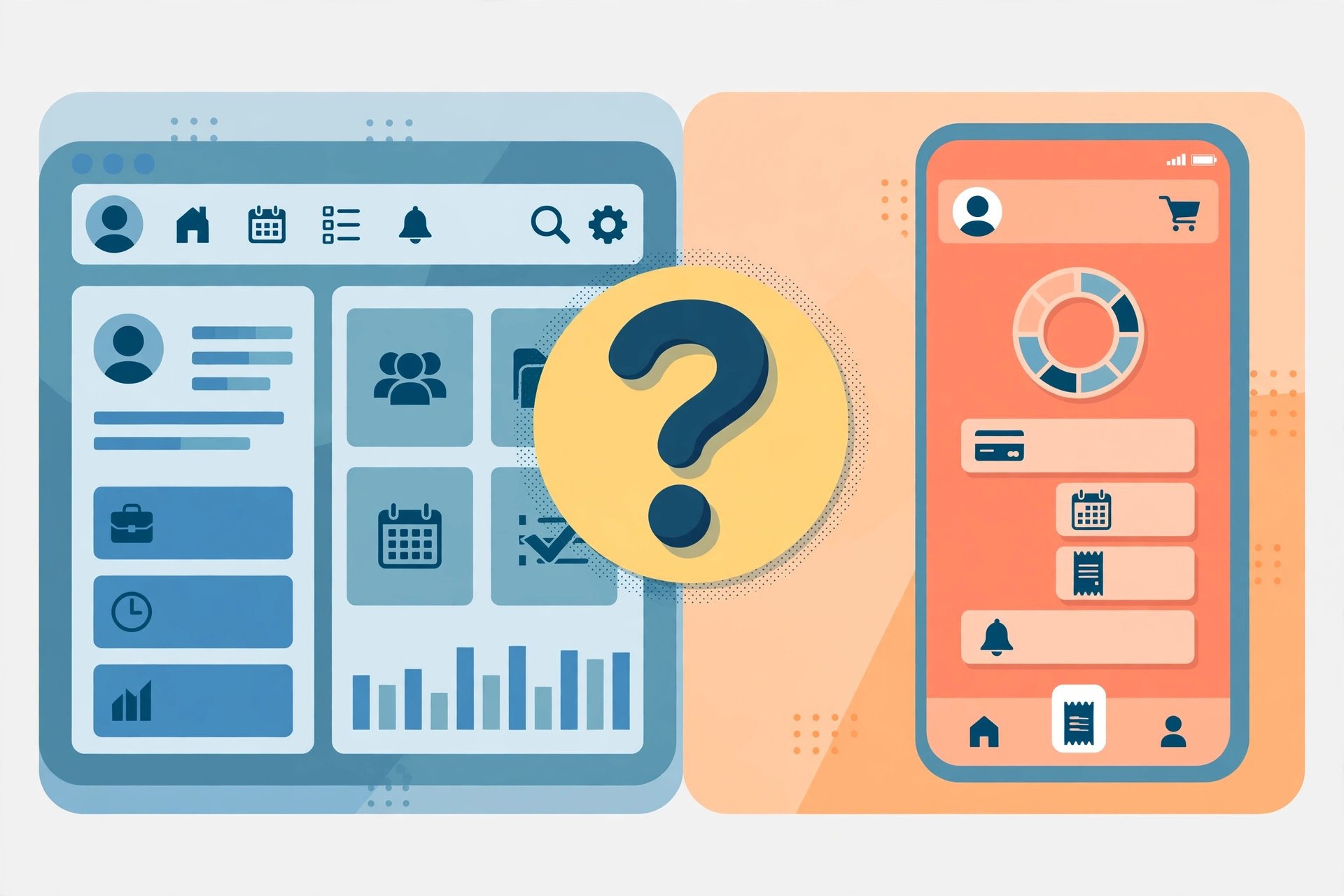
This is the question that sends most people down the wrong rabbit hole. Here it is in plain form:
| Portal | Who it is for | What it shows | Where to access it |
|---|---|---|---|
| MyResults ATT (sales dashboard) | Employees and sales staff | Work results, performance metrics, sales data, dashboards | AT&T e-access portal (official AT&T domain) |
| HR Access | Active and former employees, retirees, dependents | Benefits, payroll, company info, HR tasks | Official AT&T HR Access site |
| myAT&T | AT&T customers | Phone bills, data usage, device orders, account settings | AT&T app or customer site |
| PeopleTools ATT | Specific internal users | Internal HR self-service functions | Official AT&T internal systems |
Read it as a decision tree. If your goal is payroll, benefits, pension, or employee records, start with HR Access. If your goal is sales numbers, team performance, or work dashboards, the MyResults or sales dashboard route is the one. If your goal is paying a phone bill or checking data usage, close this guide and open myAT&T instead, because nothing on the employee side will help you.
The confusion is understandable. The names overlap, third-party guides mix customer features like bill payment into employee-portal articles, and AT&T’s own public pages do not explain the portals side by side. Bookmark the correct one once you find it.
Keeping track of goals and metrics works outside work portals too. Readers who like structured tracking may enjoy the roundup of the best habit tracker apps (https://www.digitalgeekspot.com/best-habit-tracker-apps/), which compares eight tools for monitoring personal targets the way dashboards monitor work targets.
Is MyResults ATT Safe? How to Spot Fake Login Pages

MyResults ATT itself is a legitimate internal AT&T system, so the direct answer to the common search “myresults att review: is it legit?” is yes, the real portal is legitimate. The risk is not the portal; it is the pages pretending to be the portal.
Several domains that rank for this keyword are not operated by AT&T. Some present themselves as the “official” login while sitting on unrelated domains, and a few mirror the keyword in their domain name to attract searches. Typing your AT&T Global ID and password into any of these could expose your work credentials to whoever runs the site.
Before you enter credentials on any MyResults ATT page, run this checklist:
- Check the domain. Real AT&T systems live on att.com addresses such as hraccess.att.com and e-access.att.com. A blog, news site, or keyword-stuffed domain is not a login page, no matter what its headline claims.
- Check the address bar. Confirm a secure connection and that the address matches the official portal you intended to visit, character for character.
- Never log in from an email or text link unless you can verify the sender. Phishing messages targeting employees often imitate portal login pages.
- Note what the site asks for. A real employee portal asks for your Global ID and authentication method. Be suspicious of pages asking for unrelated personal details or payment information.
- Use a saved bookmark. The safest entry point is one you or your IT department saved, not one found through a search ad.
If you already entered credentials on a page you now doubt, change your password through the official portal immediately and report the suspicious page to your IT or security team.
Common MyResults ATT Login Problems and How to Fix Them
Most login failures on the portal fall into a small set of causes. Work through them in order:
“Invalid user ID or password.” The most common cause is a mistyped AT&T Global ID, which is easy to do on mobile keyboards. If the ID is correct, your password may have expired under the company’s rotation policy and needs a reset through the official channel.
Mobile Key never arrives. Confirm the phone number registered to your account is the one in your hand, and check that your device has signal. Mobile Keys are time-sensitive, so if a code arrives but fails, request a fresh one instead of retrying the old code.
Token code rejected (RSA SecurID, SafeNet, MTIPS). Token codes rotate on a timer, usually every 30 to 60 seconds. Wait for a fresh code and enter it promptly. If codes fail repeatedly, the token may be out of sync or deactivated, and your IT helpdesk will need to resync or replace it.
Redirect loops or a blank page after clicking login. This is usually stale cached data from the SSO handoff between HR Access and the e-access dashboard. Clear cache and cookies for the AT&T domains, or try a private browsing window, then start from the HR Access page again.
Account locked after too many attempts. Wait out the lock period rather than guessing further, then use the password reset option. Repeated guessing only extends the lockout.
Wrong portal, right credentials. If everything looks correct but nothing works, confirm you are not trying employee credentials on myAT&T or vice versa. The systems are separate, and credentials from one will always fail on the other.
Former employee or retiree access denied. If your status recently changed (retirement, separation), your profile may still be migrating between categories. Try the “Retiree, Former Employee, or Dependent” path explicitly, and contact HR if access has not transferred after a reasonable period.
If none of these resolve the issue, your company’s IT helpdesk is the correct next step. They can verify your Global ID status, token assignments, and account locks in ways no public guide can.
FAQs
What is MyResults ATT?
MyResults ATT is AT&T’s internal employee portal. Active and former employees, retirees, dependents, and sales staff use it to view performance metrics, sales dashboards, HR Access records, and benefits information after signing in with an AT&T Global ID.
Is MyResults ATT legit?
Yes, the real portal is a legitimate internal AT&T system. The caution applies to third-party lookalike sites that rank for the keyword and present themselves as the official login. Only enter credentials on official AT&T domains.
How do I log in to MyResults ATT?
Start at AT&T’s official HR Access site, choose your user category (active employee; retiree, former employee, or dependent; or non-management internal career path), then sign in on the e-access page with your AT&T Global ID using AT&T Password, Mobile Key, a token, or a security key.
What is the difference between MyResults ATT and myAT&T?
MyResults ATT is for employees and covers work results, performance data, and HR records. myAT&T is for customers and covers billing, data usage, and device management. They are separate systems with separate credentials.
Can former AT&T employees use MyResults ATT?
Yes. Former employees, retirees, and dependents have a dedicated login path on the official HR Access page. You still need a current AT&T employee ID, and the requirement applies even during leave or suspension.
Why is my MyResults ATT login not working?
The usual causes are a mistyped Global ID, an expired password, a missing Mobile Key, an out-of-sync token, cached SSO redirect data, or trying employee credentials on the customer myAT&T system. The troubleshooting section above covers the fix for each.
Does MyResults ATT have a mobile app?
Several portal guides describe mobile access to the dashboard for checking sales and performance data on the go. For current official app options, check AT&T’s internal resources or your IT department, since availability can change.
Conclusion
MyResults ATT is simple once the naming fog clears: it is AT&T’s employee portal for work results, performance dashboards, HR Access, and benefits, reached through official AT&T domains with a Global ID. The customer myAT&T app is a different system entirely, and the lookalike domains filling the search results are not places to type a password.
Start at the official HR Access page, pick the category that matches your status, and bookmark the real dashboard once you are in. For more practical guides on work, productivity, and digital life, keep exploring Digital Geek Spot (https://www.digitalgeekspot.com/), where the Lifestyle section covers everything from daily routines to smart tools that make busy weeks easier.