

Choosing your first crypto wallet feels harder than it should. Dozens of apps promise to be the easiest, the safest, or the cheapest, and the jargon around hot wallets, cold wallets, seed phrases, and private keys makes the whole decision feel like a test you did not study for. The good news: for a beginner, the choice comes down to a handful of well-established options, and picking any reputable one matters far less than how you use it.
A crypto wallet does not actually store your coins. Your cryptocurrency lives on the blockchain; the wallet stores the private keys that prove you own it and let you spend it. Lose the keys and you lose access, which is why the wallet you choose and how you back it up are the two most important security decisions a beginner makes.
What are the best crypto wallets for beginners? The best crypto wallets for beginners in 2026 are Trust Wallet and Coinbase Wallet for simple mobile use, MetaMask and Phantom for exploring apps and NFTs, Exodus for easy portfolio tracking on desktop and mobile, Zengo for keyless recovery without a seed phrase, and Ledger or Trezor hardware wallets for long-term secure storage. Beginners should start with one reputable software wallet, then add a hardware wallet as their holdings grow.
Key Takeaways
- Software wallets like Trust Wallet, Coinbase Wallet, and MetaMask are free, easy to set up in minutes, and ideal for learning.
- Hardware wallets such as Ledger and Trezor keep private keys offline, making them the safest choice for larger or long-term holdings.
- Your seed phrase is the master key to your crypto: write it on paper, store it offline, and never share it with anyone.
- Exchange accounts are convenient for buying crypto but are not wallets you control, so move significant holdings to self-custody.
- A hybrid setup works best for most people: a software wallet for daily use and a hardware wallet for savings.
- Only download wallets from official websites or official app stores, and never enter your seed phrase on a website.
Beginner Crypto Wallets Compared
| Wallet | Type | Best For | Cost | Ease of Use |
|---|---|---|---|---|
| Trust Wallet | Software (mobile) | Multi-chain beginners | Free | Very easy |
| Coinbase Wallet | Software (mobile) | Coinbase users going self-custody | Free | Very easy |
| MetaMask | Software (browser/mobile) | Ethereum apps and DeFi | Free | Easy |
| Phantom | Software (browser/mobile) | Solana and NFTs | Free | Very easy |
| Exodus | Software (desktop/mobile) | Portfolio tracking | Free | Very easy |
| Zengo | Software (mobile) | No seed phrase to manage | Free | Very easy |
| Ledger Nano series | Hardware | Maximum security | Paid device | Moderate |
| Trezor series | Hardware | Open-source security | Paid device | Moderate |
What should a beginner look for in a crypto wallet?
A beginner should look for a wallet that is self-custodial, has a simple interface, supports the coins they want to hold, and comes from a well-established developer with a track record. Self-custodial means you control the private keys, which is the entire point of owning crypto rather than leaving it on an exchange.
Ease of use matters more than advanced features at the start. A wallet with clear send and receive buttons, built-in explanations, and biometric login will serve a beginner better than a power-user tool with manual fee controls and coin mixing. You can always graduate to advanced tools later.
Reputation and longevity are your best filters against scams. The wallets in this guide have been widely used for years and are recommended across the industry. Avoid any wallet you discovered through a random ad, a direct message, or a celebrity endorsement, and learn how to spot a crypto scam before you download anything.
Which software wallet is easiest for a first-timer?
Trust Wallet and Coinbase Wallet are the easiest starting points for most first-timers. Trust Wallet supports a wide range of blockchains including Bitcoin, Ethereum, BNB Chain, and Solana, with built-in token swaps and staking, all in a clean mobile interface. Coinbase Wallet is a separate self-custody app from the Coinbase exchange, with a gentle learning curve and clear prompts, making it a natural step for people who bought their first crypto on Coinbase.
MetaMask is the standard wallet for Ethereum and EVM-compatible networks like Polygon, Arbitrum, and Base. It runs as a browser extension and a mobile app, and it is the wallet most decentralized apps expect you to connect with. It takes slightly more learning than Trust Wallet because you manage networks and tokens manually, but it is the gateway to DeFi and NFTs on Ethereum.
Phantom plays the same role for Solana that MetaMask plays for Ethereum, with a polished interface, built-in staking, and strong NFT support. It has expanded to other chains including Ethereum and Bitcoin. If your interest is Solana apps or NFTs, Phantom is the natural pick.
Exodus stands out for its beautiful portfolio dashboard, available on desktop and mobile, with built-in exchange features and integration with Trezor hardware wallets. It is a strong choice if you want to see all your holdings in one place with charts rather than a bare-bones key manager.
Zengo takes a different approach: it uses multi-party computation instead of a traditional seed phrase, so there is no 12-word backup to lose. Recovery works through biometric and cloud-based mechanisms. This removes the single biggest beginner failure point, though it introduces a different trust model worth understanding before you commit large amounts.
Should beginners buy a hardware wallet?
Beginners holding more than a small learning amount should consider a hardware wallet, because it keeps private keys on a physical device that never touches the internet. Even if your computer is infected with malware, an attacker cannot extract keys from a hardware wallet without physically holding it and knowing your PIN.
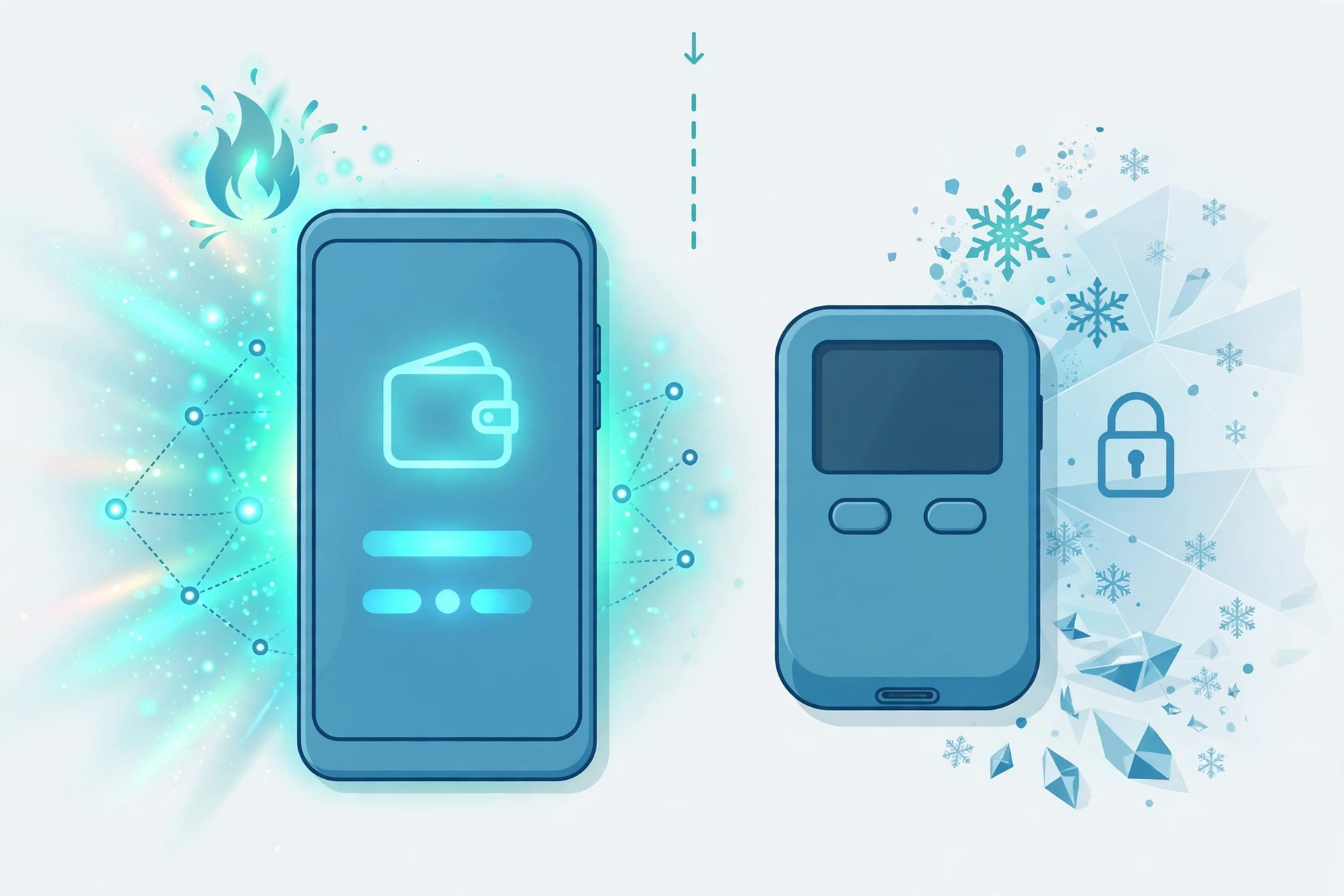
Ledger’s Nano series and Trezor’s devices are the two established names. Ledger uses a secure element chip and its Ledger Live companion app, supporting thousands of assets with staking and NFT features. Trezor is fully open source, which many security-minded users prefer, and offers features like Shamir backup for splitting recovery across multiple shares. Both are one-time purchases, and both require you to buy only from the manufacturer or an authorized reseller, since tampered devices are a real attack vector.
The tradeoff is convenience: signing every transaction on a physical device is slower than tapping approve in an app. That is why the hybrid approach is popular. Keep spending money and small amounts in a software wallet, and keep savings on hardware. For a deeper breakdown of this tradeoff, see our comparison of hot wallets versus cold wallets.
How do I set up a crypto wallet safely?
Setting up a wallet safely comes down to downloading from the right place and backing up correctly. Follow these steps in order:
- Download the wallet only from its official website or the official Apple App Store or Google Play listing. Double-check the developer name.
- Create a new wallet inside the app rather than importing one, unless you are restoring your own existing wallet.
- When shown your seed phrase, write it down by hand on paper, in order, with a pen. Do this offline, away from cameras.
- Never photograph, screenshot, email, or cloud-store your seed phrase. Digital copies are the most common way backups leak.
- Store the paper backup somewhere safe from fire, water, and theft, and consider a second copy in a separate location.
- Set a strong app PIN and enable biometric unlock if offered.
- Send a tiny test transaction first, then verify it arrived before moving larger amounts.
The seed phrase deserves emphasis because it is where most beginners get hurt. Anyone who has your seed phrase controls your crypto, permanently, with no customer support to reverse it. Support staff from real wallet companies will never ask for it. If someone does ask, you are being scammed. Our guide on what a crypto seed phrase is explains the mechanics in more detail.
Is it safe to leave crypto on an exchange?
Leaving crypto on an exchange is convenient but means you do not truly control it. When coins sit in an exchange account, the exchange holds the private keys, and you hold an IOU. If the exchange is hacked, freezes withdrawals, or collapses, your funds are at risk, as the failures of platforms like FTX, Celsius, and Voyager demonstrated.
That does not mean exchanges are useless. They are the easiest place to buy crypto with fiat currency, and keeping a small trading balance there is reasonable. The standard advice is to treat an exchange like a checkout counter, not a vault: buy there, then move anything you plan to hold into a wallet where you control the keys. For the full playbook on protecting your holdings, read how to keep your crypto safe.
Frequently Asked Questions
What is the safest crypto wallet for beginners?
The safest option for a beginner is a hardware wallet from Ledger or Trezor, because private keys stay offline on the device. For a free software wallet, established options like Trust Wallet, Coinbase Wallet, and Exodus are considered safe when downloaded from official sources and backed up correctly. Safety ultimately depends more on your habits, especially seed phrase handling, than on which reputable wallet you pick.
Are crypto wallets free?
Software wallets are free to download and use; you only pay blockchain network fees when you send transactions. Hardware wallets cost money as a one-time device purchase. Be suspicious of any software wallet that charges a download fee or demands payment to unlock your own funds.
Can I use more than one crypto wallet?
Yes, and many people do. A common setup is a mobile software wallet for everyday transactions plus a hardware wallet for long-term storage. You can also use different wallets for different blockchains, such as MetaMask for Ethereum apps and Phantom for Solana. There is no limit, but each wallet needs its own secure backup.
What happens if I lose my phone with my crypto wallet?
If you backed up your seed phrase on paper, you simply install the wallet app on a new device and restore with the phrase. Your crypto is safe because it lives on the blockchain, not on the phone. If you lost both the device and the backup, the funds are permanently inaccessible. This is why the paper backup matters more than the device itself.
Do I need a different wallet for Bitcoin and Ethereum?
Not necessarily. Multi-chain wallets like Trust Wallet, Exodus, and Coinbase Wallet support both Bitcoin and Ethereum in one app. Chain-specific wallets like MetaMask focus on Ethereum and EVM networks, while Bitcoin-only wallets exist for maximalists who want a simpler, Bitcoin-focused tool. For most beginners, one good multi-chain wallet covers everything.
Can a crypto wallet be hacked?
A well-made wallet’s cryptography is extremely hard to break, but wallets are routinely compromised through user error: fake apps, phishing sites that steal seed phrases, malware that captures what you type, and social engineering. Hardware wallets resist most of these attacks because keys never leave the device. The practical defense is downloading only from official sources and never entering your seed phrase anywhere except during a legitimate restore.
What is the difference between a wallet address and a private key?
Your wallet address is like an account number: you can share it freely so people can send you crypto. Your private key, represented by your seed phrase, is like the password plus the signature stamp: whoever has it can spend everything in the wallet. Sharing an address is normal; sharing a private key or seed phrase means giving away your money.
Do crypto wallets report to tax authorities?
Wallets themselves are just software and do not file tax reports, but that does not make crypto tax-free. In many countries, selling, swapping, or spending crypto is a taxable event, and exchanges increasingly report user activity to tax authorities. Keep records of your transactions from the start, and check the rules in your country or consult a tax professional.
The Verdict: Which Wallet Should You Start With?
For most beginners, the best first wallet is Trust Wallet or Coinbase Wallet: free, simple, and multi-chain, with setup taking only a few minutes. If you plan to explore Ethereum apps and DeFi, add MetaMask. If Solana or NFTs are your interest, add Phantom. Once your holdings grow beyond an amount you would be comfortable losing, buy a Ledger or Trezor hardware wallet and move your long-term savings onto it.
The wallet is only half the equation. Write down your seed phrase on paper, store it offline, never share it, and download software only from official sources. Do those things and any reputable wallet on this list will serve you well. At DigitalGeekSpot, we believe crypto security is a skill anyone can learn, and picking your first wallet is the perfect place to start.
Related Articles
- Hot Wallet vs Cold Wallet: Which Is Right for You?
- How to Keep Your Crypto Safe: 12 Essential Tips
- What Is a Crypto Seed Phrase? Beginner’s Guide
- How to Spot a Crypto Scam Before You Lose Money
This article is general information for educational purposes and is not financial advice.




1 Comment