If you have spent any time on the internet, you have seen ads claiming a VPN will make you anonymous, protect you from hackers, and unlock the entire world. But what is a VPN, really, and do you actually need one? This beginner-friendly guide explains what VPNs do in plain language, walks through realistic use cases, and, just as importantly, covers what a VPN cannot do. By the end, you will be able to decide for yourself whether a VPN is worth it for you.
What Is a VPN?
A VPN, short for Virtual Private Network, is a service that creates a secure, encrypted connection between your device and a server operated by the VPN provider. All of your internet traffic travels through this encrypted tunnel before reaching the wider internet.
Think of it like sending a letter. Normally, your internet traffic is like a postcard: anyone handling it along the way, such as your internet provider or the operator of a public Wi-Fi network, can read what is written on it. Using a VPN is like putting that postcard inside a sealed envelope. People can still see that you mailed something, but they cannot read the contents.
Because your traffic exits onto the internet from the VPN server rather than directly from your device, websites and services you visit see the server’s IP address and location instead of yours. This is why VPNs are associated with both privacy and changing your apparent location.
How Does a VPN Work?
Here is the simplified version of what happens when you turn on a VPN:
- Connection: the VPN app on your phone, laptop, or router connects to one of the provider’s servers, which may be in your city or on another continent.
- Encryption: a secure tunnel is established, and all data passing through it is encrypted, meaning it is scrambled so that anyone intercepting it sees only gibberish.
- Routing: your requests, such as loading a website or sending a message, travel through the tunnel to the VPN server, which forwards them to their destination. Responses travel back the same way.
- Masked address: to the rest of the internet, your traffic appears to come from the VPN server’s IP address, not your own.

Setting one up is usually straightforward: you install the provider’s app, sign in, and tap a connect button. Most apps let you pick a specific country or city, or simply connect to the fastest nearby server automatically.
What Does a VPN Actually Protect You From?
A VPN protects the connection between your device and the VPN server. In practical terms, that means:
- Your internet provider cannot see the specific websites you visit or the contents of your traffic, only that you are connected to a VPN server.
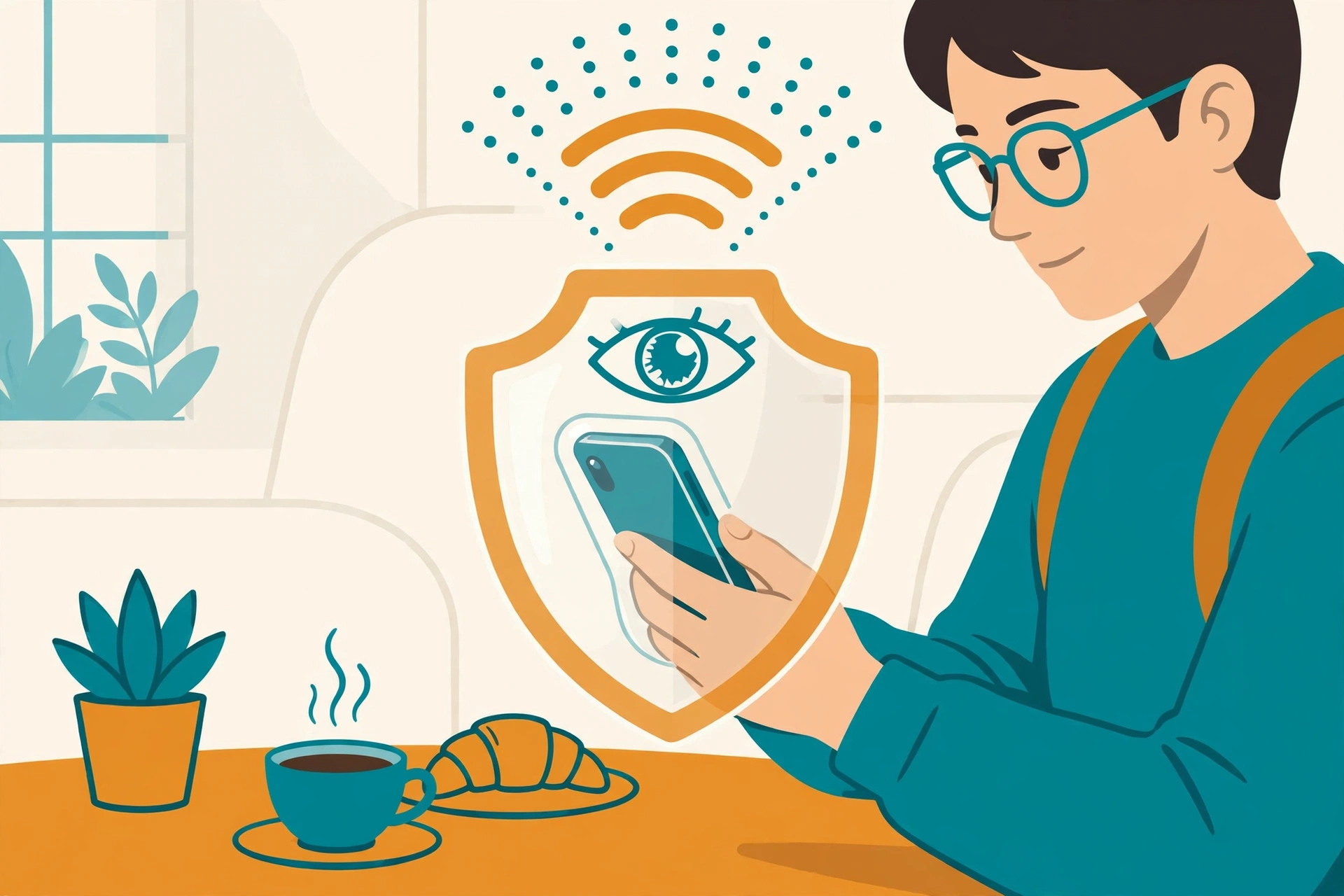
- Operators of public Wi-Fi networks, such as at cafes, airports, and hotels, cannot snoop on your browsing or capture login details from unencrypted traffic.
- Websites you visit see the VPN server’s IP address instead of your real one, which makes it harder for them to determine your precise location from your connection alone.
- Network-level blocking can sometimes be bypassed, since filters that block specific sites may not recognize traffic heading to a VPN server.
This protection is real and meaningful, but it has boundaries. A VPN secures the tunnel, not everything that happens at either end of it.
Realistic Reasons to Use a VPN
1. Safer browsing on public Wi-Fi
This is the strongest everyday use case. Public Wi-Fi networks are convenient but easy to eavesdrop on. If you regularly work from cafes, airports, or hotels, a VPN adds a layer of protection for everything you do on those networks. Our guide on how to improve Wi-Fi speed at home covers the home side of the equation, but public networks are where a VPN earns its keep.
2. Reducing tracking by your internet provider
Internet providers can log the sites you visit and, in some regions, use or sell aggregated browsing data. A VPN prevents your provider from seeing your browsing activity in detail. Note that this shifts trust from your provider to the VPN provider, so the provider’s privacy practices matter.
3. Travel and regional access
When you travel, some services you rely on at home may behave differently or be unavailable in other countries. Connecting through a VPN server in your home country can make your traffic appear to originate there, which helps with accessing familiar services while abroad. Availability varies by service and region, and some platforms actively block VPN traffic.
4. Remote work and secure access
Many employers provide a VPN for staff working remotely. This is a different flavor of the same technology: it gives your device a secure path into the company network, protecting internal tools and data as if you were in the office.
5. Avoiding price and content differences
Some online stores and services show different prices or catalogs by region. People sometimes use VPNs to compare these differences. Results are inconsistent, and some sites prohibit it in their terms, so treat this as a curiosity rather than a reliable strategy.
What a VPN Does NOT Do: Honest Limitations
VPN marketing often promises more than the technology delivers. Here is what a VPN cannot do for you:
- It does not make you anonymous. You are still logging into accounts, and those accounts know exactly who you are. A VPN hides your IP address, not your identity.
- It does not protect against malware or phishing. A VPN will happily encrypt the connection to a malicious website. You still need antivirus software and good judgment about links and downloads.
- It does not stop all tracking. Browser fingerprinting, cookies, and logged-in sessions can all identify you regardless of your IP address. Privacy-focused browser settings and tracker blocking matter just as much.
- It does not speed up your internet. In fact, routing traffic through an extra server usually adds a small amount of latency. If your connection feels slow, a VPN is not the fix. Basic security hygiene like keeping regular backups of your computer protects you far more than any single tool.
- It does not make illegal activity legal. A VPN is a privacy tool, not a shield against the law. Copyright rules, terms of service, and local laws still apply.
- Free VPNs come with trade-offs. Running servers costs money, so free VPN services typically pay for it with ads, data collection, or strict limits. If privacy is your goal, a free VPN can be worse than none at all.
Do You Need a VPN? A Simple Decision Guide
You probably benefit from a VPN if you:
- Regularly use public Wi-Fi at cafes, airports, hotels, or coworking spaces
- Travel internationally and want consistent access to home services
- Work remotely and handle sensitive information outside the office
- Live somewhere with heavy internet restrictions or surveillance
- Simply prefer that your internet provider cannot profile your browsing
You probably do not need one if you:
- Mostly browse from a trusted home network on sites that already use HTTPS (look for the padlock icon)
- Expect it to replace antivirus, ad blockers, or careful password habits
- Want it mainly to “be anonymous” while logged into your usual accounts
For most people, a VPN is a useful layer in a broader approach to online safety, not a magic shield. Good digital hygiene, strong unique passwords, two-factor authentication, and keeping software updated do more for your security than any single app.
How to Choose a VPN Without the Hype
If you decide to get one, here is what to look for, without endorsing any specific provider:
- Clear, independently audited no-logs policy: the provider should publish what data it keeps and have that claim checked by an outside auditor.
- Transparent ownership and jurisdiction: you should be able to find out who runs the service and which country’s laws apply to it.
- Modern encryption and open-source apps: look for current protocols and apps whose code can be inspected.
- Reasonable pricing and a refund window: reputable paid services typically cost a few dollars per month on longer plans and offer a money-back guarantee.
- No exaggerated claims: be skeptical of any provider promising total anonymity or military-grade invincibility. Honest providers describe realistic benefits.
For more practical tech explainers, browse the DigitalGeekSpot homepage and our collection of free tools worth knowing about.
FAQs: VPNs Explained
Is using a VPN legal?
In most countries, yes. VPNs are legitimate privacy and business tools. A small number of countries restrict or ban them, so check local rules before traveling with one. Using a VPN does not legalize anything that would otherwise be illegal.
Will a VPN slow down my internet?
Usually by a small amount. Your traffic takes a longer path through the VPN server, and encryption adds processing overhead. On a fast connection, the difference is often unnoticeable for browsing and streaming. Connecting to a nearby server minimizes the impact.
Can I use a VPN on my phone?
Yes. All major VPN providers offer iOS and Android apps, and both mobile operating systems have built-in VPN settings you can configure manually. Mobile is actually one of the best places to use a VPN, since phones connect to public Wi-Fi and cellular networks constantly.
Do I still need antivirus if I use a VPN?
Yes. A VPN and antivirus do completely different jobs. A VPN protects data in transit; antivirus protects your device from malicious software. They complement each other, and one is not a substitute for the other.
Can websites tell I am using a VPN?
Sometimes. VPN servers use known ranges of IP addresses, and some sites maintain lists of them. Streaming services and banks in particular may flag or block VPN connections. This is normal and not a sign that something is wrong.
Should I leave my VPN on all the time?
Many people do, especially on laptops and phones that move between networks. The main downsides are slightly higher battery use on mobile and the occasional site that blocks VPN traffic. If you go this route, pick a provider with a kill switch, a feature that blocks internet access if the VPN connection drops, so your real IP is never briefly exposed.